
No products in the cart.



Certified Microsoft Office Professional (MS Outlook)
₹6,000.00 ₹3,000.00
50% fee concession will end in
To train professionals to use Microsoft Outlook effectively for email, scheduling, and task management.
Description
Course Name: Certified Microsoft Office Professional (MS Outlook)
Global Occupational Skill Standard – GOSS ID: GOSS/CIT/CMOP/V1
Eligibility: 10+2 (Higher Secondary) or Equivalent or minimum 2 years of relevant experience (experience-based learners can directly enroll and certify).
Objective: The Certified Microsoft Office Professional (MS Outlook) course is designed to equip professionals with the skills to efficiently use Microsoft Outlook for email management, scheduling, communication, and collaboration in a professional environment. The course covers email creation and management, calendar organization, contact management, task and note tracking, and integration with other Microsoft Office applications.
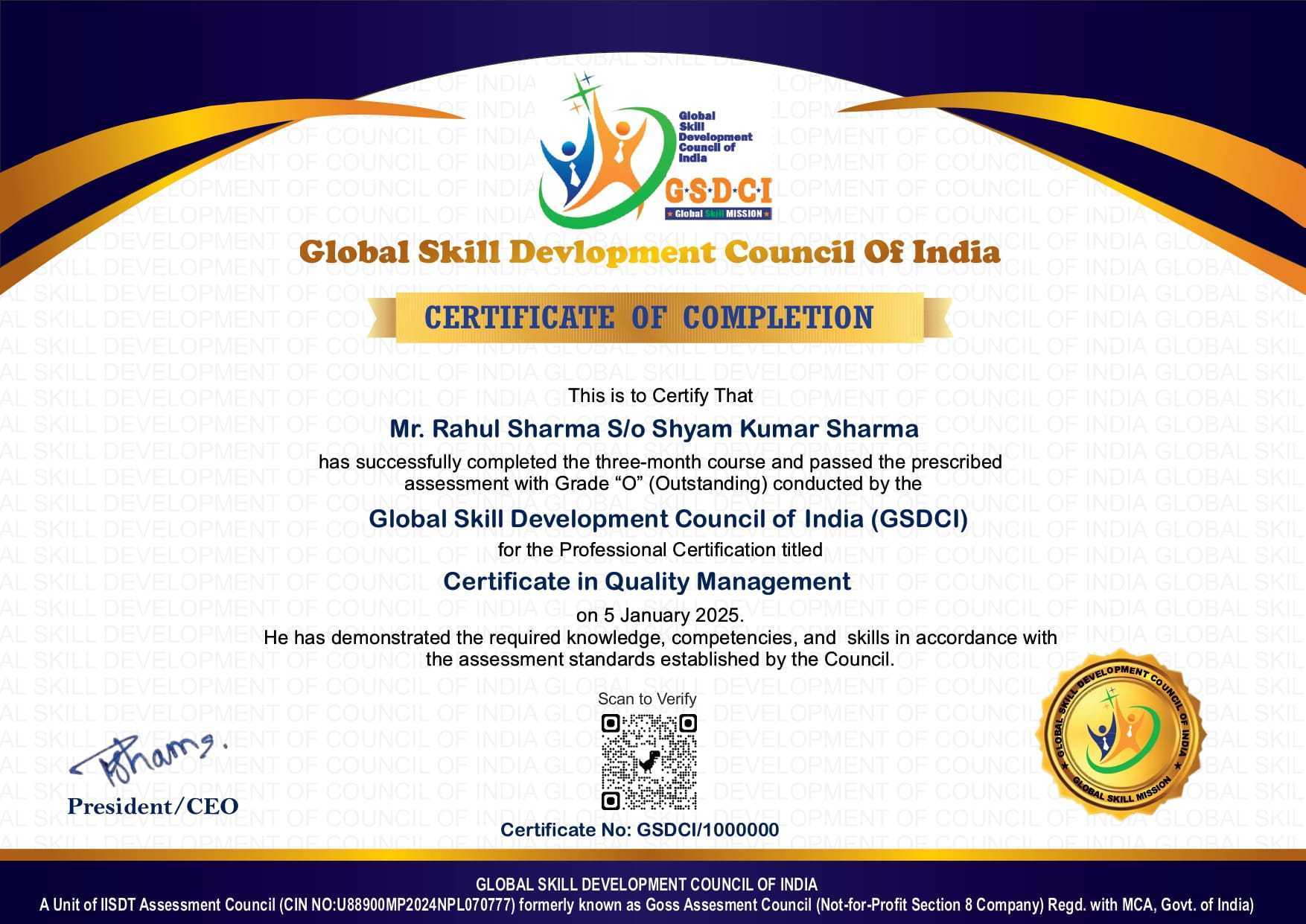
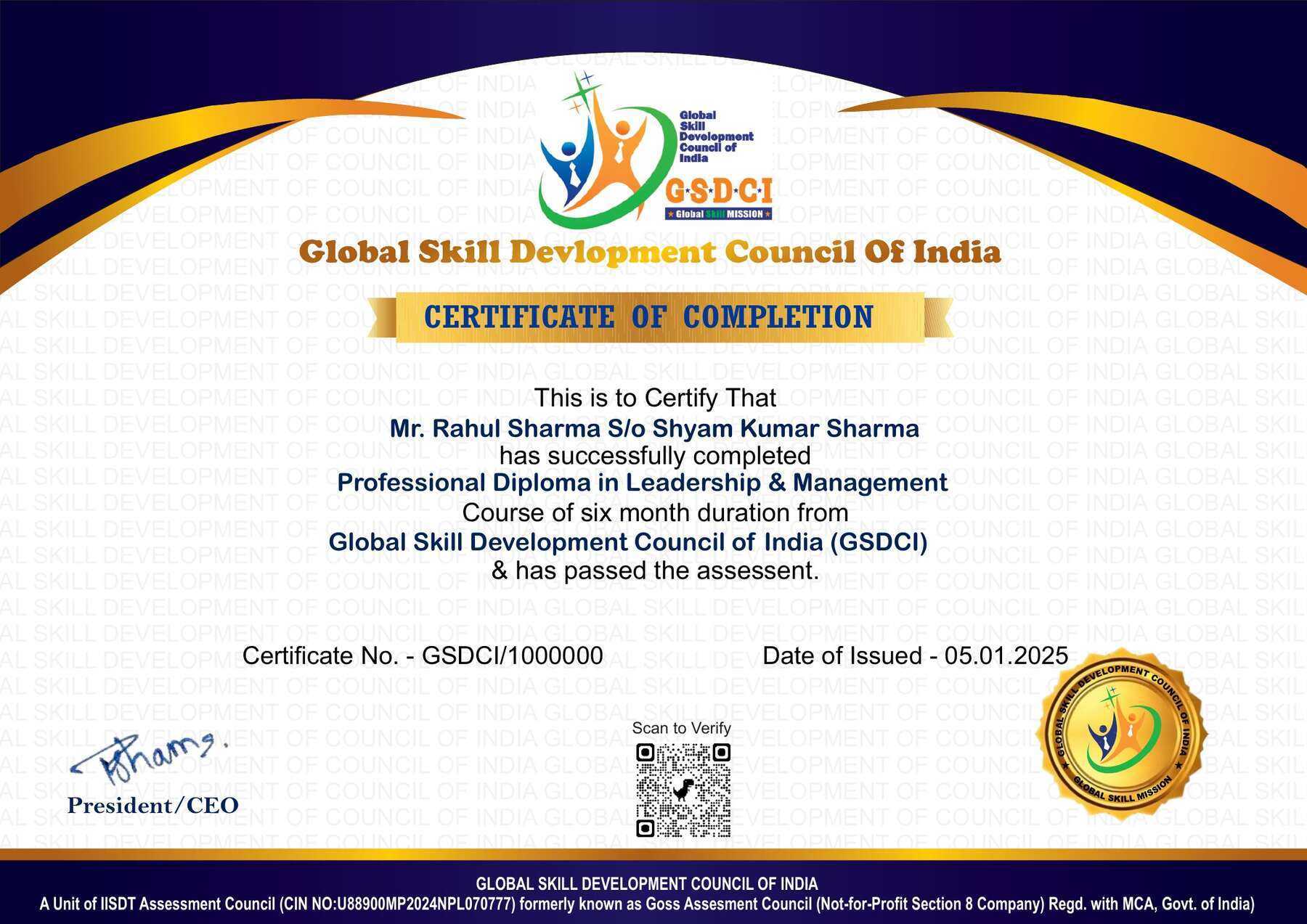
Certification: Within 5 days after Completion of Online Assessment.
Get ready to join the Journey to become a GSDCI Certified Professional – International Certification and Assessment Body.
Steps to become a GSDCI Certified Professional:
Step 1: Select your certification you want to pursue.
Step 2: Click on get certified tab, new pop up window will open.
Step 3: Click on pay certification fee, you will be redirected to billing details page.
Step 4: Fill your details and click on pay certification fee, You will be redirected to payment gateway, pay fee by any available options like Card(Debit/Credit), Wallet, Paytm, Net banking, UPI and Google pay.
Step 5: You will get Login Credentials of Online E-Books and Online assessment link on your email id, within 48 hrs of payment.
Step 6: After completion of the online assessment, the soft copy of your certificate will be sent to your registered email ID within 5 days.
Assessment Modules:
Module 1: Getting Started with MS Outlook: Introduction to MS Outlook Interface, Setting Up Email Accounts, Navigating the Ribbon and Views, Understanding Outlook Data Files (.pst, .ost), Customizing Outlook Settings, Overview of Mail, Calendar, Contacts, and Tasks.
Module 2: Managing Email Messages: Composing and Sending Emails, Using CC and BCC Fields, Attaching Files and Items, Formatting Email Text, Organizing Emails with Folders, Using Categories and Flags for Prioritization.
Module 3: Working with the Calendar: Creating and Managing Appointments, Scheduling Meetings and Invitations, Using Recurring Appointments, Setting Reminders and Alerts, Sharing Calendars with Others, Printing Calendars.
Module 4: Managing Contacts and Address Book: Adding and Editing Contacts, Creating Contact Groups, Importing and Exporting Contacts, Using the Address Book, Searching and Sorting Contacts, Linking Contacts to Emails and Meetings.
Module 5: Using Tasks and Notes: Creating and Managing Tasks, Assigning Tasks to Others, Setting Task Priorities and Deadlines, Tracking Task Progress, Creating and Organizing Notes, Integrating Notes with Other Outlook Features.
Module 6: Advanced Features and Security: Using Rules and Alerts to Automate Tasks, Setting Up Email Signatures and Templates, Managing Junk Email and Spam Filters, Archiving and Backing Up Outlook Data, Configuring Security Settings and Encryption, Troubleshooting Common Outlook Issues.
GSDCI Online Assessment Detail:
- Duration- 60 minutes.
- Number of Questions- 30.
- Number of Questions from each module: 5.
- Language: English.
- Exam Type: Multiple Choice Questions.
- Maximum Marks- 100, Passing Marks- 50%.
- There is no negative marking in any module.
| Marking System: | |||
| S.No. | No. of Questions | Marks Each Question | Total Marks |
| 1 | 10 | 5 | 50 |
| 2 | 5 | 4 | 20 |
| 3 | 5 | 3 | 15 |
| 4 | 5 | 2 | 10 |
| 5 | 5 | 1 | 5 |
| 30 | 100 | ||
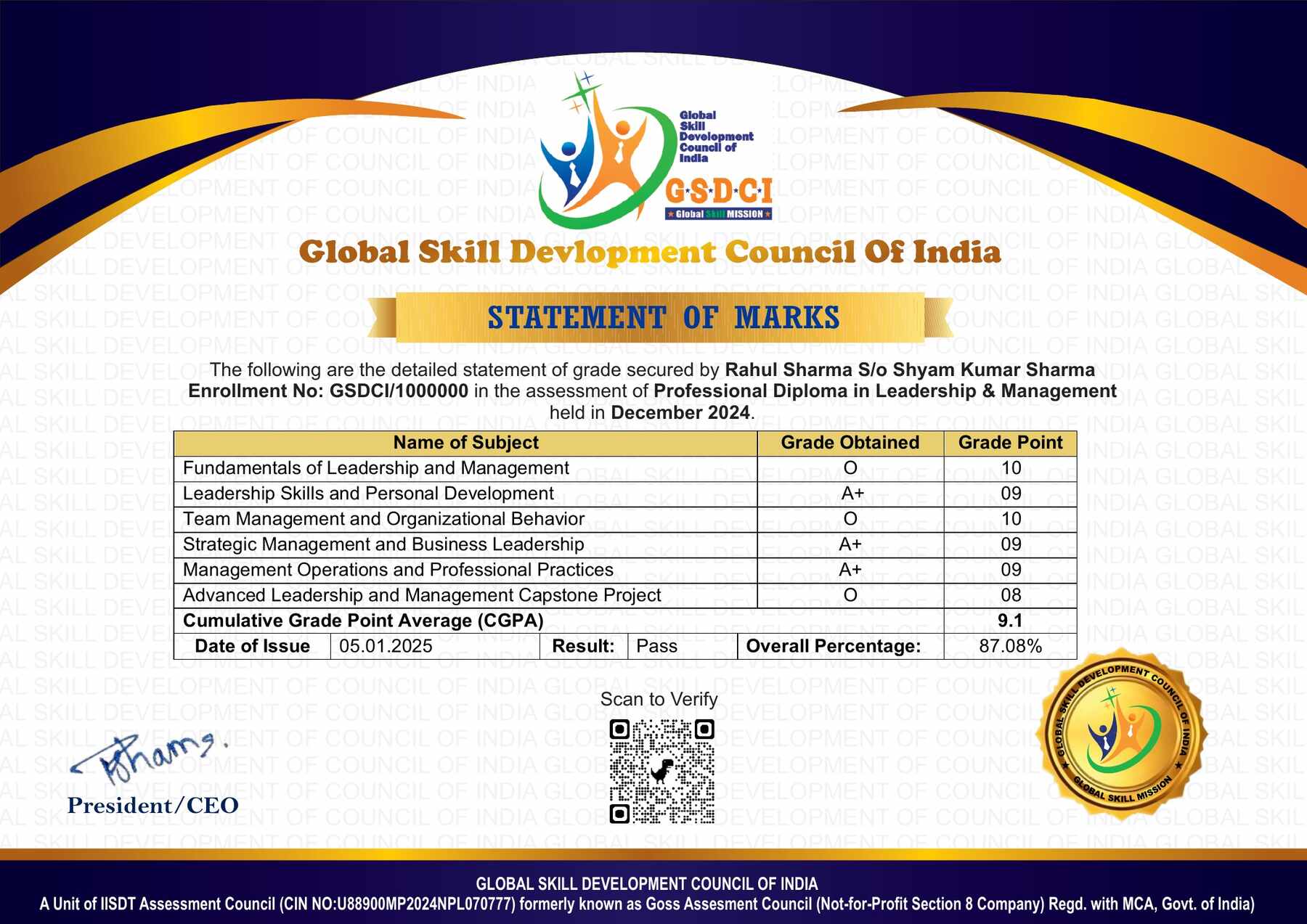
| How Students will be Graded: | |||
| S.No. | Marks | Grade | |
| 1 | 91-100 | O (Outstanding) | |
| 2 | 81-90 | A+ (Excellent) | |
| 3 | 71-80 | A (Very Good) | |
| 4 | 61-70 | B (Good) | |
| 5 | 50-60 | P (Pass) | |
| 6 | 0-49 | F (Fail) | |
Benefits of Certification:
🌍 1. Global Recognition & Credibility – Stand out worldwide with a certification that opens doors across borders. Trusted by employers, respected by institutions, and recognized in over 100 countries.
📜 2. Quality Assurance through ISO Certification – Certified to global ISO standards, our programs deliver excellence, consistency, and a benchmarked learning experience that speaks for itself.
💼 3. Career Advancement & Employability – Enhances your resume and increases chances of promotions or job offers.
🤝 4. Non-Profit Trust Factor – Certifications from non-profit organizations are mission-driven rather than profit-driven.
📚 5. Access to Verified Learning & Resources – Often includes e-books, mock tests, and online support without hidden costs.
🔍 6. Transparency & Online Verification – Certifications come with a unique Enrolment ID for easy online verification by employers and institutions.
⏳ 7. Lifetime or Long-Term Validity – Certifications usually have lifetime validity or long-term recognition, reducing the need for frequent renewals.


Reviews
There are no reviews yet.