img not found!

Advanced Diploma in Smart Classroom Skills

Advanced Diploma in Smart Classroom Skills

₹11,000.00 ₹5,500.00

50% fee concession will end in

To develop advanced skills in smart classroom management, technology-enhanced pedagogy, interactive display systems, multimedia integration, digital collaboration, personalized learning, digital assessment, engagement analytics, device management, troubleshooting, and classroom technology optimization.

Description

Course Name: Advanced Diploma in Smart Classroom Skills

Course Id: ADSCS/Q1001.

Eligibility: 10+2 (Higher Secondary) or equivalent.

Objective: The Advanced Diploma in Smart Classroom Skills develops practical skills in planning, operating and managing technology-supported classrooms. The course covers interactive displays, classroom devices, digital lesson delivery, learner participation, assessment tools, inclusive teaching and technical troubleshooting. It prepares learners to use classroom technology effectively, coordinate digital learning activities and create engaging lessons suited to different learning needs.

Duration: Six Months.

How to Enroll and Get Certified in Your Chosen Course:

Step 1: Choose the course you wish to get certified in.

Step 2: Click on the “Enroll Now” button.

Step 3: Proceed with the enrollment process.

Step 4: Enter your billing details and continue to course fee payment.

Step 5: You will be redirected to the payment gateway. Pay the course and examination fee using one of the following methods:

Debit/Credit Card, Wallet, Paytm, Net Banking, UPI, or Google Pay.

Step 6: After successful payment, you will receive your study material login ID and password via email within 48 hours of fee payment.

Step 7: Once you complete the course, take the online examination.

Step 8: Upon passing the examination, you will receive:

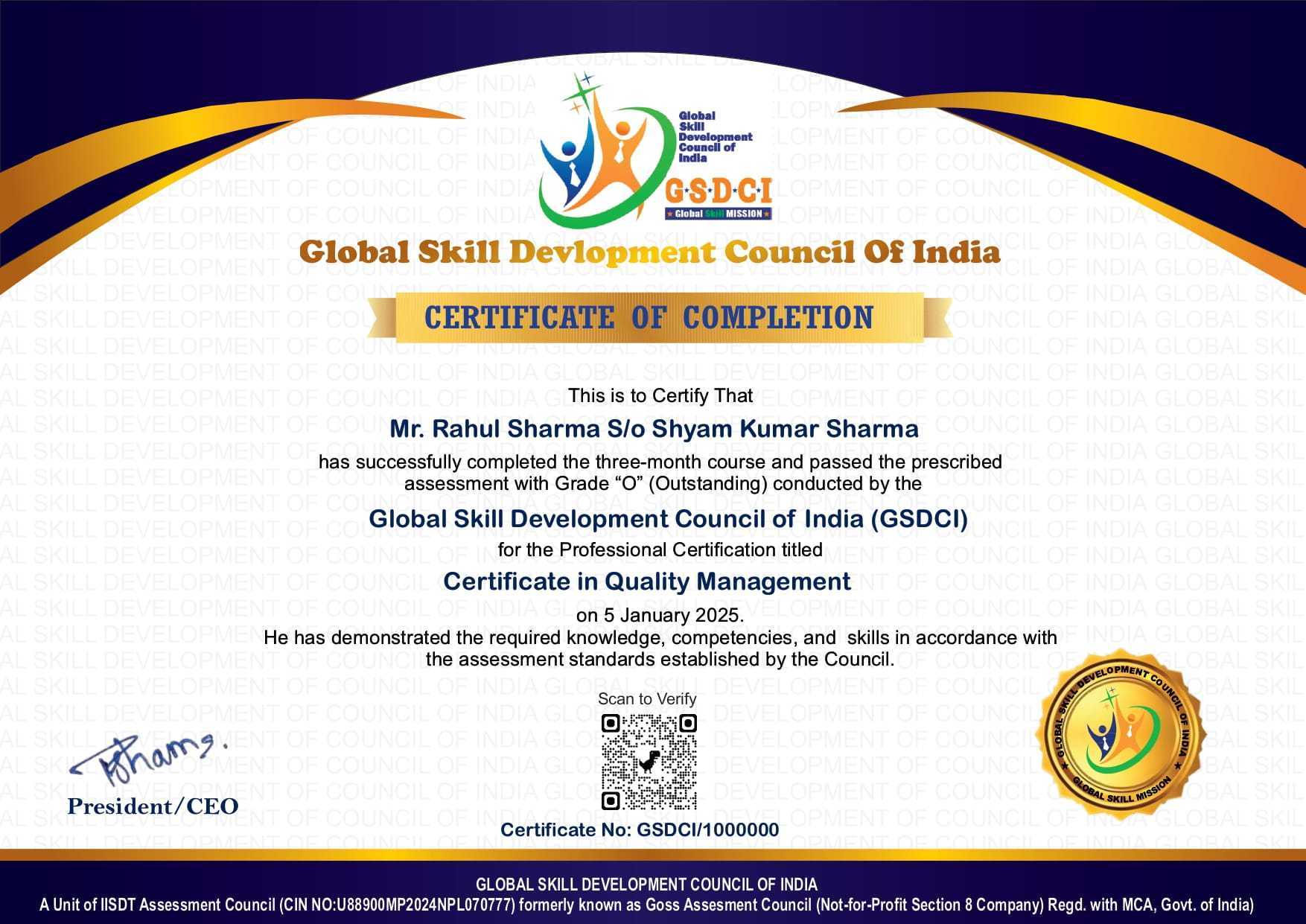
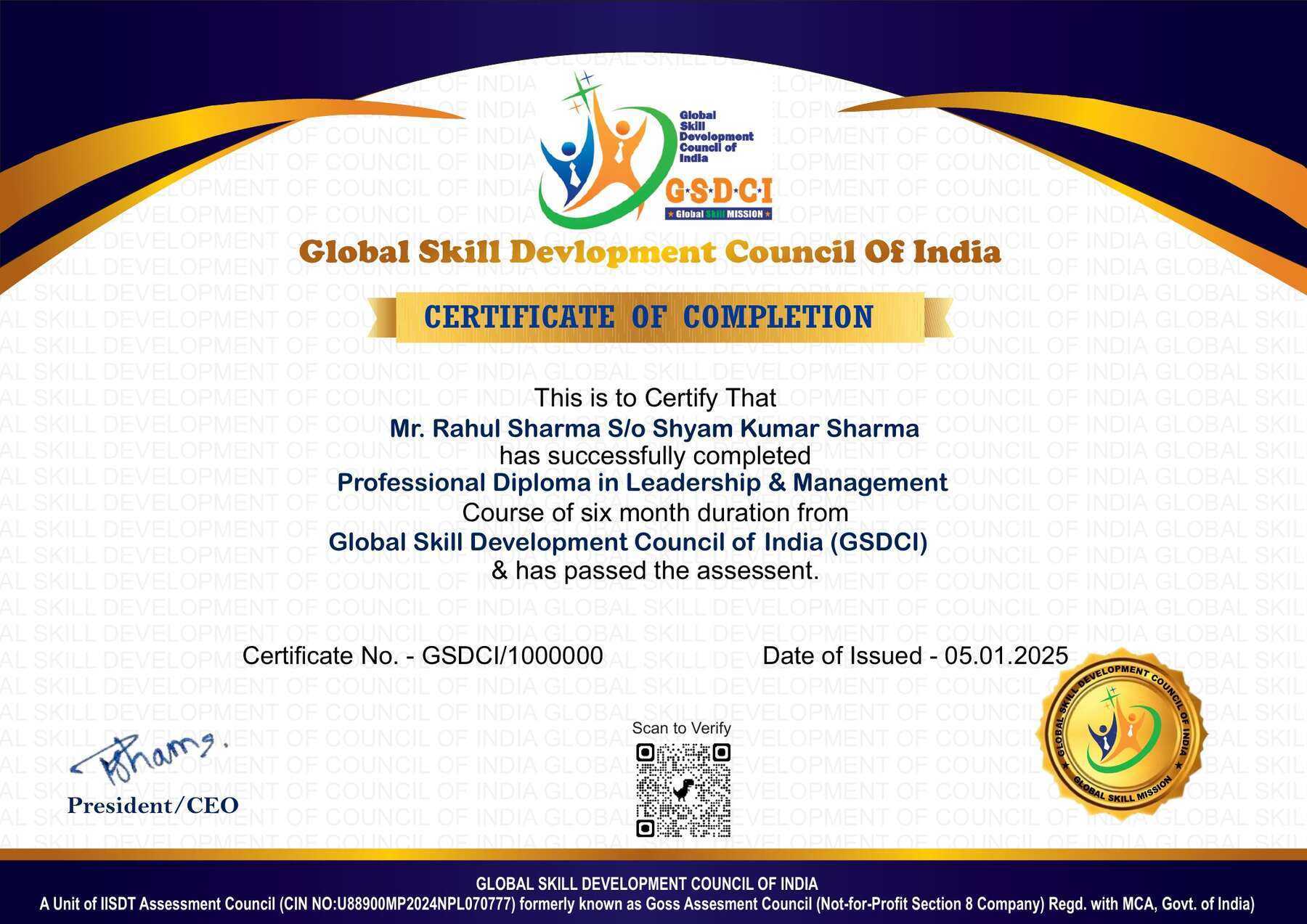
  • A soft copy (scanned) of your certificate via email within 7 days of the examination.
  • A hard copy (original with official seal and signature) sent to your address within 45 days of the declaration of the result.

Step 9: After certification, you will be offered job assistance aligned with your area of interest.

Online Examination Detail:

Duration- 120 minutes.
No. of Questions- 60. (Multiple Choice Questions).
10 Questions from each module, each carry 10 marks.
Maximum Marks- 600, Passing Marks- 40%.
There is no negative marking in this module.

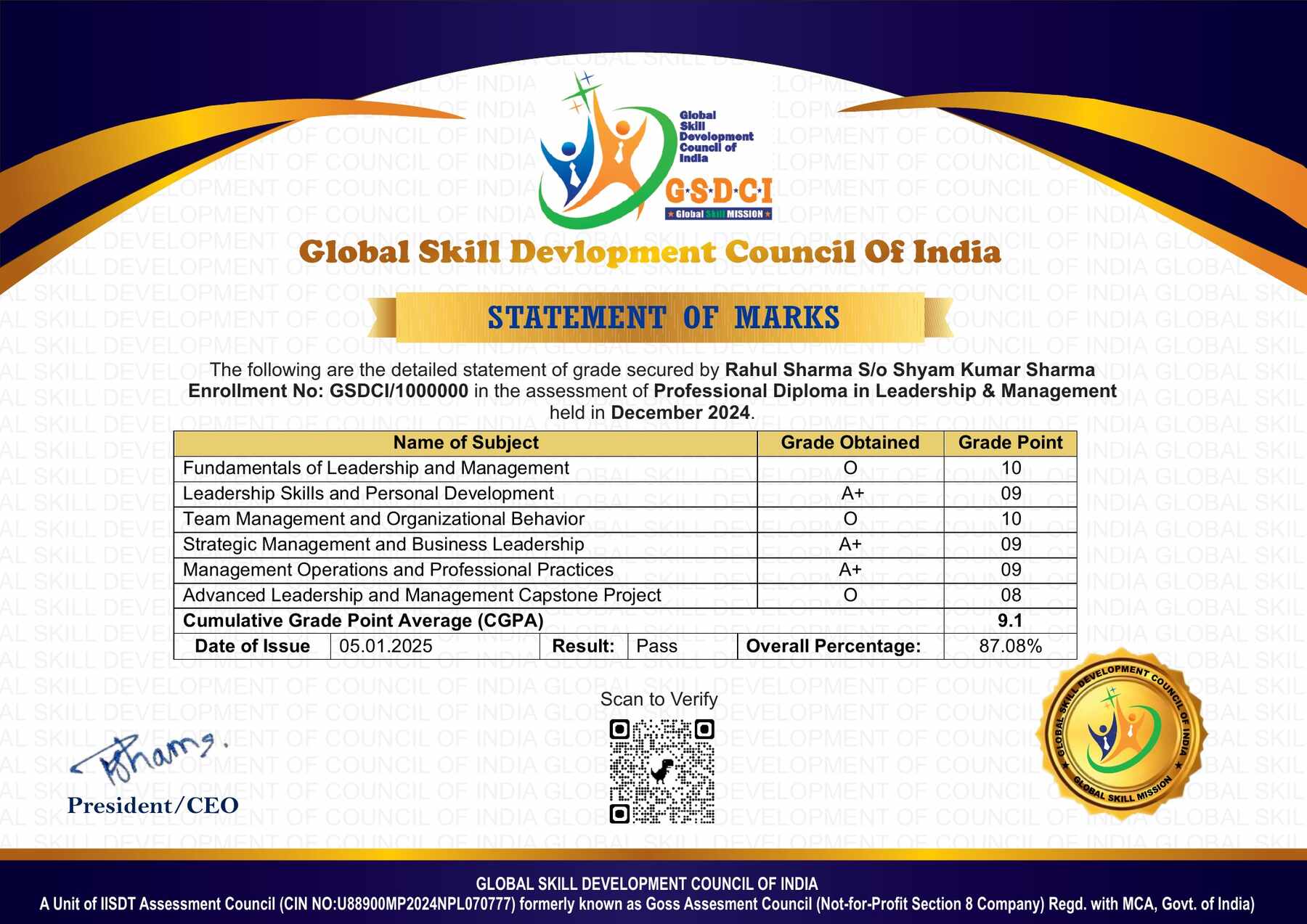
How Students will be Graded:
S.No. Marks Grade
1 91-100 O (Outstanding)
2 81-90 A+ (Excellent)
3 71-80 A (Very Good)
4 61-70 B (Good)
5 51-60 C (Average)
6 41-50 P (Pass)
7 0-40 F (Fail)

Key Benefits of Certification- Earning a professional certification not only validates your skills but also enhances your employability. Here are the major benefits you gain:

Practical, Job-Ready Skills – Our certifications are designed to equip you with real-world, hands-on skills that match current industry demands — helping you become employment-ready from day one.

Lifetime Validity – Your certification is valid for a lifetime — no renewals or expirations. It serves as a permanent proof of your skills and training.

Lifetime Certificate Verification – Employers and institutions can verify your certification anytime through a secure and reliable verification system — adding credibility to your qualifications.

Industry-Aligned Certification –All certifications are developed in consultation with industry experts to ensure that what you learn is current, relevant, and aligned with market needs.

Preferred by Employers – Candidates from ISO-certified institutes are often prioritized by recruiters due to their exposure to standardized, high-quality training.

Free Job Assistance Based on Your Career Interests – Receive personalized job assistance and career guidance in your preferred domain, helping you land the right role faster.

Syllabus

Module 1: Smart Classroom Planning and Learning Environment: Components of a Smart Classroom, Assessing Classroom Technology Requirements, Planning Equipment Placement, Arranging Seating for Digital Activities, Evaluating Lighting and Screen Visibility, Managing Classroom Acoustics, Checking Power and Connectivity Readiness, Establishing Device Use Procedures, Scheduling Shared Classroom Resources, Preparing Classroom Readiness Checklists.

Module 2: Interactive Displays and Classroom Equipment Operation: Operating Interactive Flat Panels, Calibrating Interactive Whiteboards, Configuring Projector Display Settings, Connecting Computers and External Devices, Using Digital Pens and Touch Gestures, Presenting Materials through Document Cameras, Setting Up Classroom Microphones and Speakers, Sharing Screens Wirelessly, Switching between Display Sources, Applying Safe Equipment Shutdown Procedures.

Module 3: Digital Lesson Preparation and Presentation: Mapping Digital Resources to Lesson Objectives, Designing Board-Based Lesson Sequences, Preparing Annotated Teaching Slides, Selecting Curriculum-Relevant Multimedia, Building Reusable Whiteboard Templates, Organizing Subject Resource Collections, Embedding Demonstrations into Lessons, Creating Visual Explanations of Concepts, Planning Transitions between Teaching Activities, Preparing Offline Lesson Backups.

Module 4: Interactive Teaching and Learner Participation: Conducting Touch-Based Learning Activities, Facilitating Live Classroom Polls, Organizing Collaborative Display Tasks, Using Digital Manipulatives, Guiding Simulation-Based Exploration, Managing Student Device Participation, Structuring Station-Rotation Activities, Supporting Peer Explanations through Shared Screens, Balancing Screen Time with Practical Work, Maintaining Attention during Technology-Supported Lessons.

Module 5: Assessment, Inclusion and Responsible Technology Use: Administering Classroom Response Quizzes, Collecting Digital Exit Tickets, Reviewing Participation and Response Patterns, Providing Immediate Learning Feedback, Adapting Display Content for Visual Accessibility, Using Captions and Text-to-Speech Features, Offering Alternative Participation Methods, Protecting Student Information on Shared Devices, Practising Copyright-Aware Resource Use, Establishing Respectful Digital Classroom Behaviour.

Module 6: Troubleshooting, Maintenance and Classroom Improvement: Diagnosing Display and Input Problems, Resolving Basic Audio Faults, Checking Device Pairing and Connection Issues, Handling Application Freezes, Reporting Network Problems to Technical Support, Maintaining Equipment Care Logs, Coordinating Software Updates with IT Personnel, Recording Classroom Technology Incidents, Evaluating Lesson Effectiveness through Observation, Completing a Smart Classroom Teaching Demonstration.

Job Opportunities after Advanced Diploma in Smart Classroom Skills

Graduates can explore classroom technology, digital teaching support and educational equipment coordination opportunities, subject to employer requirements.

Top Roles: Smart Classroom Coordinator, Classroom Technology Assistant, Digital Teaching Support Assistant, Interactive Classroom Facilitator, Educational Technology Assistant and Classroom Equipment Coordinator.

Key Skills: Interactive display operation, digital lesson preparation, classroom participation, assessment tools, accessible teaching, equipment care and basic troubleshooting.

Salary Range (India):

  • Entry-level: ₹2.5–5 LPA
  • Mid-level: ₹5–9 LPA
  • Senior-level: ₹9–15+ LPA

Scope: Opportunities may be available in schools, coaching centres, training institutes and classroom technology providers. With experience and further qualifications, learners can progress into technology coordination, teacher training and digital classroom implementation roles.

Course Rating

4.5/5
★★★★★
★★★★★

Based on 37 student ratings

Highly Rated Course

0
    0
    Your Certification Detail
    Your cart is emptyReturn to Shop
      Apply Coupon
      Available Coupons
      gsdci20 Get 20% off