
No products in the cart.



Certified Livestream Producer
₹6,500.00 ₹3,250.00
50% fee concession will end in
To train learners in planning, producing, and managing professional live broadcasts across platforms using streaming tools, gear, and audience engagement strategies.
Description
Course Name: Certified Livestream Producer
Global Occupational Skill Standard – GOSS ID: GOSS/JPM/CLP/V1
Eligibility: 10+2 (Higher Secondary) or Equivalent or minimum 2 years of relevant experience (experience-based learners can directly enroll and certify).
Objective: The Certified Livestream Producer course is designed to train learners in the end-to-end production of professional live streaming content for platforms such as YouTube Live, Facebook Live, Instagram, Twitch, Zoom, and corporate webcast systems. The course covers livestream planning, script rundown creation, multi-camera setups, lighting, audio mixing, internet bandwidth optimization, encoding, streaming software (like OBS, vMix, Streamlabs, Wirecast), platform integration, audience engagement tools (live chat, overlays, polls), and contingency management.
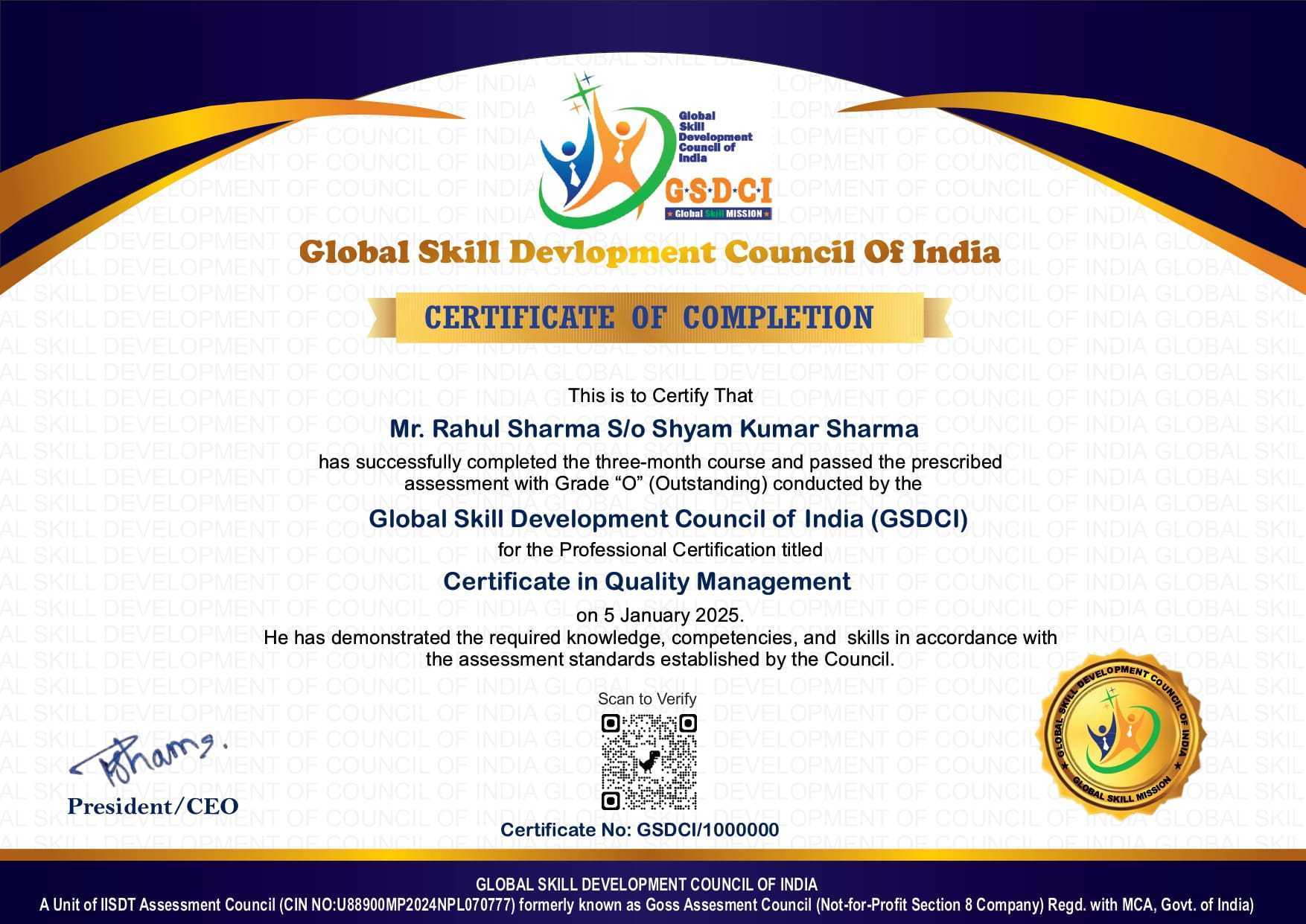
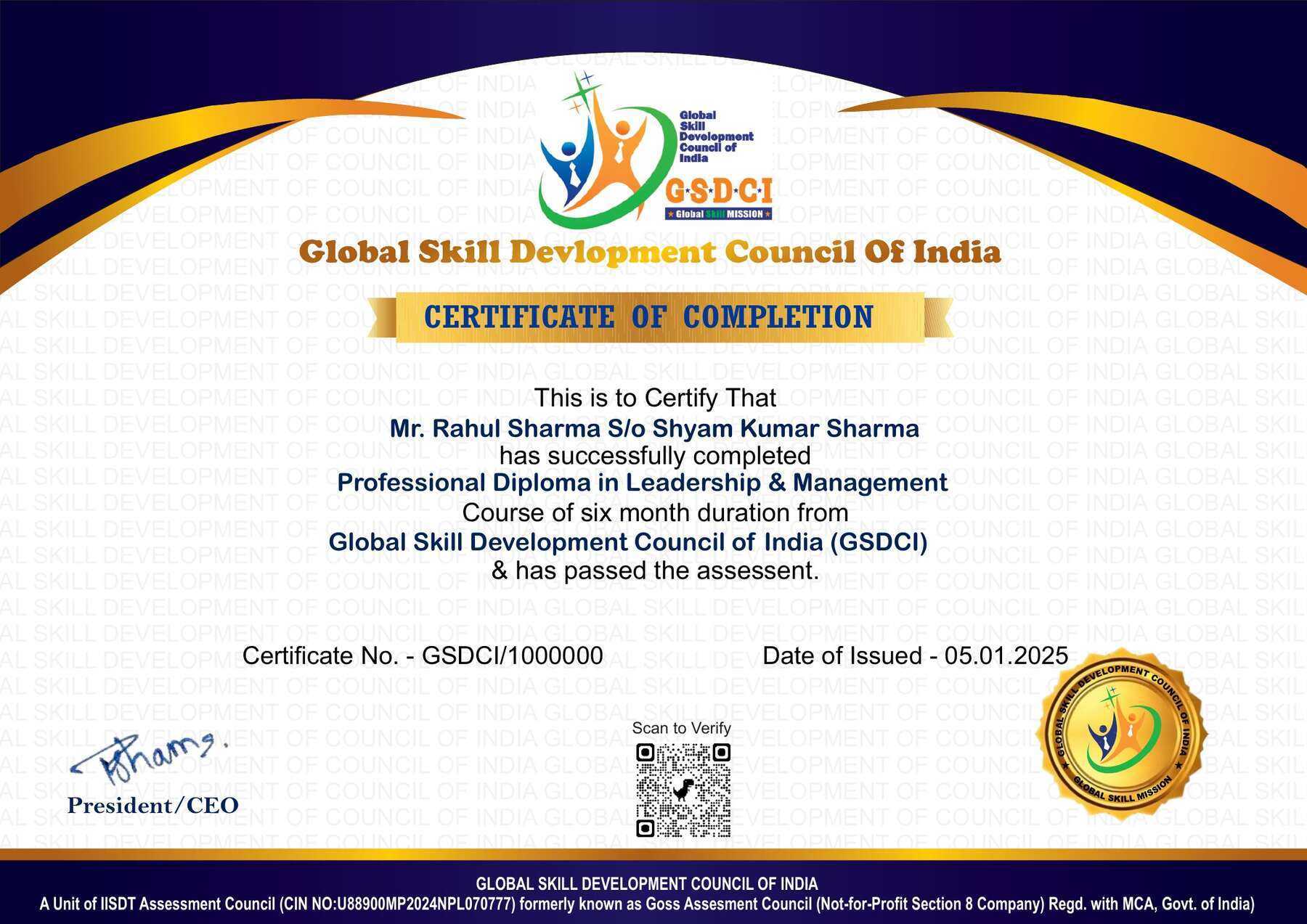
Certification: Within 5 days after Completion of Online Assessment.
Get ready to join the Journey to become a GSDCI Certified Professional – International Certification and Assessment Body.
Steps to become a GSDCI Certified Professional:
Step 1: Select your certification you want to pursue.
Step 2: Click on get certified tab, new pop up window will open.
Step 3: Click on pay certification fee, you will be redirected to billing details page.
Step 4: Fill your details and click on pay certification fee, You will be redirected to payment gateway, pay fee by any available options like Card(Debit/Credit), Wallet, Paytm, Net banking, UPI and Google pay.
Step 5: You will get Login Credentials of Online E-Books and Online assessment link on your email id, within 48 hrs of payment.
Step 6: After completion of the online assessment, the soft copy of your certificate will be sent to your registered email ID within 5 days.
Assessment Modules:
Module 1: Introduction to Livestreaming and Production Roles: Understanding the role of a livestream producer in digital broadcasting, Types of livestreams: events, webinars, gaming, education, corporate, religious, social media, Key components of a livestream production setup, Overview of livestream platforms (YouTube Live, Facebook Live, Twitch, Zoom, OBS, StreamYard), Differences between single-camera and multi-camera livestreams, Workflow from pre-production to post-livestream analysis.
Module 2: Equipment, Software, and Technical Setup: Camera types, microphones, and capture devices suitable for livestreaming, Audio interfaces, mixers, and video switchers, Encoding software and hardware (OBS, vMix, Wirecast, ATEM Mini), Internet requirements: bandwidth, latency, redundancy planning, Setting up lighting and backgrounds for professional streams, Troubleshooting common hardware and software issues.
Module 3: Streaming Platforms and Broadcast Configuration: Selecting the right platform based on audience and content type, Configuring stream settings: resolution, bitrate, frame rate, aspect ratio, Stream keys, RTMP setup, and destination management, Scheduling livestreams and managing countdowns and pre-rolls, Multistreaming to multiple platforms simultaneously, Embedding streams on websites and apps.
Module 4: Livestream Design, Graphics, and Engagement Tools: Creating branded overlays, transitions, and lower thirds, Integrating logos, animations, countdown timers, and sponsor slides, Using scenes and hotkeys for switching layouts smoothly, Incorporating live comments, polls, chat moderation, and audience interaction, Managing live guests via virtual call-ins (Skype, Zoom, etc.), Creating a run-of-show and cue sheets for timed segments.
Module 5: Production Management and On-Air Execution: Managing live show flow and coordination with hosts, crew, and guests, Monitoring stream quality and technical performance during broadcast, Handling emergencies: stream drops, sync issues, or hardware failure, Communication protocols between producer, director, and camera operators, Recording livestreams for archive and repurposing, Ad breaks, music licensing, and live compliance monitoring.
Module 6: Post-Livestream Workflow and Professional Development: Editing recorded livestreams for highlights, teasers, or full replay, Reviewing analytics (view count, retention, engagement rate, CTR), Generating reports for clients, sponsors, or event managers, Creating a livestream production portfolio with sample projects, Career opportunities in events, digital media, esports, corporate communications, Staying updated with platform updates, trends, and monetization options in livestreaming.
GSDCI Online Assessment Detail:
- Duration- 60 minutes.
- Number of Questions- 30.
- Number of Questions from each module: 5.
- Language: English.
- Exam Type: Multiple Choice Questions.
- Maximum Marks- 100, Passing Marks- 50%.
- There is no negative marking in any module.
| Marking System: | |||
| S.No. | No. of Questions | Marks Each Question | Total Marks |
| 1 | 10 | 5 | 50 |
| 2 | 5 | 4 | 20 |
| 3 | 5 | 3 | 15 |
| 4 | 5 | 2 | 10 |
| 5 | 5 | 1 | 5 |
| 30 | 100 | ||
| How Students will be Graded: | |||
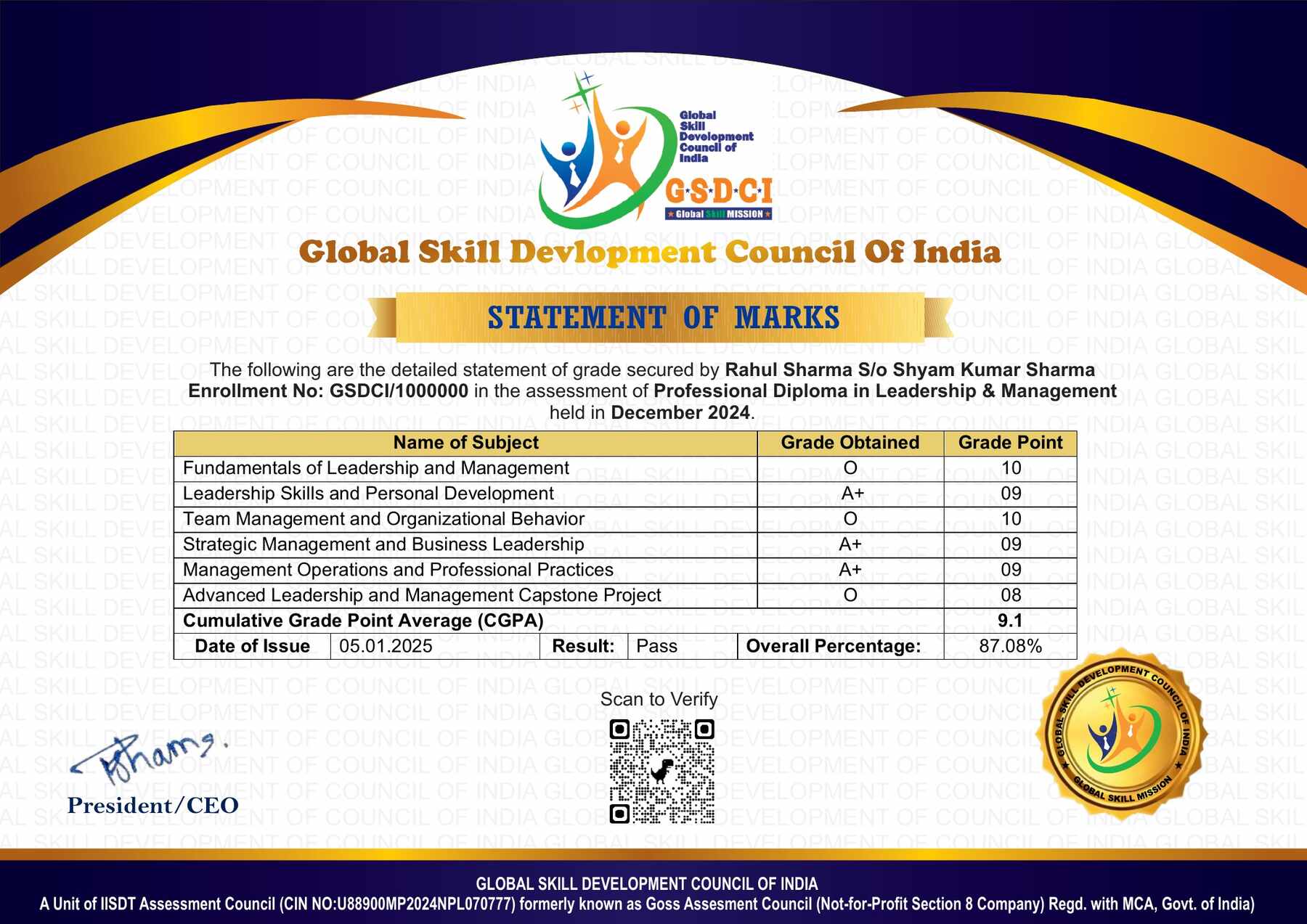
| S.No. | Marks | Grade | |
| 1 | 91-100 | O (Outstanding) | |
| 2 | 81-90 | A+ (Excellent) | |
| 3 | 71-80 | A (Very Good) | |
| 4 | 61-70 | B (Good) | |
| 5 | 50-60 | P (Pass) | |
| 6 | 0-49 | F (Fail) | |
Benefits of Certification:
🌍 1. Global Recognition & Credibility – Stand out worldwide with a certification that opens doors across borders. Trusted by employers, respected by institutions, and recognized in over 100 countries.
📜 2. Quality Assurance through ISO Certification – Certified to global ISO standards, our programs deliver excellence, consistency, and a benchmarked learning experience that speaks for itself.
💼 3. Career Advancement & Employability – Enhances your resume and increases chances of promotions or job offers.
🤝 4. Non-Profit Trust Factor – Certifications from non-profit organizations are mission-driven rather than profit-driven.
📚 5. Access to Verified Learning & Resources – Often includes e-books, mock tests, and online support without hidden costs.
🔍 6. Transparency & Online Verification – Certifications come with a unique Enrolment ID for easy online verification by employers and institutions.
⏳ 7. Lifetime or Long-Term Validity – Certifications usually have lifetime validity or long-term recognition, reducing the need for frequent renewals.

Reviews
There are no reviews yet.