
No products in the cart.



Certified Film Editor
₹6,500.00 ₹3,250.00
50% fee concession will end in
To train learners in professionally editing film and video content using narrative, pacing, and industry-standard tools to deliver compelling visual stories.
Description
Course Name: Certified Film Editor
Global Occupational Skill Standard – GOSS ID: GOSS/JPM/CFE/V1
Eligibility: 10+2 (Higher Secondary) or Equivalent or minimum 2 years of relevant experience (experience-based learners can directly enroll and certify).
Objective: The Certified Film Editor course is designed to develop professional-level skills in editing visual content for film, television, and digital media. The course trains learners in the principles of film editing, including continuity, rhythm, pacing, visual storytelling, transitions, montage theory, and narrative structure. Participants will gain hands-on experience using industry-standard editing software such as Adobe Premiere Pro, Avid Media Composer, DaVinci Resolve, and Final Cut Pro.
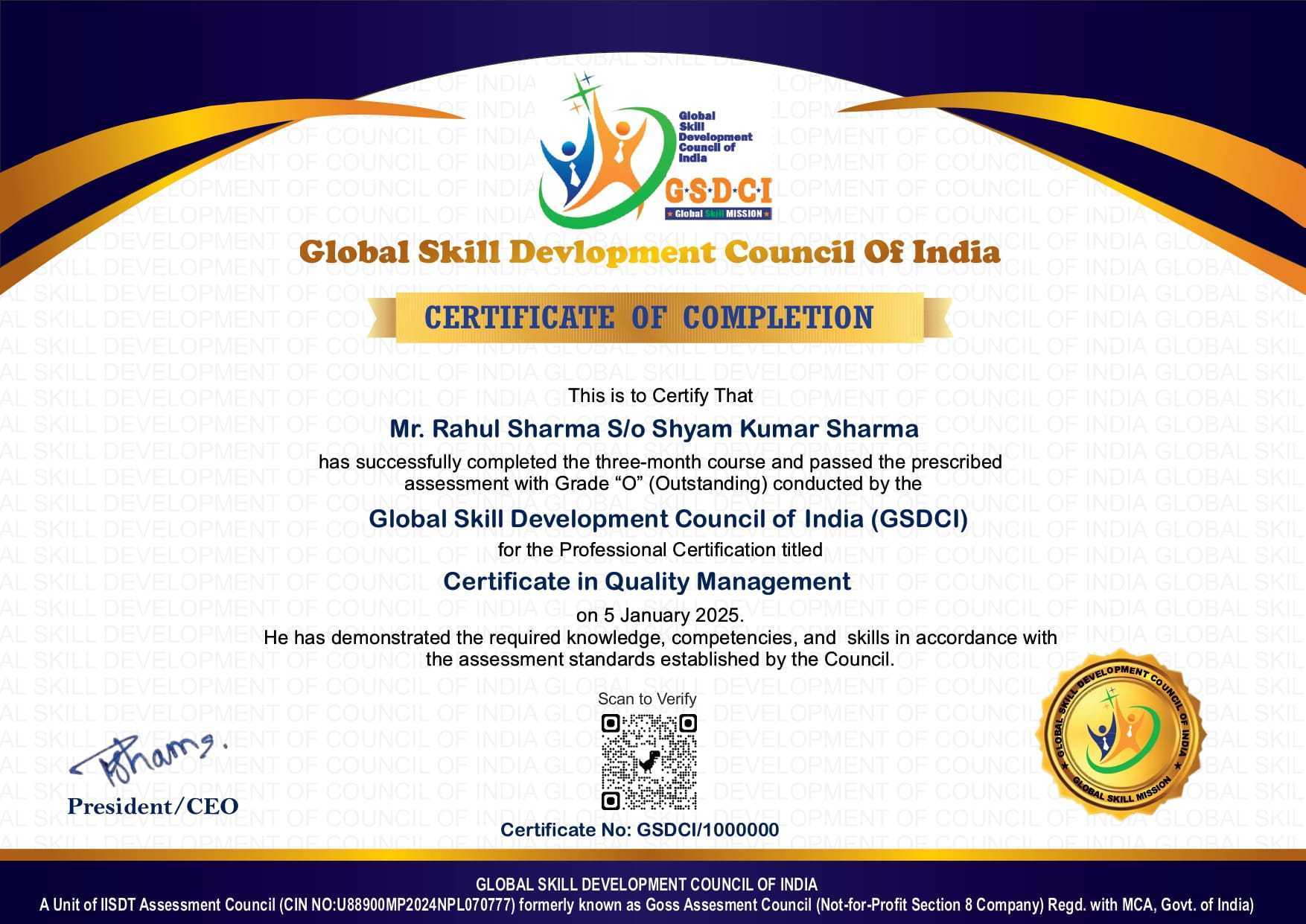
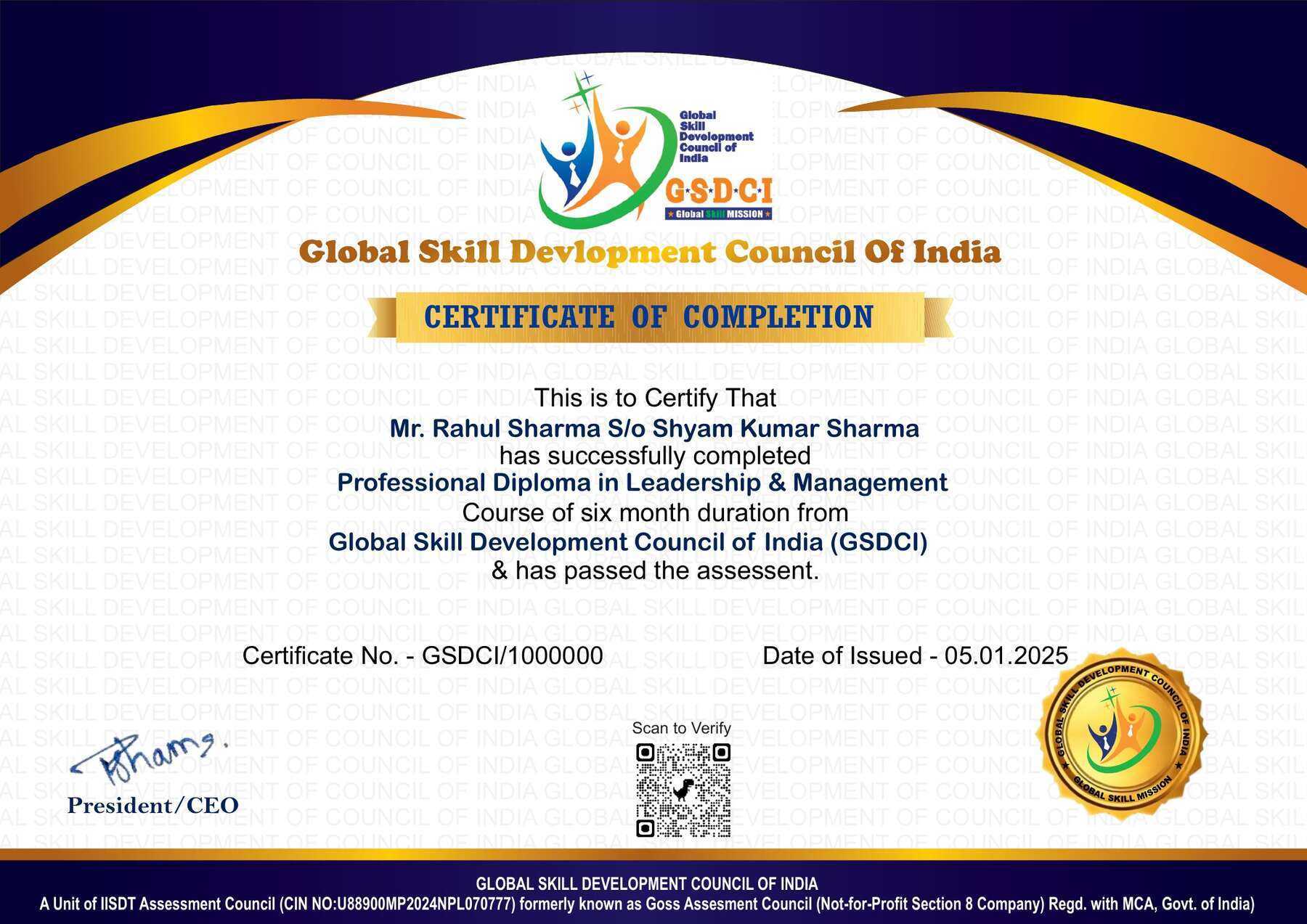
Certification: Within 5 days after Completion of Online Assessment.
Get ready to join the Journey to become a GSDCI Certified Professional – International Certification and Assessment Body.
Steps to become a GSDCI Certified Professional:
Step 1: Select your certification you want to pursue.
Step 2: Click on get certified tab, new pop up window will open.
Step 3: Click on pay certification fee, you will be redirected to billing details page.
Step 4: Fill your details and click on pay certification fee, You will be redirected to payment gateway, pay fee by any available options like Card(Debit/Credit), Wallet, Paytm, Net banking, UPI and Google pay.
Step 5: You will get Login Credentials of Online E-Books and Online assessment link on your email id, within 48 hrs of payment.
Step 6: After completion of the online assessment, the soft copy of your certificate will be sent to your registered email ID within 5 days.
Assessment Modules:
Module 1: Introduction to Film Editing and Storytelling: Understanding the role of a film editor in the post-production process, History and evolution of film editing techniques, Types of editing (continuity, montage, parallel, jump cuts), Principles of visual storytelling and narrative pacing, Understanding shot types, scene structure, and transitions, Analyzing award-winning edits and styles from different genres.
Module 2: Editing Tools and Software Mastery: Introduction to industry-standard editing software (Adobe Premiere Pro, Final Cut Pro, DaVinci Resolve, Avid Media Composer), Interface navigation, timelines, and media bins, Importing, organizing, and labeling footage efficiently, Keyboard shortcuts, ripple, roll, slip, and slide edits, Multicam editing, proxy workflows, and real-time playback optimization, Working with project settings, formats, and resolution management.
Module 3: Continuity, Rhythm, and Scene Construction: Creating smooth transitions and maintaining spatial/temporal continuity, Cutting on action, eye-line matches, and match cuts, Building emotional rhythm and story beats, Assembling scenes from multiple takes and angles, Avoiding continuity errors and managing visual flow, Trimming, refining, and polishing for pacing and coherence.
Module 4: Audio Editing and Sound Integration: Basic principles of audio editing for film, Cleaning and enhancing dialogue, adding room tone and ambience, Syncing external audio with video (dual system), Using sound effects and music to enhance emotional impact, Adjusting audio levels, fades, and transitions, Preparing audio for handoff to sound designer or mixer.
Module 5: Color Correction, Effects, and Titles: Understanding scopes, white balance, and color grading basics, Using LUTs and primary/secondary color correction tools, Integrating basic VFX, green screen, and motion graphics, Creating and animating titles, credits, and lower thirds, Working with adjustment layers and keyframes, Exporting for online, theatrical, and broadcast delivery.
Module 6: Project Workflow and Professional Practice: Receiving and interpreting an editor’s brief or script, Collaborating with directors, DPs, and producers, Managing versions, revisions, and feedback cycles, Finalizing edits, mastering, and archiving projects, Creating a showreel with diverse editing samples, Industry ethics, best practices, and career opportunities for film editors.
GSDCI Online Assessment Detail:
- Duration- 60 minutes.
- Number of Questions- 30.
- Number of Questions from each module: 5.
- Language: English.
- Exam Type: Multiple Choice Questions.
- Maximum Marks- 100, Passing Marks- 50%.
- There is no negative marking in any module.
| Marking System: | |||
| S.No. | No. of Questions | Marks Each Question | Total Marks |
| 1 | 10 | 5 | 50 |
| 2 | 5 | 4 | 20 |
| 3 | 5 | 3 | 15 |
| 4 | 5 | 2 | 10 |
| 5 | 5 | 1 | 5 |
| 30 | 100 | ||
| How Students will be Graded: | |||
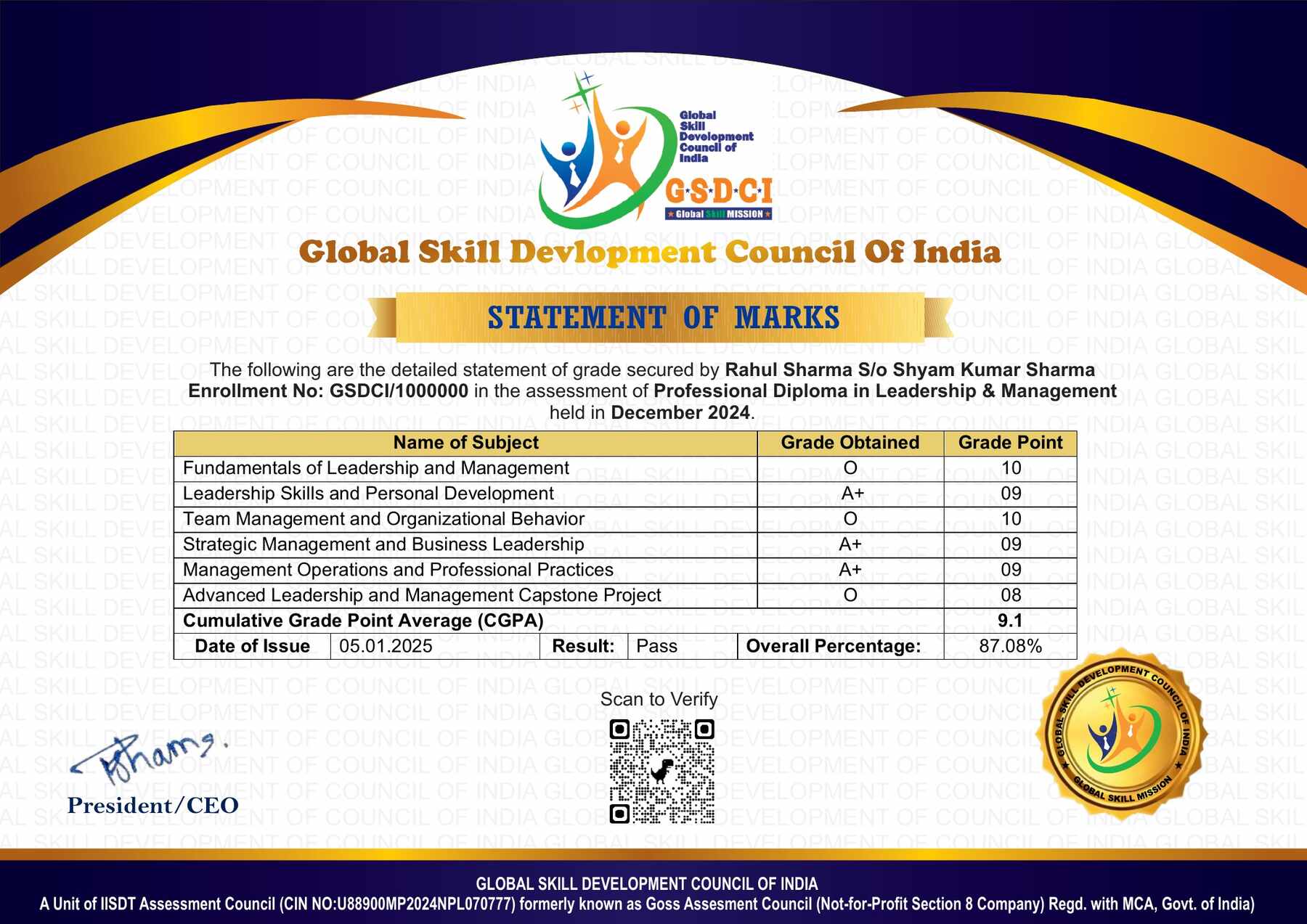
| S.No. | Marks | Grade | |
| 1 | 91-100 | O (Outstanding) | |
| 2 | 81-90 | A+ (Excellent) | |
| 3 | 71-80 | A (Very Good) | |
| 4 | 61-70 | B (Good) | |
| 5 | 50-60 | P (Pass) | |
| 6 | 0-49 | F (Fail) | |
Benefits of Certification:
🌍 1. Global Recognition & Credibility – Stand out worldwide with a certification that opens doors across borders. Trusted by employers, respected by institutions, and recognized in over 100 countries.
📜 2. Quality Assurance through ISO Certification – Certified to global ISO standards, our programs deliver excellence, consistency, and a benchmarked learning experience that speaks for itself.
💼 3. Career Advancement & Employability – Enhances your resume and increases chances of promotions or job offers.
🤝 4. Non-Profit Trust Factor – Certifications from non-profit organizations are mission-driven rather than profit-driven.
📚 5. Access to Verified Learning & Resources – Often includes e-books, mock tests, and online support without hidden costs.
🔍 6. Transparency & Online Verification – Certifications come with a unique Enrolment ID for easy online verification by employers and institutions.
⏳ 7. Lifetime or Long-Term Validity – Certifications usually have lifetime validity or long-term recognition, reducing the need for frequent renewals.

Reviews
There are no reviews yet.