Certified Vector Illustrator

6,500.00 3,250.00

50% Discount will end in

To train learners in the creation of professional-quality vector graphics using industry-standard tools for branding, digital art, and design applications.

Description

Certification Name: Certified Vector Illustrator

Global Occupational Skill Standard – GOSS ID: GOSS/AD/CVI/V1

Eligibility: 10+2 (higher Secondary) or Equivalent or minimum 2 years of relevant experience (experience-based learners can directly enroll and certify).

Objective: The Certified Vector Illustrator course is designed to equip learners with the skills and knowledge required to create professional-quality vector graphics for a wide range of applications including digital art, branding, product design, infographics, and web/mobile interfaces. This course emphasizes the use of industry-standard software such as Adobe Illustrator, CorelDRAW, or open-source tools like Inkscape.

Certification: Within 5 days after Completion of Online Assessment.

Get ready to join the Journey to become a GSDCI Certified Professional  – International Certification and Assessment Body.

Steps to become a GSDCI Certified Professional:

Step 1: Select your certification you want to pursue.

Step 2: Click on get certified tab, new pop up window will open.

Step 3: Click on pay certification fee, you will be redirected to billing details page.

Step 4: Fill your details and click on pay certification fee, You will be redirected to payment gateway, pay fee by any available options like Card(Debit/Credit), Wallet, Paytm, Net banking, UPI and Google pay.

Step 5: You will get Login Credentials of Online E-Books and Online assessment link on your email id, within 48 hrs of payment.

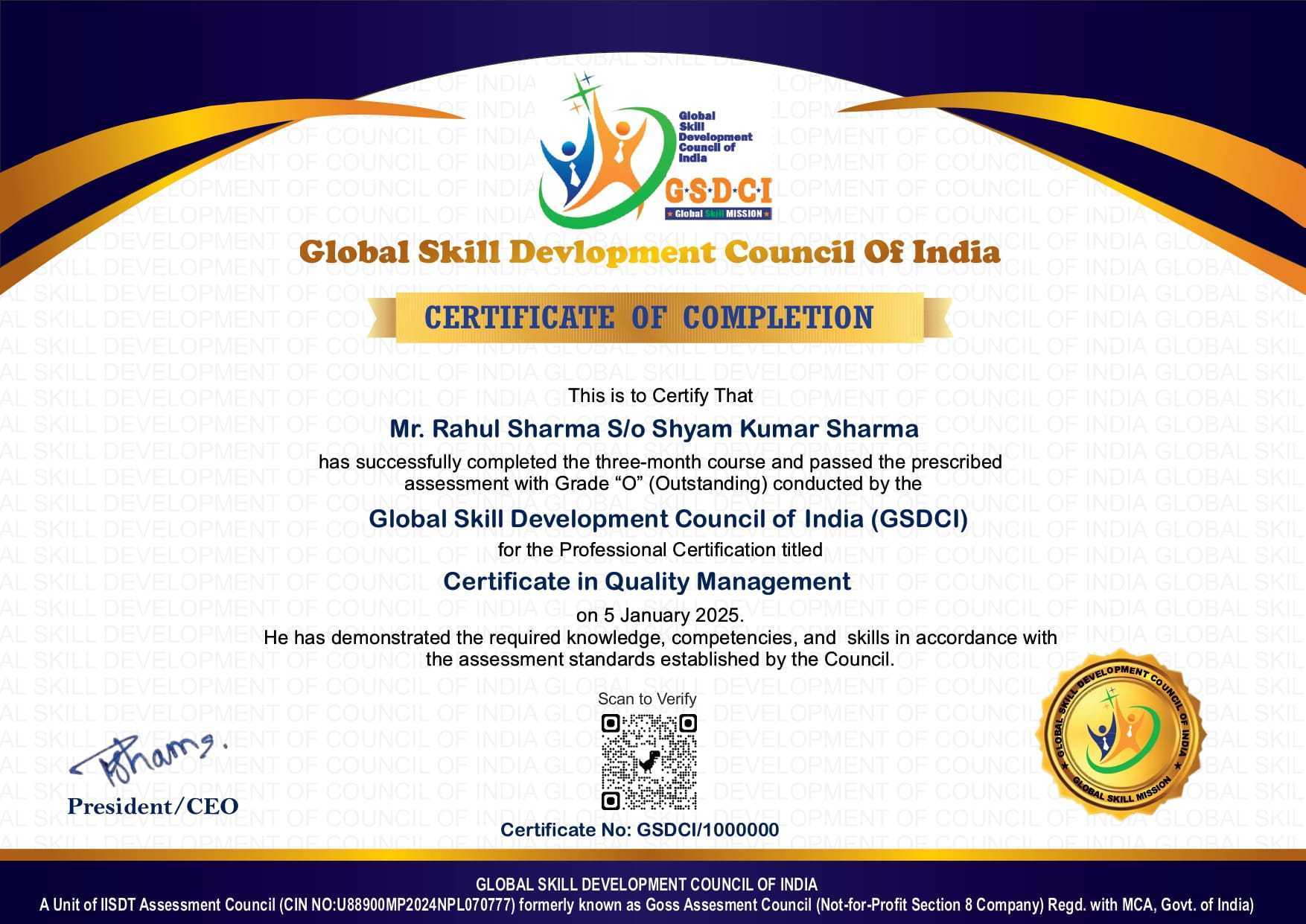
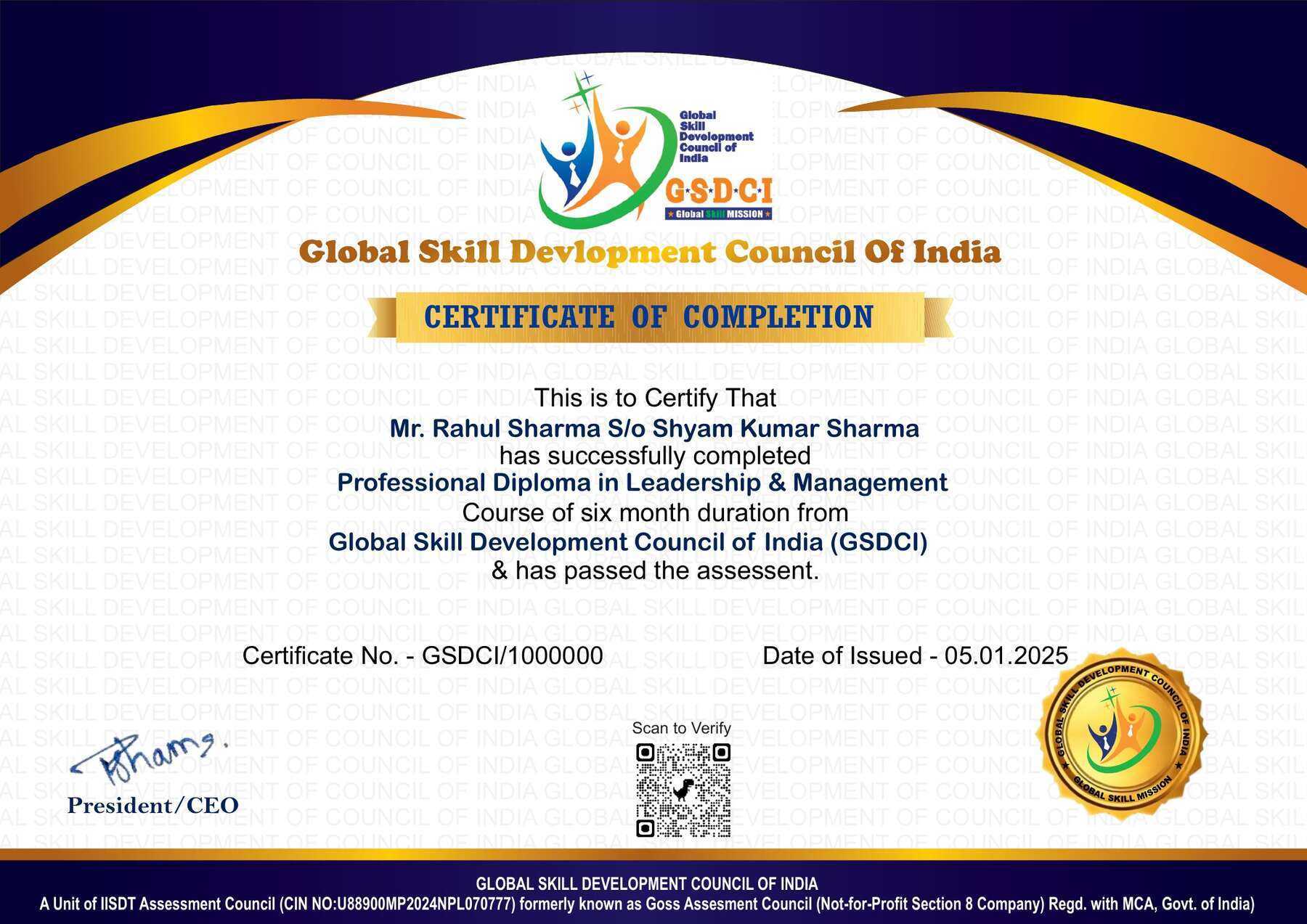
Step 6: After completion of online assessment, you can download your Certificate Immediately.

Assessment Modules:

Module 1: Introduction to Vector Graphics: Understanding vector vs raster graphics, Overview of vector file formats (AI, SVG, EPS, PDF), Setting up artboards and workspaces, Introduction to color models (RGB, CMYK, Pantone), Basics of vector paths and anchor points, File saving and export options.

Module 2: Drawing and Shape Creation Tools: Using basic shape tools (rectangle, ellipse, polygon), Pen tool and Bezier curves mastery, Pencil and brush tools for custom paths, Shape builder and Pathfinder operations, Creating and editing compound paths, Using grids, guides, and snapping options.

Module 3: Typography and Text Effects: Working with type tools (point and area text), Typography principles for vector design, Creating text on a path and text inside shapes, Applying character and paragraph styles, Converting text to outlines and manipulating text shapes, Designing custom lettering and calligraphy.

Module 4: Color, Gradient, and Pattern Techniques: Color palettes and swatches management, Creating and editing gradients and meshes, Applying transparency and blending modes, Designing seamless patterns and textures, Using global colors and recolor artwork tools, Appearance panel and graphic styles usage.

Module 5: Advanced Illustration and Object Manipulation: Layering and object arrangement techniques, Using symbols and symbol libraries, 3D effects and perspective drawing, Creating infographics and technical illustrations, Custom brushes and dynamic strokes, Working with image tracing and vectorization.

Module 6: Final Projects and Portfolio Development: Designing a logo and branding elements, Creating vector illustrations for print and web, Designing icons and UI vector assets, Preparing vector artwork for laser cutting or print, Exporting assets for clients and developers, Portfolio review and professional presentation tips.

GSDCI Online Assessment Detail:

  • Duration- 60 minutes.
  • Number of Questions- 30.
  • Number of Questions from each module: 5.
  • Language: English.
  • Exam Type: Multiple Choice Questions.
  • Maximum Marks- 100, Passing Marks- 50%.
  • There is no negative marking in any module.
Marking System:
S.No. No. of Questions Marks Each Question Total Marks
1 10 5 50
2 5 4 20
3 5 3 15
4 5 2 10
5 5 1 5
30   100
How Students will be Graded:
S.No. Marks Grade
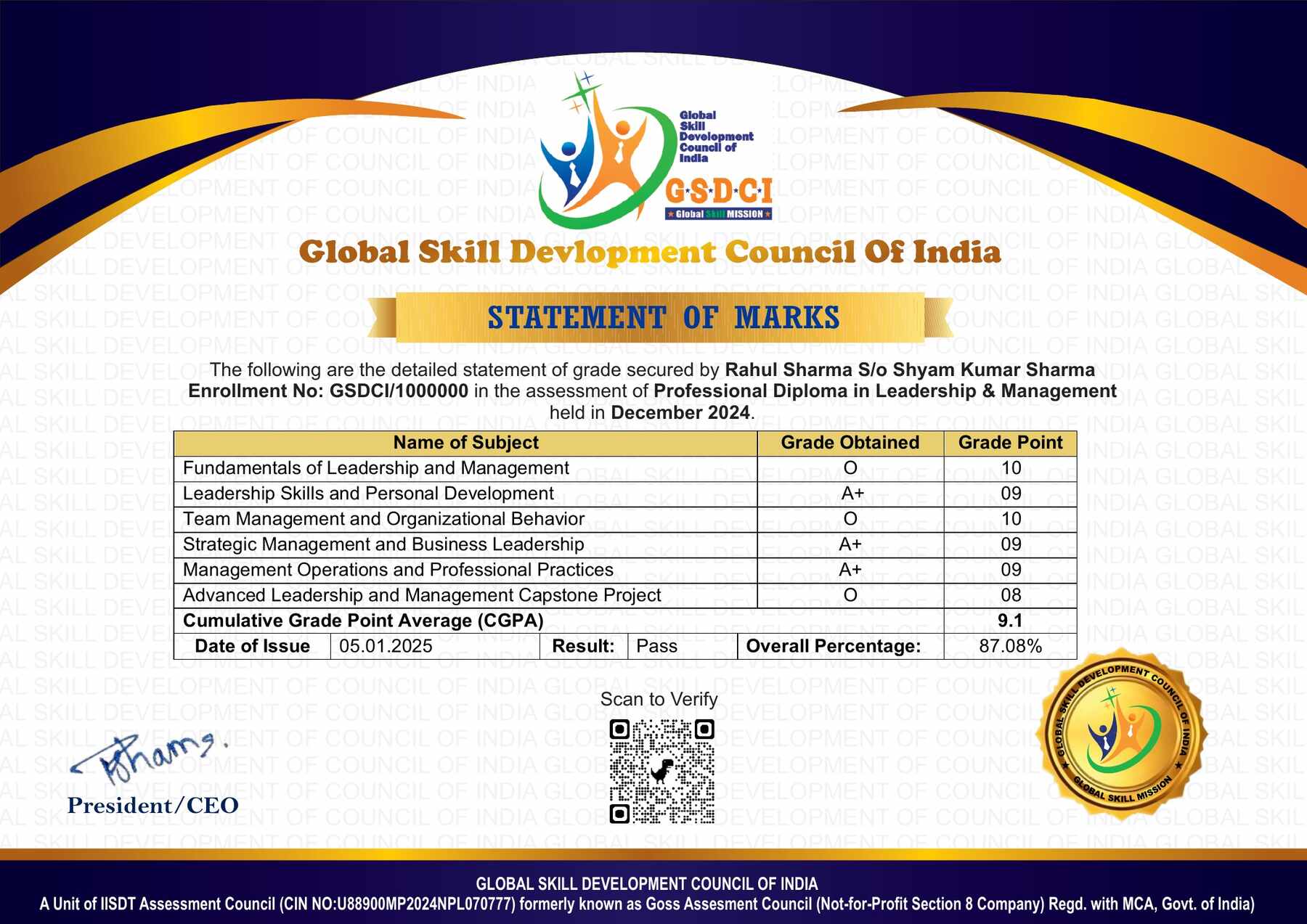
1 91-100 O (Outstanding)
2 81-90 A+ (Excellent)
3 71-80 A (Very Good)
4 61-70 B (Good)
5 50-60 P (Pass)
6  0-49 F (Fail)


Benefits of Certification:

🌍 1. Global Recognition & Credibility – Stand out worldwide with a certification that opens doors across borders. Trusted by employers, respected by institutions, and recognized in over 100 countries.

📜 2. Quality Assurance through ISO Certification – Certified to global ISO standards, our programs deliver excellence, consistency, and a benchmarked learning experience that speaks for itself.

💼 3. Career Advancement & Employability – Enhances your resume and increases chances of promotions or job offers.

🤝 4. Non-Profit Trust Factor – Certifications from non-profit organizations are mission-driven rather than profit-driven.

📚 5. Access to Verified Learning & Resources – Often includes e-books, mock tests, and online support without hidden costs.

🔍 6. Transparency & Online Verification – Certifications come with a unique Enrolment ID for easy online verification by employers and institutions.

⏳ 7. Lifetime or Long-Term Validity – Certifications usually have lifetime validity or long-term recognition, reducing the need for frequent renewals.

Reviews

There are no reviews yet.

Be the first to review “Certified Vector Illustrator”

Your email address will not be published. Required fields are marked *