img not found!

Diploma in Scratch Coding

Diploma in Scratch Coding

₹8,500.00 ₹4,250.00

50% fee concession will end in

The Diploma in Scratch Coding is a great way to start learning programming in a beginner-friendly, interactive, and fun environment. It serves as an introduction to computer science and coding and is especially beneficial for those looking to explore game development, animation, or educational technology.

Description

Course Name: Diploma in Scratch Coding

Course Id: DSC/Q0001.

Eligibility: 10th Grade (high school) or Equivalent.

Objective: The Diploma in Scratch Coding focuses on building programming skills by creating interactive applications and engaging projects using Scratch. The curriculum is structured to introduce students to various aspects of coding through hands-on activities and creative project work.

Duration: Six Months.

How to Enroll and Get Certified in Your Chosen Course:

Step 1: Choose the course you wish to get certified in.

Step 2: Click on the “Enroll Now” button.

Step 3: Proceed with the enrollment process.

Step 4: Enter your billing details and continue to course fee payment.

Step 5: You will be redirected to the payment gateway. Pay the course and exam fee using one of the following methods:
Debit/Credit Card, Wallet, Paytm, Net Banking, UPI, or Google Pay.

Step 6: After successful payment, you will receive your study material login ID and password via email within 48 hours of fee payment.

Step 7: Once you complete the course, take the online examination.

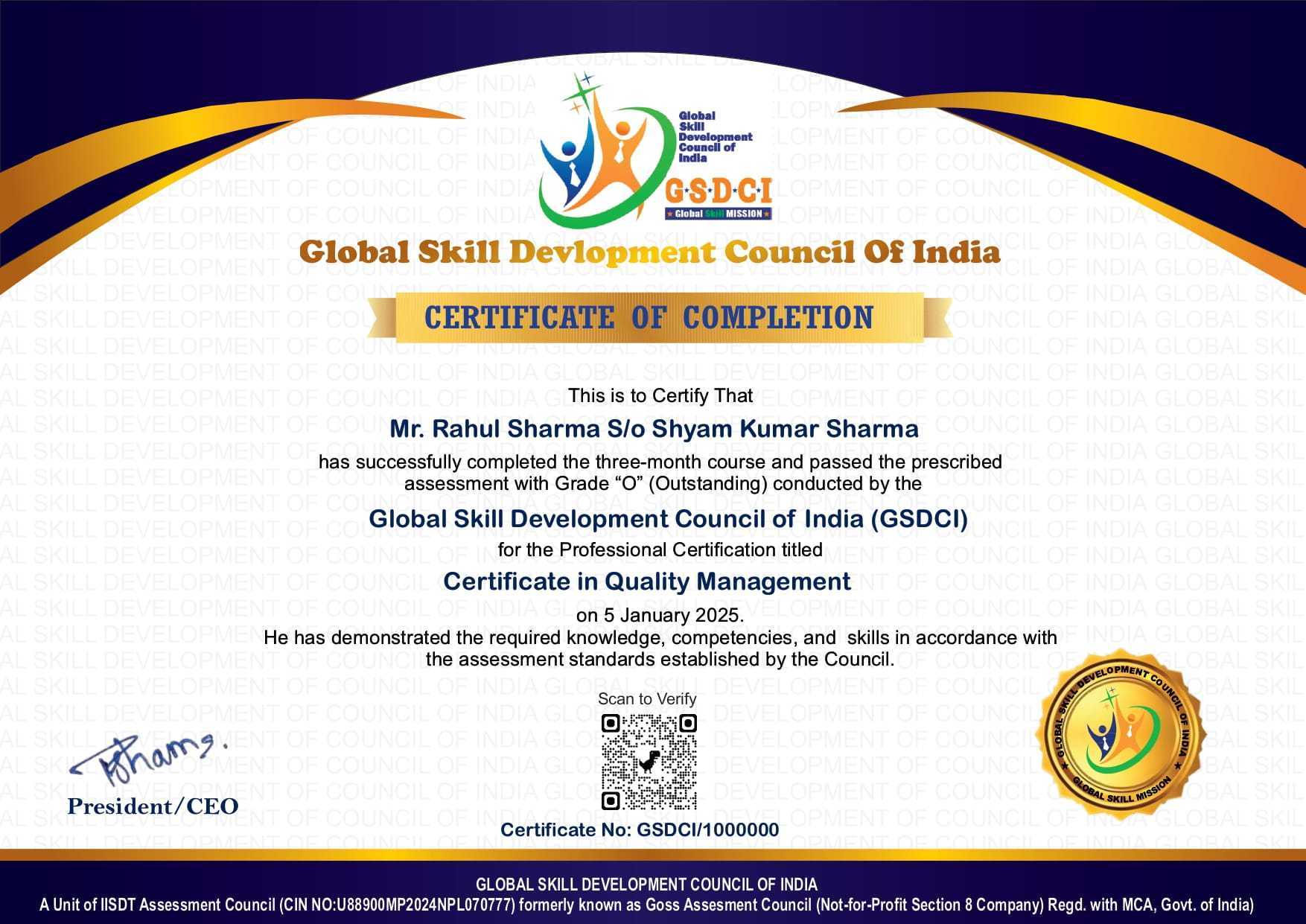
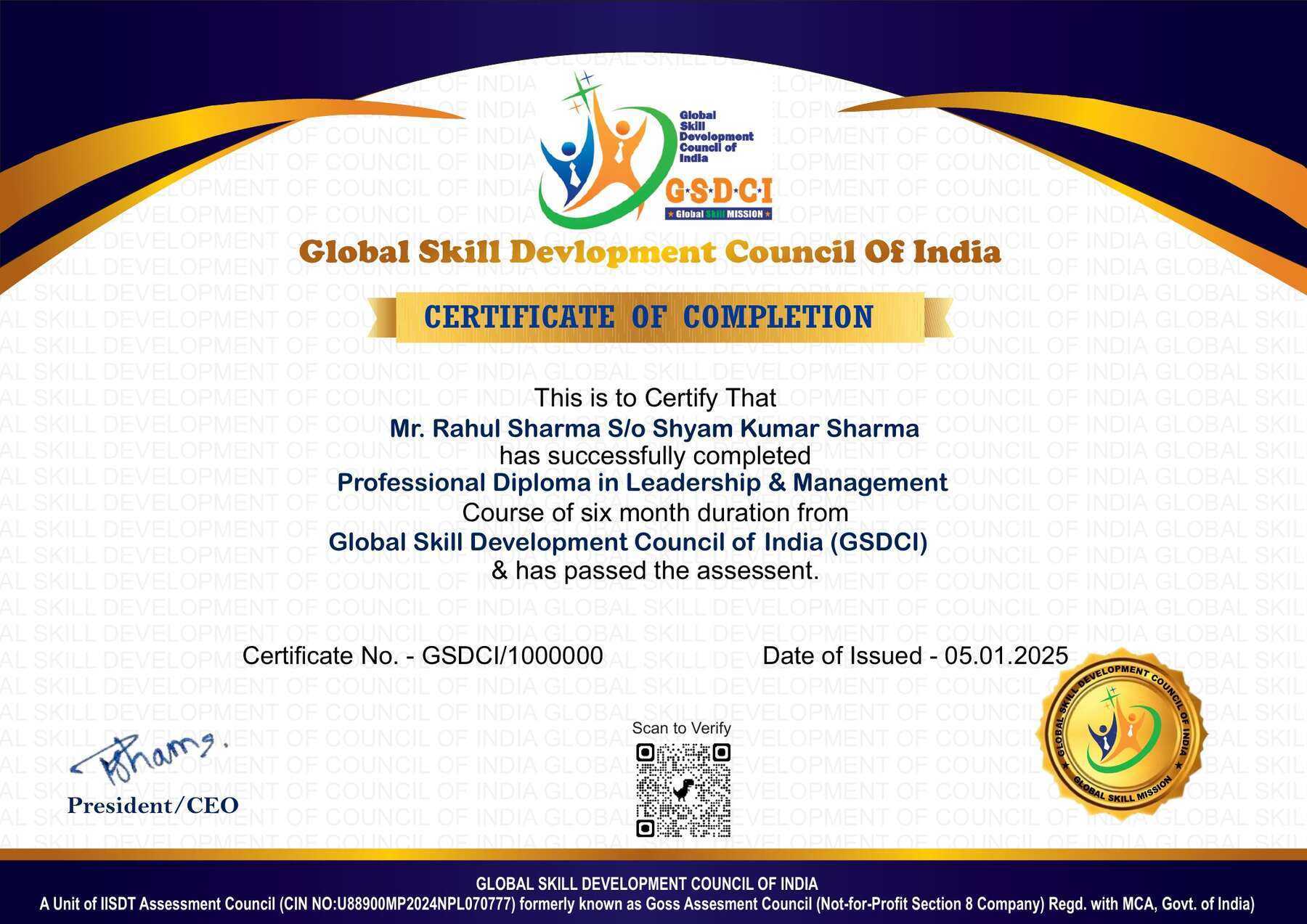
Step 8: Upon passing the examination, you will receive:
• A soft copy (scanned) of your certificate via email within 7 days of examination.
• A hard copy (original with official seal and signature) sent to your address within 45 day of declaration of result.

Step 9: After certification, you will be offered job opportunities aligned with your area of interest.

Online Examination Detail:

Duration- 120 minutes.
No. of Questions- 60. (Multiple Choice Questions).
10 Questions from each module, each carry 10 marks.
Maximum Marks- 600, Passing Marks- 40%.
There is no negative marking in this module.

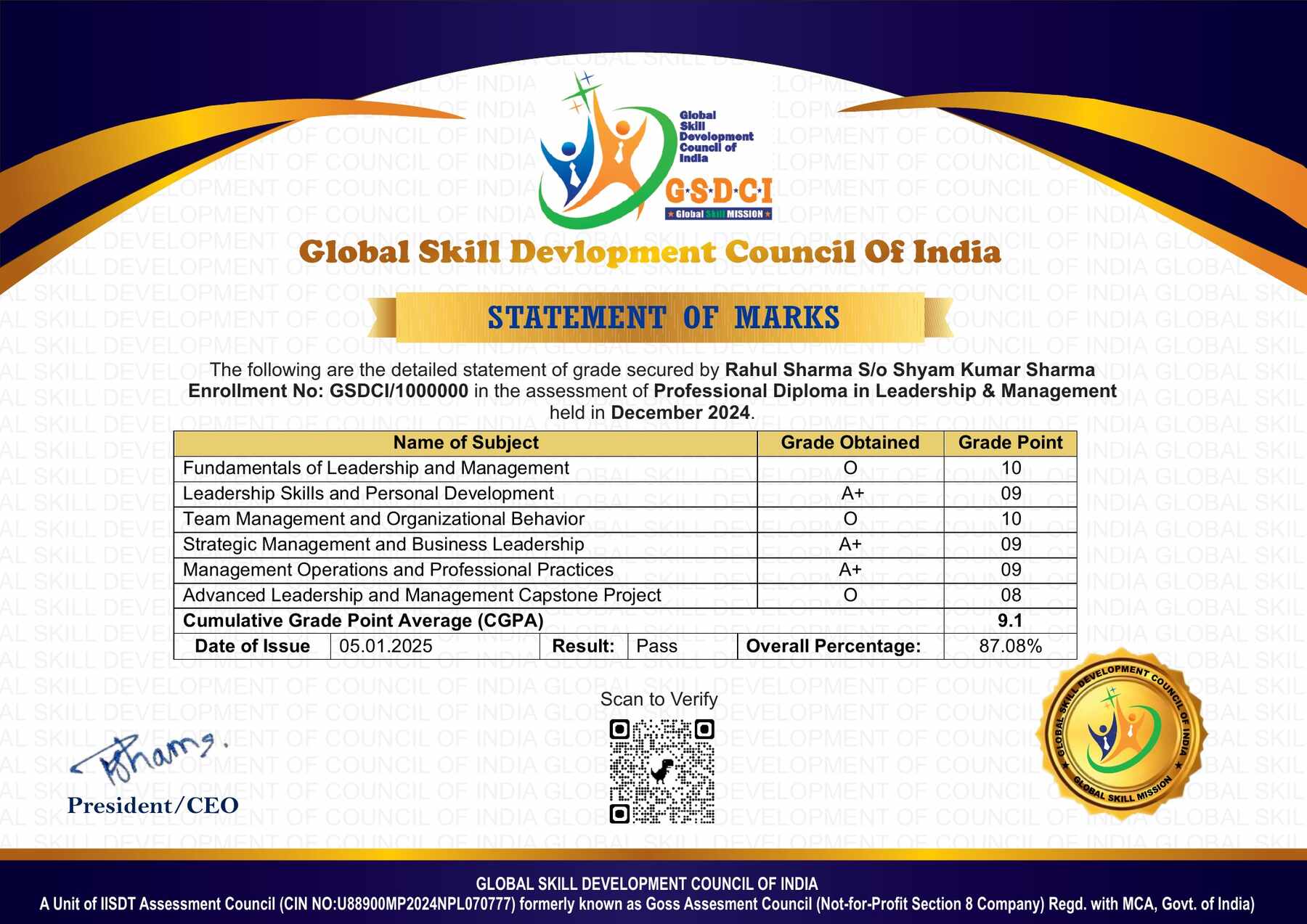
How Students will be Graded:
S.No. Marks Grade
1 91-100 O (Outstanding)
2 81-90 A+ (Excellent)
3 71-80 A (Very Good)
4 61-70 B (Good)
5 51-60 C (Average)
6 41-50 P (Pass)
7 0-40 F (Fail)

Key Benefits of Certification- Earning a professional certification not only validates your skills but also enhances your employability. Here are the major benefits you gain:

Practical, Job-Ready Skills – Our certifications are designed to equip you with real-world, hands-on skills that match current industry demands — helping you become employment-ready from day one.

Lifetime Validity – Your certification is valid for a lifetime — no renewals or expirations. It serves as a permanent proof of your skills and training.

Lifetime Certificate Verification – Employers and institutions can verify your certification anytime through a secure and reliable verification system — adding credibility to your qualifications.

Industry-Aligned Certification –All certifications are developed in consultation with industry experts to ensure that what you learn is current, relevant, and aligned with market needs.

Preferred by Employers – Candidates from ISO-certified institutes are often prioritized by recruiters due to their exposure to standardized, high-quality training.

Free Job Assistance Based on Your Career Interests – Receive personalized job assistance and career guidance in your preferred domain, helping you land the right role faster.

Syllabus

Introduction to Scratch Programming: Overview of Scratch and Its Importance, Understanding the Scratch Interface, Creating a Scratch Account and Projects, Introduction to Blocks and Their Categories, Sprites and Backdrops, Basic Motion and Control Commands, Introduction to the Stage and Costumes, Saving and Sharing Projects, Exploring the Scratch Community, Hands-on: Creating a Simple Animation.

Motion and Events in Scratch: Using Motion Blocks to Move Sprites, Understanding X and Y Coordinates, Rotation and Direction Control, Using the “When Green Flag Clicked” Event, Interacting with Keyboard and Mouse Events, Creating a Simple Racing Game, Using Glide for Smooth Animations, Combining Motion with Loops, Hands-on: Making an Interactive Story, Debugging Motion Issues.

Looks and Sound Effects: Changing Sprite Costumes for Animation, Using the Say and Think Blocks, Adding Backgrounds and Scene Transitions, Controlling Visibility (Show/Hide), Using the Sound Library, Recording and Playing Custom Sounds, Using Effects like Color and Ghost, Creating Talking Characters, Synchronizing Animations with Sound, Hands-on: Developing a Talking Avatar.

Control and Loops in Scratch: Understanding the If-Then and If-Else Blocks, Using the Forever and Repeat Loops, Creating Timed Events, Nested Loops for Advanced Animations, Using Wait and Stop Commands, Broadcasting Messages Between Sprites, Creating a Simple Chatbot, Controlling Sprite Actions with Keyboard, Hands-on: Making a Character Dance, Debugging Control Flow Errors.

Sensing and User Interaction: Using the Touching Color and Touching Object Blocks, Detecting Mouse Clicks and Movements, Asking and Storing User Input, Using the Timer for Game Events, Creating Interactive Button Controls, Sensing Loudness and Video Motion, Making a Virtual Pet Game, Using the Backdrop Change as an Event, Hands-on: Building a Simple Quiz Game, Debugging Sensing Issues.

Variables and Data Storage: Creating and Using Variables, Storing and Updating Scores in Games, Using Lists for Data Storage, Understanding Global and Local Variables, Creating a Counter System, Using Variables to Control Sprite Behavior, Using Timers and Countdown Mechanics, Hands-on: Making a Score-Based Game, Debugging Variable Errors, Understanding Cloud Variables in Scratch.

Job Opportunities after Diploma in Scratch Coding

Graduates can pursue careers in coding education, game development, ed-tech content creation, animation design, and entry-level software development roles focused on interactive learning and creative programming.

Top Roles: Scratch Coding Instructor, Game Developer (Entry-Level), Educational Content Developer, Educational App Developer, Animation Designer, EdTech Startup Associate, Freelance Scratch Developer, Junior Web Developer, Project-Based Learning Facilitator, Youth Coding Program Coordinator, STEM Educator, Digital Content Creator (Coding Tutorials), Community Manager for Coding Platforms

Key Skills: Scratch programming, logical thinking, problem-solving, game design basics, animation creation, storytelling through code, educational content development, teaching skills, creativity, beginner-level web development (HTML/CSS/JS), communication, and mentoring abilities

Salary Range (India):
Entry-level: ₹2.5–5 LPA
Mid-level: ₹5–8 LPA
Senior-level: ₹8–12 LPA

Scope: Opportunities exist in schools, coding academies, EdTech companies, NGOs, startups, and digital learning platforms. Salaries vary depending on organization type, location, experience, and skill advancement, with strong growth potential when moving into advanced programming, app development, or EdTech leadership roles.

Course Rating

4.9/5
★★★★★
★★★★★

Based on 41 student ratings

Highly Rated Course

0
    0
    Your Certification Detail
    Your cart is emptyReturn to Shop
      Apply Coupon
      Available Coupons
      gsdci20 Get 20% off