img not found!

Certificate in WordPress No-Coding

Certificate in WordPress No-Coding

₹5,500.00 ₹2,750.00

50% fee concession will end in

To provide learners with a thorough understanding of WordPress website creation and management using no-code tools and techniques.

Description

Course Name: Certificate in WordPress No-Coding

Course Id: CWN/Q0001.

Eligibility: 10+2 Grade (higher secondary) or Equivalent.

Objective: A Certificate in WordPress No-Coding course is designed for individuals who want to learn how to create, customize, and manage websites using WordPress without the need for programming or coding knowledge. WordPress is one of the most popular content management systems (CMS) in the world, known for its user-friendly interface and flexibility. This course empowers learners to build professional websites, blogs, or e-commerce stores using drag-and-drop tools, themes, and plugins.

Duration: One Month.

How to Enroll and Get Certified in Your Chosen Course:

Step 1: Choose the course you wish to get certified in.

Step 2: Click on the “Enroll Now” button.

Step 3: Proceed with the enrollment process.

Step 4: Enter your billing details and continue to course fee payment.

Step 5: You will be redirected to the payment gateway. Pay the course and exam fee using one of the following methods:
Debit/Credit Card, Wallet, Paytm, Net Banking, UPI, or Google Pay.

Step 6: After successful payment, you will receive your study material login ID and password via email within 48 hours of fee payment.

Step 7: Once you complete the course, take the online examination.

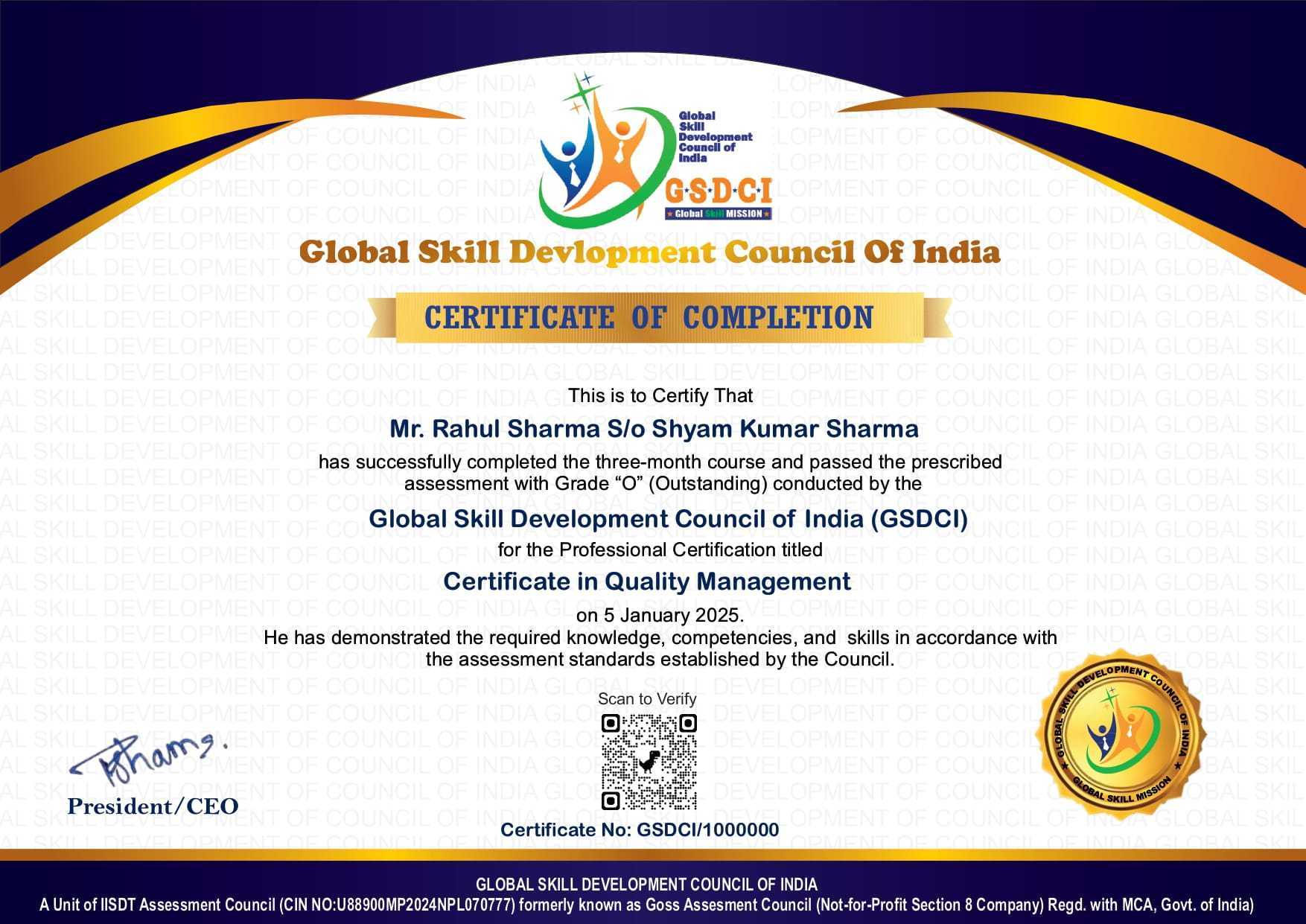
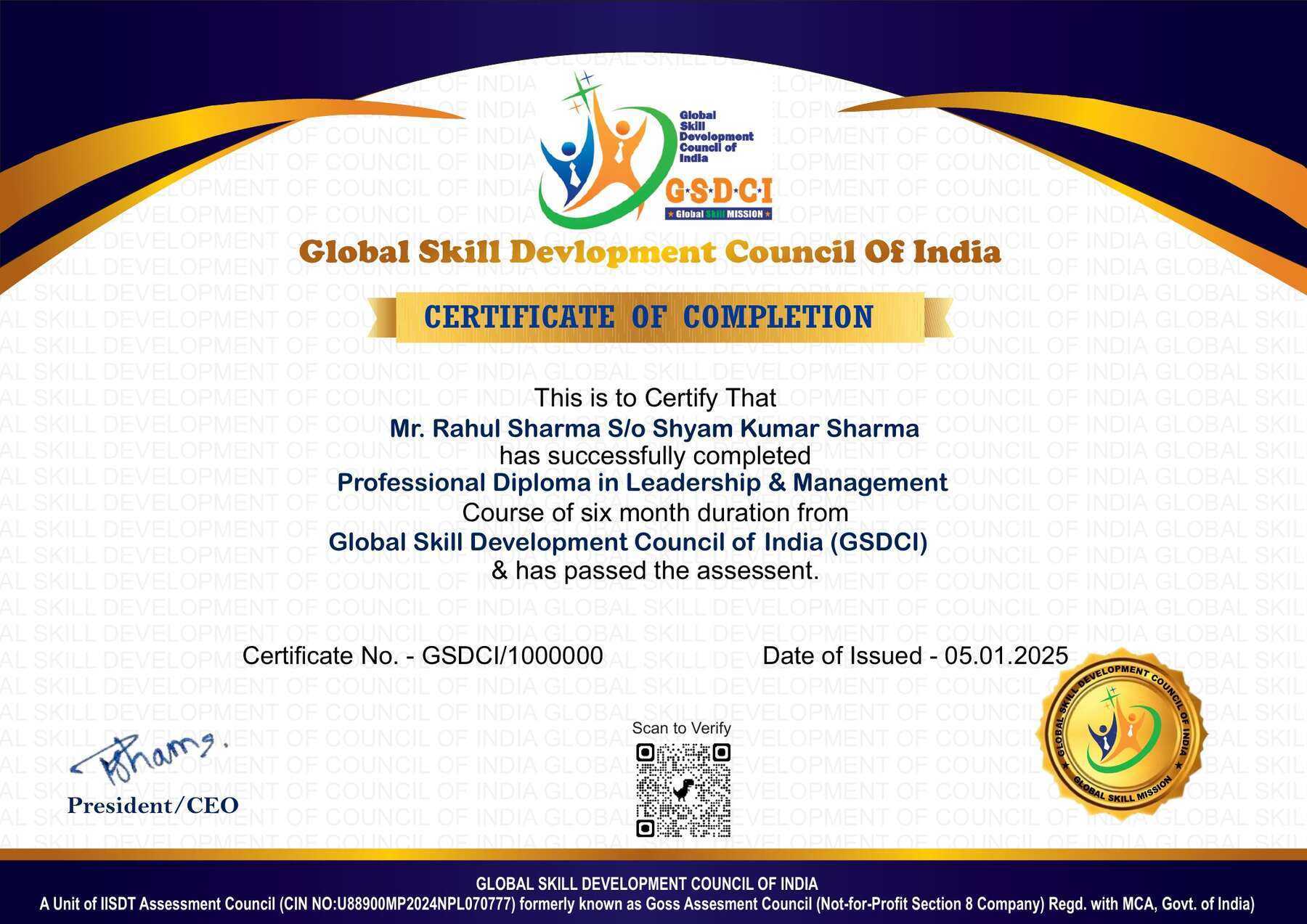
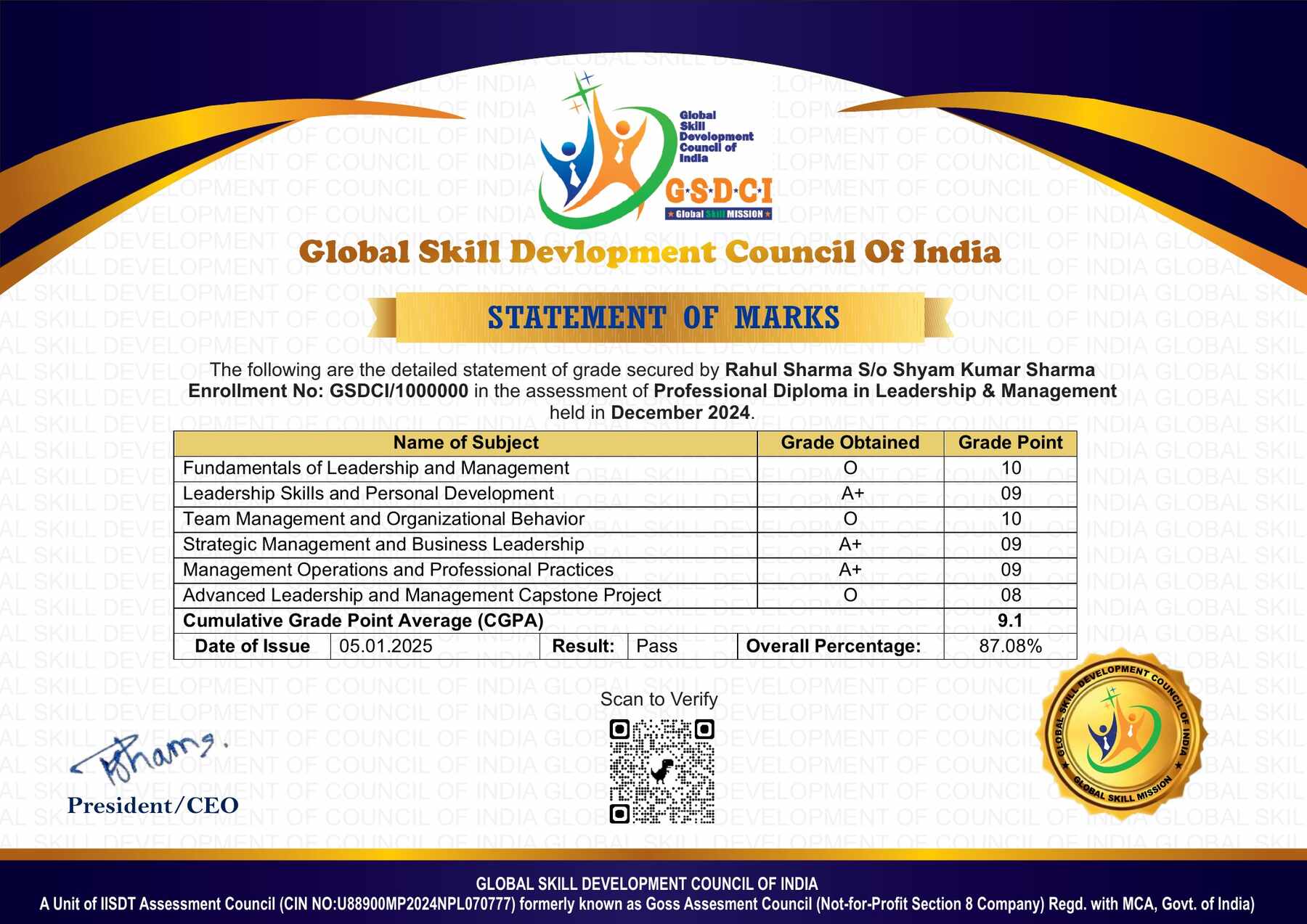
Step 8: Upon passing the examination, you will receive:
• A soft copy (scanned) of your certificate via email within 7 days of examination.
• A hard copy (original with official seal and signature) sent to your address within 45 day of declaration of result.

Step 9: After certification, you will be offered job opportunities aligned with your area of interest.

Online Examination Detail:

Duration- 60 minutes.
No. of Questions- 30. (Multiple Choice Questions).
Maximum Marks- 100, Passing Marks- 40%.
There is no negative marking in this module.

Marking System:
S.No. No. of Questions Marks Each Question Total Marks
1 10 5 50
2 5 4 20
3 5 3 15
4 5 2 10
5 5 1 5
30 100
How Students will be Graded:
S.No. Marks Grade
1 91-100 O (Outstanding)
2 81-90 A+ (Excellent)
3 71-80 A (Very Good)
4 61-70 B (Good)
5 51-60 C (Average)
6 40-50 P (Pass)
7 0-40 F (Fail)

Key Benefits of Certification- Earning a professional certification not only validates your skills but also enhances your employability. Here are the major benefits you gain:

Practical, Job-Ready Skills – Our certifications are designed to equip you with real-world, hands-on skills that match current industry demands — helping you become employment-ready from day one.

Lifetime Validity – Your certification is valid for a lifetime — no renewals or expirations. It serves as a permanent proof of your skills and training.

Lifetime Certificate Verification – Employers and institutions can verify your certification anytime through a secure and reliable verification system — adding credibility to your qualifications.

Industry-Aligned Certification –All certifications are developed in consultation with industry experts to ensure that what you learn is current, relevant, and aligned with market needs.

Preferred by Employers – Candidates from ISO-certified institutes are often prioritized by recruiters due to their exposure to standardized, high-quality training.

Free Job Assistance Based on Your Career Interests – Receive personalized job assistance and career guidance in your preferred domain, helping you land the right role faster.

Syllabus

Introduction to WordPress: What is WordPress and Its Importance, Difference Between WordPress.com and WordPress.org, Understanding Domains and Hosting, Installing WordPress on Hosting, Exploring the WordPress Dashboard, Understanding WordPress Themes and Plugins, Creating a WordPress User Account, Managing User Roles and Permissions, Overview of WordPress Site Structure, WordPress Best Practices for Beginners.

Selecting and Customizing Themes: Exploring Free vs. Premium Themes, How to Install a WordPress Theme, Understanding Theme Customizer, Adjusting Site Identity and Logo, Changing Colors and Typography, Customizing Headers and Footers, Creating a Responsive Website Design, Understanding Theme Widgets, Best Practices for Theme Selection, Avoiding Common Customization Mistakes.

Working with WordPress Plugins: What Are Plugins and Why Use Them, How to Install and Activate Plugins, Essential Plugins for WordPress Websites, Using SEO Plugins for Optimization, Security Plugins for Website Protection, Speed Optimization Plugins, Contact Form and Lead Generation Plugins, Social Media Integration Plugins, E-commerce Plugins for Online Stores, How to Manage and Update Plugins.

Creating and Managing Content: Understanding Posts vs. Pages, How to Write and Publish Blog Posts, Formatting Text and Adding Media, Using Categories and Tags Effectively, Creating Custom Menus and Navigation, Adding and Managing Comments, Scheduling Posts for Automation, Creating and Using Page Templates, Best Practices for Content Organization, How to Optimize Content for SEO.

Page Builders and Drag-and-Drop Editing: Introduction to Page Builders (Elementor, Divi, WPBakery), Installing and Setting Up Elementor, Creating Custom Layouts with Drag-and-Drop, Using Pre-Built Templates, Adding Buttons, Images, and Videos, Creating Animated and Interactive Sections, Understanding Sections, Columns, and Widgets, Building a Homepage with Elementor, Using Global Styles for Consistency, Best Practices for Page Building.

WordPress Security and Backup: Common WordPress Security Threats, How to Secure a WordPress Website, Using Security Plugins (Wordfence, Sucuri), Setting Up Two-Factor Authentication, Managing User Permissions Securely, Protecting Against Spam and Malware, Importance of Regular Backups, How to Set Up Automatic Backups, Restoring a Website from a Backup, Keeping WordPress Updated for Security.

Job Opportunities after Certificate in WordPress No-Coding

Graduates can pursue careers in website design, WordPress management, digital marketing, SEO, and e-commerce development using no-code tools and visual builders.

Top Roles: WordPress Website Designer, WordPress Website Developer, WordPress Content Manager, WordPress SEO Specialist, WooCommerce Developer, WordPress Site Administrator, WordPress Freelancer, Theme Customizer, Plugin Specialist, WordPress Marketing Strategist, WordPress Support Specialist, WordPress Training Instructor, Social Media Manager, WordPress Project Manager

Key Skills: WordPress website creation, no-code web design, Elementor & page builders, theme customization, plugin management, WooCommerce setup, SEO optimization, website maintenance, content management, digital marketing

Salary Range (India):
Entry-level: ₹2.5–5 LPA
Mid-level: ₹5–10 LPA
Senior-level: ₹10–18 LPA

Scope: Opportunities exist in web design agencies, IT companies, digital marketing firms, e-commerce businesses, startups, media companies, and freelancing platforms. Salaries vary depending on experience, specialization, portfolio, and location, with higher pay in tech hubs like Bengaluru, Mumbai, Delhi, Hyderabad, and Pune.

Course Rating

4.8/5
★★★★★
★★★★★

Based on 40 student ratings

Highly Rated Course

0
    0
    Your Certification Detail
    Your cart is emptyReturn to Shop
      Apply Coupon
      Available Coupons
      gsdci20 Get 20% off