img not found!

Certificate in Computer Software and Hardware Technology

Certificate in Computer Software and Hardware Technology

₹6,500.00 ₹3,250.00

50% fee concession will end in

A Computer Software and Hardware Technology course provides the foundational skills required to understand and work with both computer hardware and software, giving you a broad range of career opportunities in the rapidly evolving tech industry.

Description

Course Name: Certificate in Computer Software and Hardware Technology

Course Id: CCSHT/Q1001.

Eligibility: 10th Grade (High School) or Equivalent.

Objective: A Computer Software and Hardware Technology course is designed to provide students with an in-depth understanding of both the software and hardware aspects of computing systems. The course covers the fundamental principles of computer software, hardware components, system architecture, and their integration. It is ideal for individuals interested in building a career in IT, computer engineering, system administration, or technology-related fields.

Duration: Three Months.

How to Enroll and Get Certified in Your Chosen Course:

Step 1: Choose the course you wish to get certified in.

Step 2: Click on the “Enroll Now” button.

Step 3: Proceed with the enrollment process.

Step 4: Enter your billing details and continue to course fee payment.

Step 5: You will be redirected to the payment gateway. Pay the course and exam fee using one of the following methods:
Debit/Credit Card, Wallet, Paytm, Net Banking, UPI, or Google Pay.

Step 6: After successful payment, you will receive your study material login ID and password via email within 48 hours of fee payment.

Step 7: Once you complete the course, take the online examination.

Step 8: Upon passing the examination, you will receive:
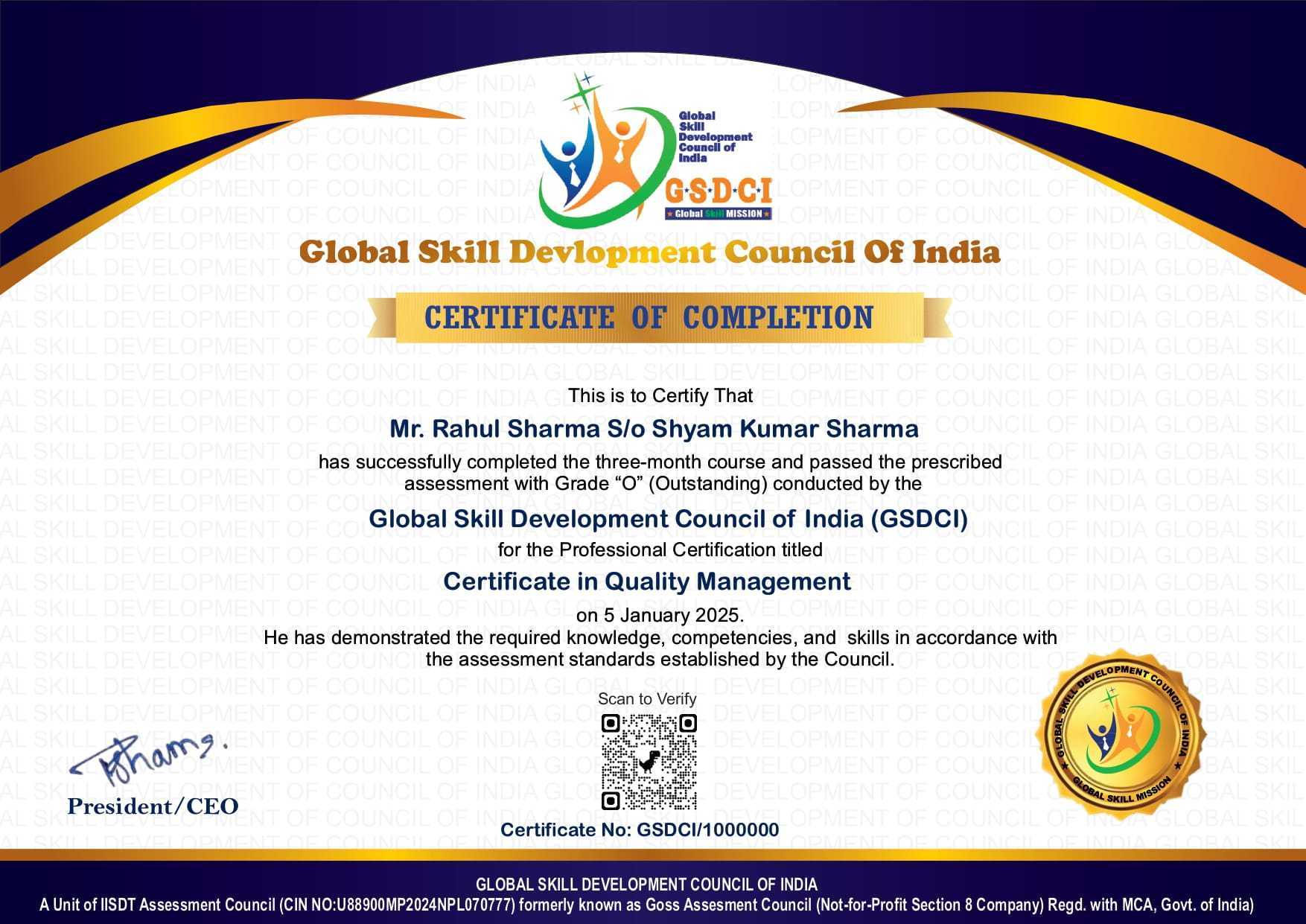
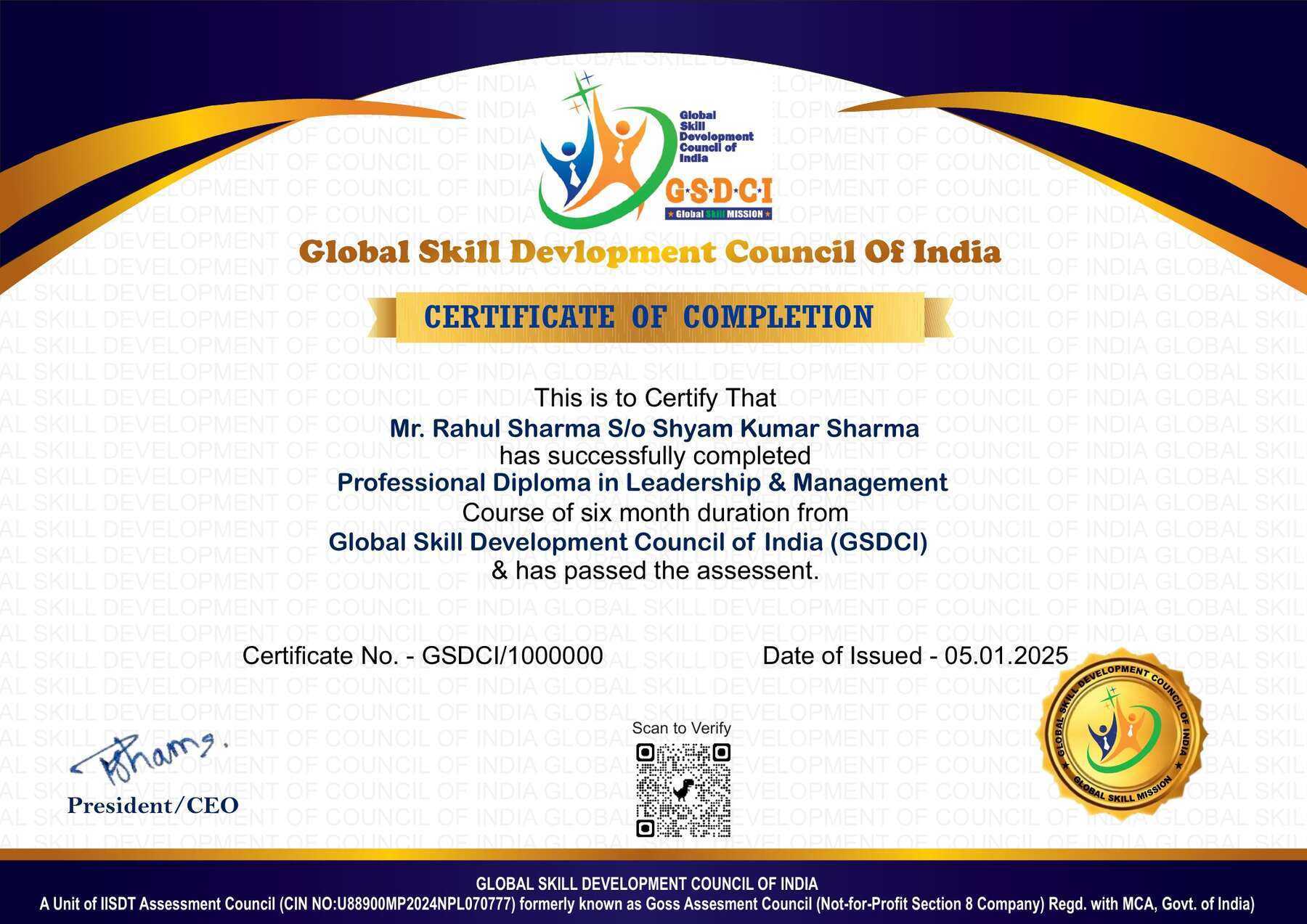
• A soft copy (scanned) of your certificate via email within 7 days of examination.
• A hard copy (original with official seal and signature) sent to your address within 45 day of declaration of result.

Step 9: After certification, you will be offered job opportunities aligned with your area of interest.

Online Examination Detail:

Duration- 60 minutes.
No. of Questions- 30. (Multiple Choice Questions).
Maximum Marks- 100, Passing Marks- 40%.
There is no negative marking in this module.

Marking System:
S.No. No. of Questions Marks Each Question Total Marks
1 10 5 50
2 5 4 20
3 5 3 15
4 5 2 10
5 5 1 5
30 100
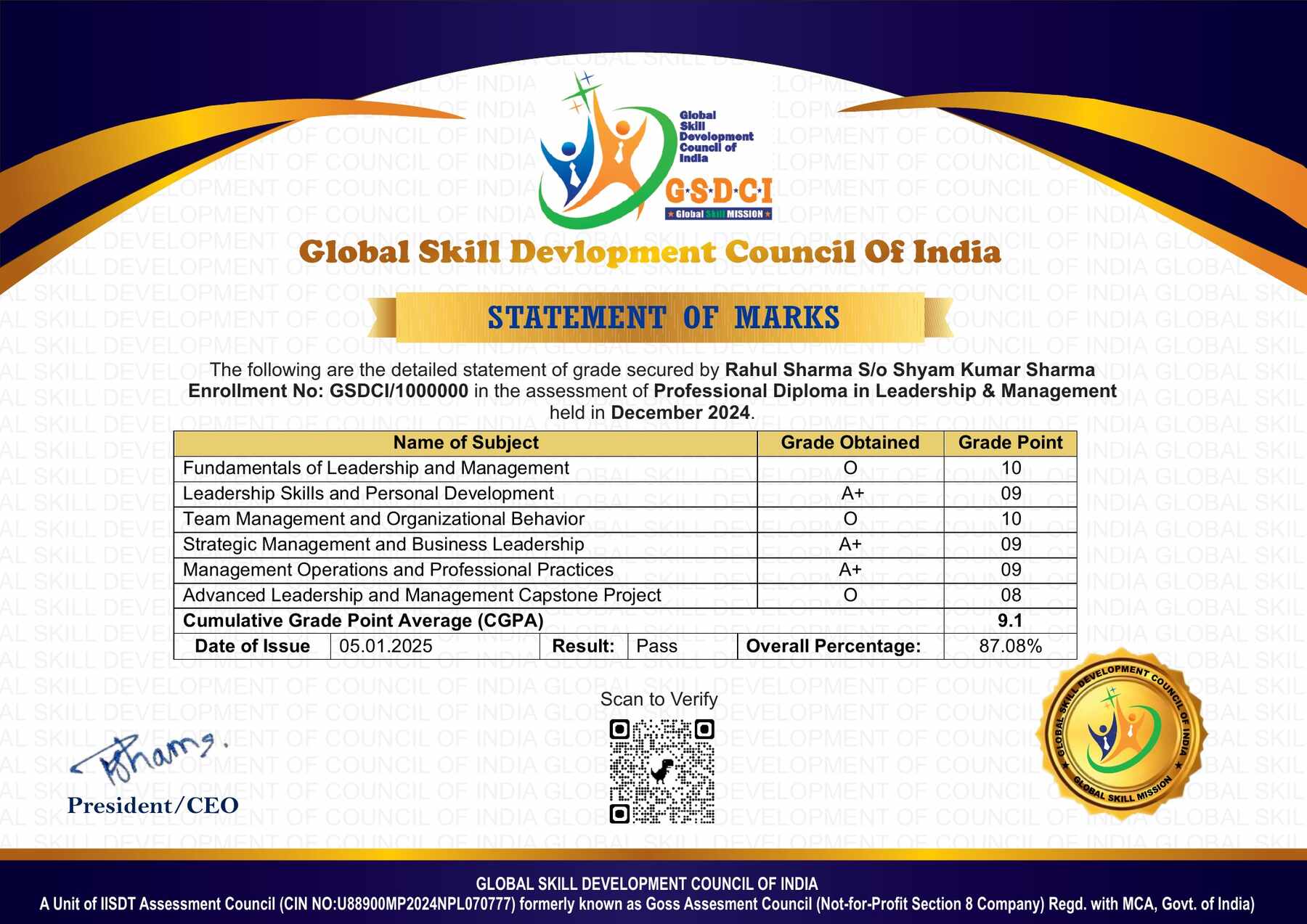
How Students will be Graded:
S.No. Marks Grade
1 91-100 O (Outstanding)
2 81-90 A+ (Excellent)
3 71-80 A (Very Good)
4 61-70 B (Good)
5 51-60 C (Average)
6 40-50 P (Pass)
7 0-40 F (Fail)

Key Benefits of Certification- Earning a professional certification not only validates your skills but also enhances your employability. Here are the major benefits you gain:

Practical, Job-Ready Skills – Our certifications are designed to equip you with real-world, hands-on skills that match current industry demands — helping you become employment-ready from day one.

Lifetime Validity – Your certification is valid for a lifetime — no renewals or expirations. It serves as a permanent proof of your skills and training.

Lifetime Certificate Verification – Employers and institutions can verify your certification anytime through a secure and reliable verification system — adding credibility to your qualifications.

Industry-Aligned Certification –All certifications are developed in consultation with industry experts to ensure that what you learn is current, relevant, and aligned with market needs.

Preferred by Employers – Candidates from ISO-certified institutes are often prioritized by recruiters due to their exposure to standardized, high-quality training.

Free Job Assistance Based on Your Career Interests – Receive personalized job assistance and career guidance in your preferred domain, helping you land the right role faster.

Syllabus:

Fundamentals of Computer Technology: Introduction to computers and technology, Evolution of computing devices, Types of computers and their applications, Basic computer architecture, Input and output devices, Memory and storage technologies, Number systems and data representation, Operating system fundamentals, Software vs hardware comparison, Introduction to networking concepts..

Computer Hardware and Peripherals: Motherboard architecture and components, Central Processing Unit (CPU) technologies, RAM types and configurations, Storage devices (HDD, SSD, NVMe), Power supply units and efficiency, Display and graphic cards, Printers and scanners, Keyboard and mouse mechanisms, BIOS and firmware updates, Troubleshooting hardware issues

Operating Systems and System Administration: Types of operating systems (Windows, Linux, macOS), Installation and configuration of OS, File system structures and management, System boot process and troubleshooting, User management and account security, Disk partitioning and formatting, Software installation and updates, System performance monitoring, Backup and recovery solutions, Cybersecurity basics in OS.

Computer Assembling and Maintenance: Understanding hardware specifications, Selecting compatible components, Assembling a computer step-by-step, Configuring BIOS/UEFI settings, Cooling solutions and airflow management, Power management and energy efficiency, Hardware failure diagnosis, Preventive maintenance techniques, Benchmarking and performance tuning, Safe handling and disposal of electronic waste

Networking Fundamentals and Administration: Introduction to networking and types (LAN, WAN, MAN), Network devices and components (Routers, Switches, Modems), IP addressing and subnetting, Network topologies and architectures, TCP/IP model and protocols, Wireless networking (Wi-Fi standards and security), Configuring DNS and DHCP, Network troubleshooting tools, Firewall setup and configurations, Remote access and VPN setup.

Programming and Software Development: Introduction to programming languages, Basics of C and Python, Data types and control structures, Functions and object-oriented concepts, File handling and database connectivity, Debugging and error handling, Introduction to software development life cycle (SDLC), Version control with Git, Introduction to web development (HTML, CSS, JavaScript), Basics of mobile app development.

Job Opportunities after Certificate in Computer Software and Hardware Technology

Graduates can pursue careers in computer hardware maintenance, IT support, network administration, system troubleshooting, and technical services across IT companies, corporate offices, educational institutions, government organizations, healthcare facilities, and computer service centers.

Top Roles: Computer Hardware Technician, IT Support Executive, System/Network Support Technician, Computer Operator, Software Installer, Field Service Engineer, IT Lab Assistant, Technical Support Representative, Desktop Support Engineer

Key Skills: Computer assembly and maintenance, hardware troubleshooting, operating system installation, software management, networking fundamentals, system administration, technical support, problem-solving, MS Office, customer service

Salary Range (India):

  • Entry-level: ₹2–5 LPA
  • Mid-level: ₹5–8 LPA
  • Senior-level: ₹8–15 LPA

Scope: Opportunities are available in IT services and support companies, corporate IT departments, computer retail and service centers, educational institutions, healthcare organizations, government departments, and technology parks. With experience and certifications such as CompTIA A+, Network+, CCNA, or advanced networking and cybersecurity programs, graduates can progress to roles such as System Administrator, Network Engineer, IT Infrastructure Manager, Cybersecurity Technician, or IT Consultant.

Course Rating

4.8/5
★★★★★
★★★★★

Based on 58 student ratings

Highly Rated Course

0
    0
    Your Certification Detail
    Your cart is emptyReturn to Shop
      Apply Coupon
      Available Coupons
      gsdci20 Get 20% off