
No products in the cart.



Certified Mobile User Interface (UI)/User Experience (UX) Designer
₹6,500.00 ₹3,250.00
50% fee concession will end in
To train professionals in designing intuitive, user-focused mobile interfaces and experiences that align with platform guidelines and user expectations.
Description
Certification Name: Certified Mobile User Interface (UI)/User Experience (UX) Designer
Global Occupational Skill Standard – GOSS ID: GOSS/AD/CMUXD/V1
Eligibility: 10+2 (higher Secondary) or Equivalent or minimum 2 years of relevant experience (experience-based learners can directly enroll and certify).
Objective: The Certified Mobile UI/UX Designer course is designed to equip professionals with the specialized skills required to design intuitive, engaging, and user-centered mobile applications. The course covers mobile UI/UX principles, platform-specific design guidelines (iOS Human Interface Guidelines, Android Material Design), mobile user behavior, responsive layouts, navigation design, wireframing, prototyping, and usability testing.
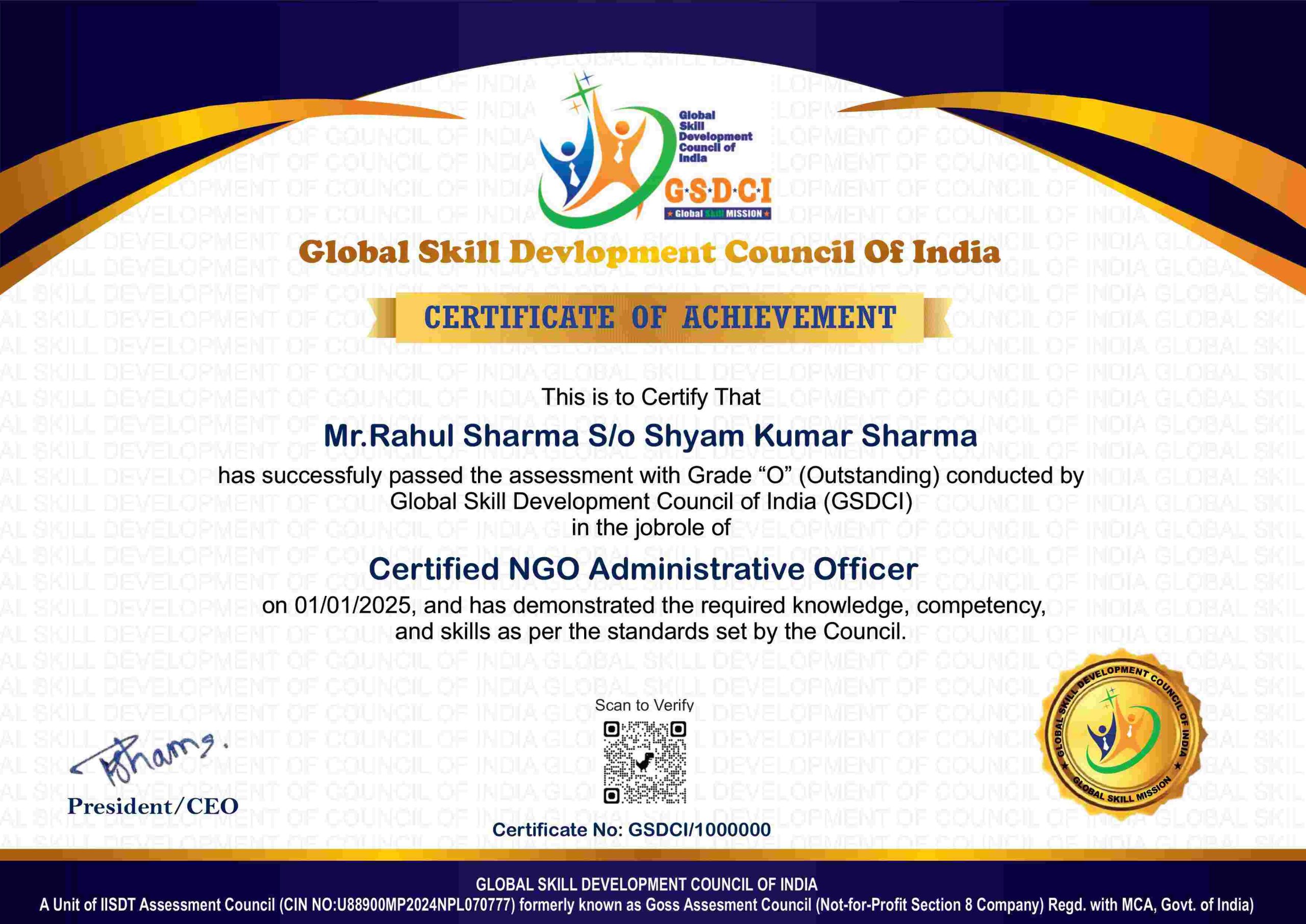
Certification: Within 5 days after Completion of Online Assessment.
Get ready to join the Journey to become a GSDCI Certified Professional – International Certification and Assessment Body.
Steps to become a GSDCI Certified Professional:
Step 1: Select your certification you want to pursue.
Step 2: Click on get certified tab, new pop up window will open.
Step 3: Click on pay certification fee, you will be redirected to billing details page.
Step 4: Fill your details and click on pay certification fee, You will be redirected to payment gateway, pay fee by any available options like Card(Debit/Credit), Wallet, Paytm, Net banking, UPI and Google pay.
Step 5: You will get Login Credentials of Online E-Books and Online assessment link on your email id, within 48 hrs of payment.
Step 6: After completion of online assessment, you can download your Certificate Immediately.
Assessment Modules:
Module 1: Introduction to Mobile UI/UX Design: Understanding Mobile UI/UX and Its Importance, Differences Between Mobile, Web, and Desktop UX, Types of Mobile Applications (Native, Hybrid, Web), Mobile Design Challenges and Opportunities, Role and Responsibilities of a Mobile UI/UX Designer, Overview of the Design Thinking and Human-Centered Design Process.
Module 2: User Research and UX Strategy: Conducting User Research for Mobile Apps (Surveys, Interviews, Observation), Creating Personas and User Scenarios, Mapping User Journeys and Mobile Task Flows, Defining User Needs, Goals, and Pain Points, Competitor Analysis and UX Benchmarking, Aligning UX Strategy with Business Objectives.
Module 3: Mobile Information Architecture and Wireframing: Designing Mobile Navigation and Menu Structures, Creating Site Maps and User Flows for Mobile, Wireframing for Different Screen Sizes and Orientations, Tools for Mobile Wireframing (Figma, Adobe XD, Balsamiq), Defining Content Hierarchy and Layout Principles, Mobile Onboarding and User Guidance Flow.
Module 4: Mobile UI Design Principles and Prototyping: UI Design Principles for Touch Interfaces and Small Screens, Designing Buttons, Forms, Cards, and Gestures, Color, Typography, and Iconography in Mobile UI, Creating Interactive Prototypes Using Tools (Figma, InVision, ProtoPie), Designing for Android vs iOS Guidelines (Material vs Human Interface), Micro-interactions and Animation in Mobile UI.
Module 5: Usability Testing and User Feedback: Planning and Conducting Mobile Usability Tests (In-person and Remote), Tools for Mobile UX Testing (Lookback, Maze, UserTesting), Analyzing User Behavior and Feedback, Measuring Success Metrics (Task Success, Time on Task, Error Rate), Iterating Design Based on Insights, A/B Testing and Feature Validation.
Module 6: Design Handoff, Accessibility, and Portfolio Building: Preparing Design Handoff Files and Style Guides for Developers, Exporting Assets and Specs (Figma Inspect, Zeplin), Mobile Accessibility Guidelines and WCAG Compliance, Designing for Performance and Mobile Load Optimization, Building a Mobile UI/UX Design Portfolio, Career Paths, Freelance and Job Opportunities in Mobile UX/UI Design.
GSDCI Online Assessment Detail:
- Duration- 60 minutes.
- Number of Questions- 30.
- Number of Questions from each module: 5.
- Language: English.
- Exam Type: Multiple Choice Questions.
- Maximum Marks- 100, Passing Marks- 50%.
- There is no negative marking in any module.
| Marking System: | |||
| S.No. | No. of Questions | Marks Each Question | Total Marks |
| 1 | 10 | 5 | 50 |
| 2 | 5 | 4 | 20 |
| 3 | 5 | 3 | 15 |
| 4 | 5 | 2 | 10 |
| 5 | 5 | 1 | 5 |
| 30 | 100 | ||
| How Students will be Graded: | |||
| S.No. | Marks | Grade | |
| 1 | 91-100 | O (Outstanding) | |
| 2 | 81-90 | A+ (Excellent) | |
| 3 | 71-80 | A (Very Good) | |
| 4 | 61-70 | B (Good) | |
| 5 | 50-60 | P (Pass) | |
| 6 | 0-49 | F (Fail) | |
Benefits of Certification:
🌍 1. Global Recognition & Credibility – Stand out worldwide with a certification that opens doors across borders. Trusted by employers, respected by institutions, and recognized in over 100 countries.
📜 2. Quality Assurance through ISO Certification – Certified to global ISO standards, our programs deliver excellence, consistency, and a benchmarked learning experience that speaks for itself.
💼 3. Career Advancement & Employability – Enhances your resume and increases chances of promotions or job offers.
🤝 4. Non-Profit Trust Factor – Certifications from non-profit organizations are mission-driven rather than profit-driven.
📚 5. Access to Verified Learning & Resources – Often includes e-books, mock tests, and online support without hidden costs.
🔍 6. Transparency & Online Verification – Certifications come with a unique Enrolment ID for easy online verification by employers and institutions.
⏳ 7. Lifetime or Long-Term Validity – Certifications usually have lifetime validity or long-term recognition, reducing the need for frequent renewals.