Certified Revit Architect

6,500.00 3,250.00

50% Discount will end in

To train learners in architectural design and documentation using Autodesk Revit, enabling them to create BIM-compliant models and drawings for real-world architectural projects.

Description

Certification Name: Certified Revit Architect

Global Occupational Skill Standard – GOSS ID: GOSS/C/CRA/V1

Eligibility: Graduation or Equivalent or minimum 2 years of relevant experience (experience-based learners can directly enroll and certify).

Objective: The objective of the Certified Revit Architect course is to equip participants with the knowledge and practical skills required to design, model, and document architectural projects using Autodesk Revit. The course focuses on Building Information Modeling (BIM) principles to create intelligent 3D models of buildings, incorporating walls, doors, windows, roofs, and other architectural components. 

Certification: Within 5 days after Completion of Online Assessment.

Get ready to join the Journey to become a GSDCI Certified Professional  – International Certification and Assessment Body.

Steps to become a GSDCI Certified Professional:

Step 1: Select your certification you want to pursue.

Step 2: Click on get certified tab, new pop up window will open.

Step 3: Click on pay certification fee, you will be redirected to billing details page.

Step 4: Fill your details and click on pay certification fee, You will be redirected to payment gateway, pay fee by any available options like Card(Debit/Credit), Wallet, Paytm, Net banking, UPI and Google pay.

Step 5: You will get Login Credentials of Online E-Books and Online assessment link on your email id, within 48 hrs of payment.

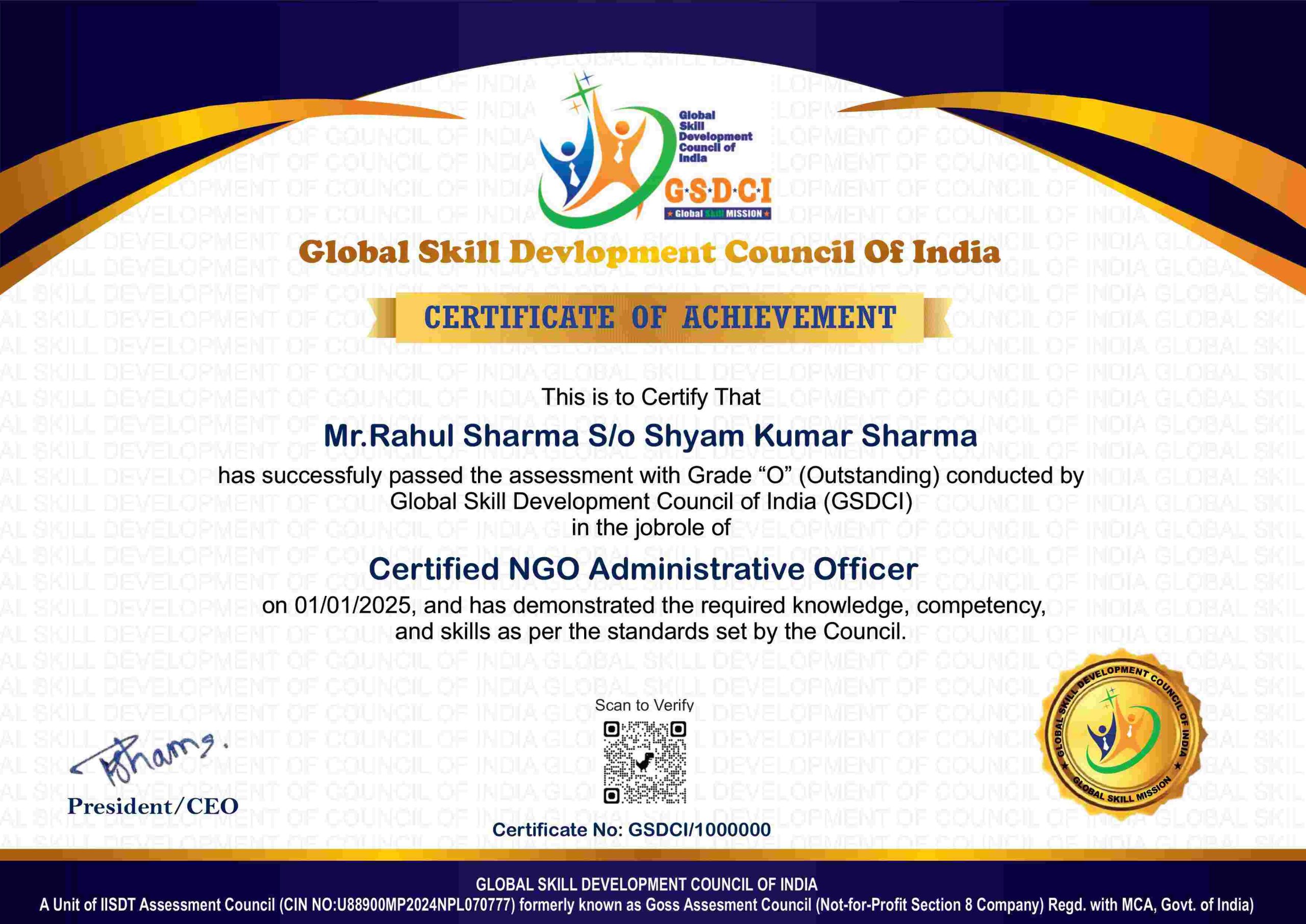
Step 6: After completion of online assessment, you can download your Certificate Immediately.

Assessment Modules:

Module 1: Introduction to BIM and Revit Architecture: Understanding Building Information Modeling (BIM) concepts, Overview of Revit interface and tools, Project setup and template selection, Setting units, levels, and grids, Navigation and view control tools, Understanding categories, families, and elements.

Module 2: Architectural Modeling Basics: Creating and modifying walls, Adding doors and windows, Modeling floors, ceilings, and roofs, Placing rooms and room tags, Creating shafts, openings, and stairs, Working with curtain walls and railings.

Module 3: View Management and Visualization: Creating plan, elevation, and section views, Applying view templates and visibility graphics, Creating 3D views and walkthroughs, Using rendering tools for realistic views, View filters and graphic overrides, Managing view organization and properties.

Module 4: Annotation and Documentation: Adding dimensions and text annotations, Creating and applying tags, Detail views and drafting components, Creating schedules and legends, Sheet setup and layout management, Printing and exporting documentation.

Module 5: Conceptual Design and Massing: Creating conceptual masses and forms, Working with in-place and loadable families, Mass floors and volume analysis, Applying materials and surface patterns, Adaptive components and parametric design, Using sun studies and shadow analysis.

Module 6: Collaboration and Project Management: Worksharing and central model setup, Linking Revit models and CAD files, Coordination with structural and MEP models, Project browser and file organization, Revision tracking and model auditing, Exporting models for construction and presentation.

GSDCI Online Assessment Detail:

  • Duration- 60 minutes.
  • Number of Questions- 30.
  • Number of Questions from each module: 5.
  • Language: English.
  • Exam Type: Multiple Choice Questions.
  • Maximum Marks- 100, Passing Marks- 50%.
  • There is no negative marking in any module.
Marking System:
S.No. No. of Questions Marks Each Question Total Marks
1 10 5 50
2 5 4 20
3 5 3 15
4 5 2 10
5 5 1 5
30   100
How Students will be Graded:
S.No. Marks Grade
1 91-100 O (Outstanding)
2 81-90 A+ (Excellent)
3 71-80 A (Very Good)
4 61-70 B (Good)
5 50-60 P (Pass)
6  0-49 F (Fail)


Benefits of Certification:

🌍 1. Global Recognition & Credibility – Stand out worldwide with a certification that opens doors across borders. Trusted by employers, respected by institutions, and recognized in over 100 countries.

📜 2. Quality Assurance through ISO Certification – Certified to global ISO standards, our programs deliver excellence, consistency, and a benchmarked learning experience that speaks for itself.

💼 3. Career Advancement & Employability – Enhances your resume and increases chances of promotions or job offers.

🤝 4. Non-Profit Trust Factor – Certifications from non-profit organizations are mission-driven rather than profit-driven.

📚 5. Access to Verified Learning & Resources – Often includes e-books, mock tests, and online support without hidden costs.

🔍 6. Transparency & Online Verification – Certifications come with a unique Enrolment ID for easy online verification by employers and institutions.

⏳ 7. Lifetime or Long-Term Validity – Certifications usually have lifetime validity or long-term recognition, reducing the need for frequent renewals.

Reviews

There are no reviews yet.

Be the first to review “Certified Revit Architect”

Your email address will not be published. Required fields are marked *