
No products in the cart.



Certified Web Prototyping Specialist
₹6,500.00 ₹3,250.00
50% fee concession will end in
To train professionals in creating interactive, testable web prototypes that communicate design and functionality clearly before development.
Description
Certification Name: Certified Web Prototyping Specialist
Global Occupational Skill Standard – GOSS ID: GOSS/AD/CWPS/V1
Eligibility: 10+2 (higher Secondary) or Equivalent or minimum 2 years of relevant experience (experience-based learners can directly enroll and certify).
Objective: The Certified Web Prototyping Specialist course is designed to train professionals in the planning, designing, and development of interactive web prototypes that effectively communicate layout, functionality, and user experience before final development. The course covers wireframing, low-fidelity and high-fidelity prototyping, UI/UX design principles, user flow mapping, and interactive mockup creation using industry-standard tools like Figma, Adobe XD, Sketch, and InVision.
Certification: Within 5 days after Completion of Online Assessment.
Get ready to join the Journey to become a GSDCI Certified Professional – International Certification and Assessment Body.
Steps to become a GSDCI Certified Professional:
Step 1: Select your certification you want to pursue.
Step 2: Click on get certified tab, new pop up window will open.
Step 3: Click on pay certification fee, you will be redirected to billing details page.
Step 4: Fill your details and click on pay certification fee, You will be redirected to payment gateway, pay fee by any available options like Card(Debit/Credit), Wallet, Paytm, Net banking, UPI and Google pay.
Step 5: You will get Login Credentials of Online E-Books and Online assessment link on your email id, within 48 hrs of payment.
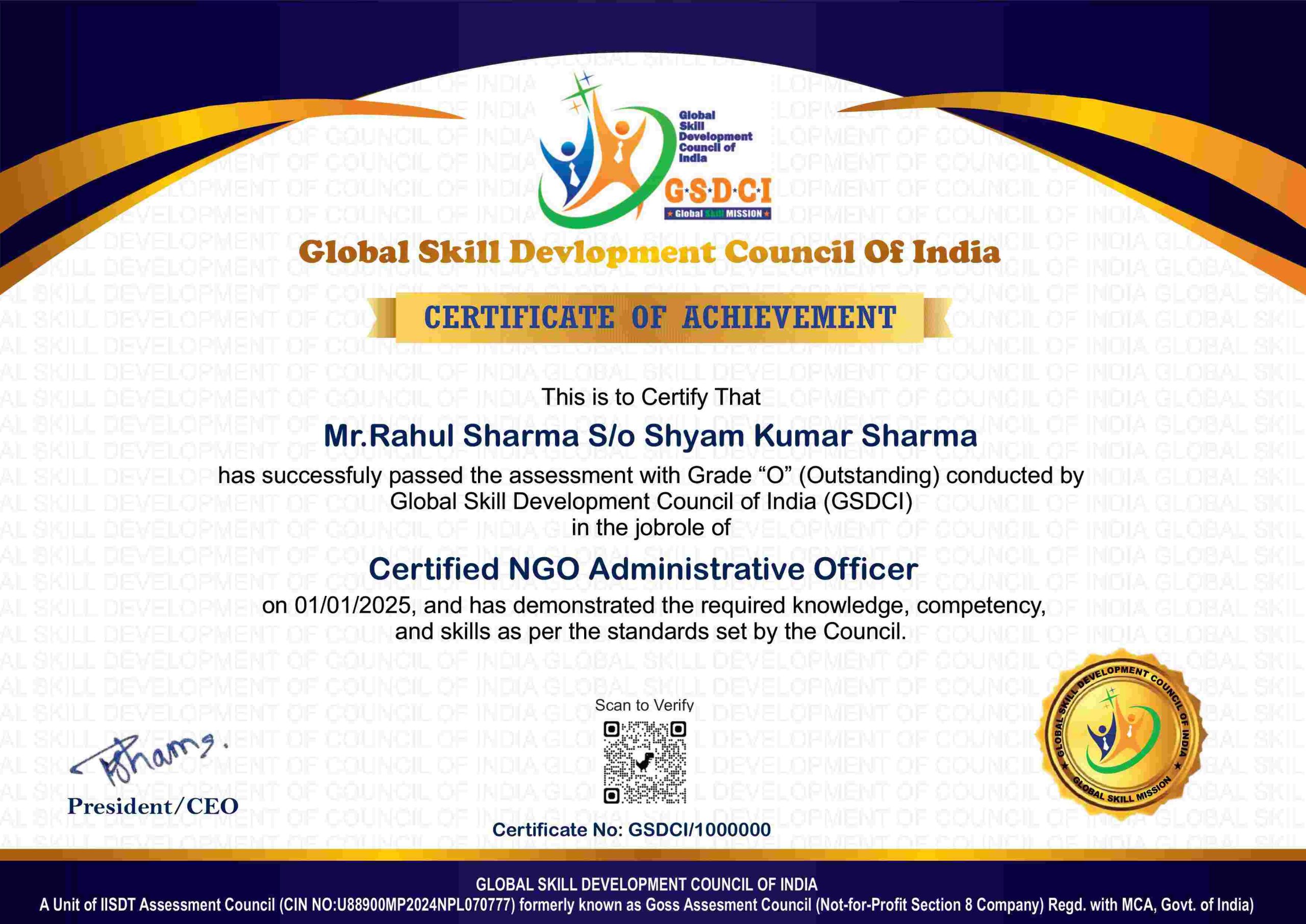
Step 6: After completion of online assessment, you can download your Certificate Immediately.
Assessment Modules:
Module 1: Introduction to Web Prototyping: Definition and Importance of Web Prototyping in Design Process, Difference Between Wireframes, Mockups, and Prototypes, Types of Prototypes (Low-Fidelity, High-Fidelity, Interactive), Role of a Web Prototyping Specialist in Development Teams, Overview of Design Thinking and Agile Methodology, Common Mistakes and Best Practices in Prototyping.
Module 2: Wireframing and Layout Planning: Sketching and Structuring Page Layouts, Creating Wireframes for Different Page Types (Landing, Product, Contact), Using Grids and Design Patterns Effectively, Tools for Wireframing (Balsamiq, Figma, Adobe XD), Organizing Content with Visual Hierarchy, Annotating Wireframes for Developer Handoff.
Module 3: Interactive Prototyping Tools and Techniques: Introduction to Prototyping Tools (Figma, Adobe XD, InVision, Axure), Creating Clickable Prototypes and User Flows, Linking Pages and Defining Navigation Behavior, Animations and Micro-Interactions, Managing Artboards and States (Hover, Click, Scroll), Collaboration and Sharing Features in Prototyping Tools.
Module 4: UI Components and Design Systems: Using Buttons, Forms, Modals, and Menus in Prototypes, Building and Reusing UI Components and Symbols, Creating Design Systems and Component Libraries, Maintaining Consistency Across Pages and Devices, Responsive Prototyping and Breakpoints, Accessibility Considerations in UI Prototypes.
Module 5: Usability Testing and Feedback Integration: Planning and Conducting Usability Testing on Prototypes, Collecting and Analyzing User Feedback, Identifying Pain Points and Areas for Improvement, A/B Testing with Different Prototype Versions, Iterating Design Based on Test Results, Communicating Changes to Stakeholders.
Module 6: Developer Handoff and Project Delivery: Exporting Assets and Design Specs from Prototypes, Preparing Developer Documentation and Interaction Notes, Using Handoff Tools (Zeplin, Figma Inspect, Adobe XD Specs), Working with Frontend Teams for Smooth Handoff, Maintaining Version Control of Prototypes, Building a Portfolio and Career as a Web Prototyping Specialist.
GSDCI Online Assessment Detail:
- Duration- 60 minutes.
- Number of Questions- 30.
- Number of Questions from each module: 5.
- Language: English.
- Exam Type: Multiple Choice Questions.
- Maximum Marks- 100, Passing Marks- 50%.
- There is no negative marking in any module.
| Marking System: | |||
| S.No. | No. of Questions | Marks Each Question | Total Marks |
| 1 | 10 | 5 | 50 |
| 2 | 5 | 4 | 20 |
| 3 | 5 | 3 | 15 |
| 4 | 5 | 2 | 10 |
| 5 | 5 | 1 | 5 |
| 30 | 100 | ||
| How Students will be Graded: | |||
| S.No. | Marks | Grade | |
| 1 | 91-100 | O (Outstanding) | |
| 2 | 81-90 | A+ (Excellent) | |
| 3 | 71-80 | A (Very Good) | |
| 4 | 61-70 | B (Good) | |
| 5 | 50-60 | P (Pass) | |
| 6 | 0-49 | F (Fail) | |
Benefits of Certification:
🌍 1. Global Recognition & Credibility – Stand out worldwide with a certification that opens doors across borders. Trusted by employers, respected by institutions, and recognized in over 100 countries.
📜 2. Quality Assurance through ISO Certification – Certified to global ISO standards, our programs deliver excellence, consistency, and a benchmarked learning experience that speaks for itself.
💼 3. Career Advancement & Employability – Enhances your resume and increases chances of promotions or job offers.
🤝 4. Non-Profit Trust Factor – Certifications from non-profit organizations are mission-driven rather than profit-driven.
📚 5. Access to Verified Learning & Resources – Often includes e-books, mock tests, and online support without hidden costs.
🔍 6. Transparency & Online Verification – Certifications come with a unique Enrolment ID for easy online verification by employers and institutions.
⏳ 7. Lifetime or Long-Term Validity – Certifications usually have lifetime validity or long-term recognition, reducing the need for frequent renewals.