img not found!

Diploma in Computer Teaching Skills

Diploma in Computer Teaching Skills

₹9,000.00 ₹4,500.00

50% fee concession will end in

To develop practical skills in computer education pedagogy, lesson planning, operating systems, office applications, digital tools, hardware and software concepts, basic networking, digital safety, practical instruction, and learner assessment.

Description

Course Name: Diploma in Computer Teaching Skills

Course Id: DCTS/Q1001.

Eligibility: 10+2 (Higher Secondary) or equivalent.

Objective: The Diploma in Computer Teaching Skills develops practical knowledge and skills for planning and delivering computer education. The course covers digital literacy, productivity applications, internet use, computational thinking, introductory programming, computer laboratory management and learner assessment. It prepares learners to demonstrate computer tasks clearly, organise practical lessons and support learners with different levels of digital experience.

Duration: Six Months.

How to Enroll and Get Certified in Your Chosen Course:

Step 1: Choose the course you wish to pursue.

Step 2: Click on the “Enroll Now” button.

Step 3: Complete the enrollment process.

Step 4: Enter your billing details and proceed to course fee payment.

Step 5: Pay the course and examination fee through the payment gateway using Debit/Credit Card, Wallet, Paytm, Net Banking, UPI, or Google Pay.

Step 6: Receive your study material login ID and password via email within 48 hours of successful payment.

Step 7: Complete the course and take the online examination.

Step 8: Upon passing the examination, receive:

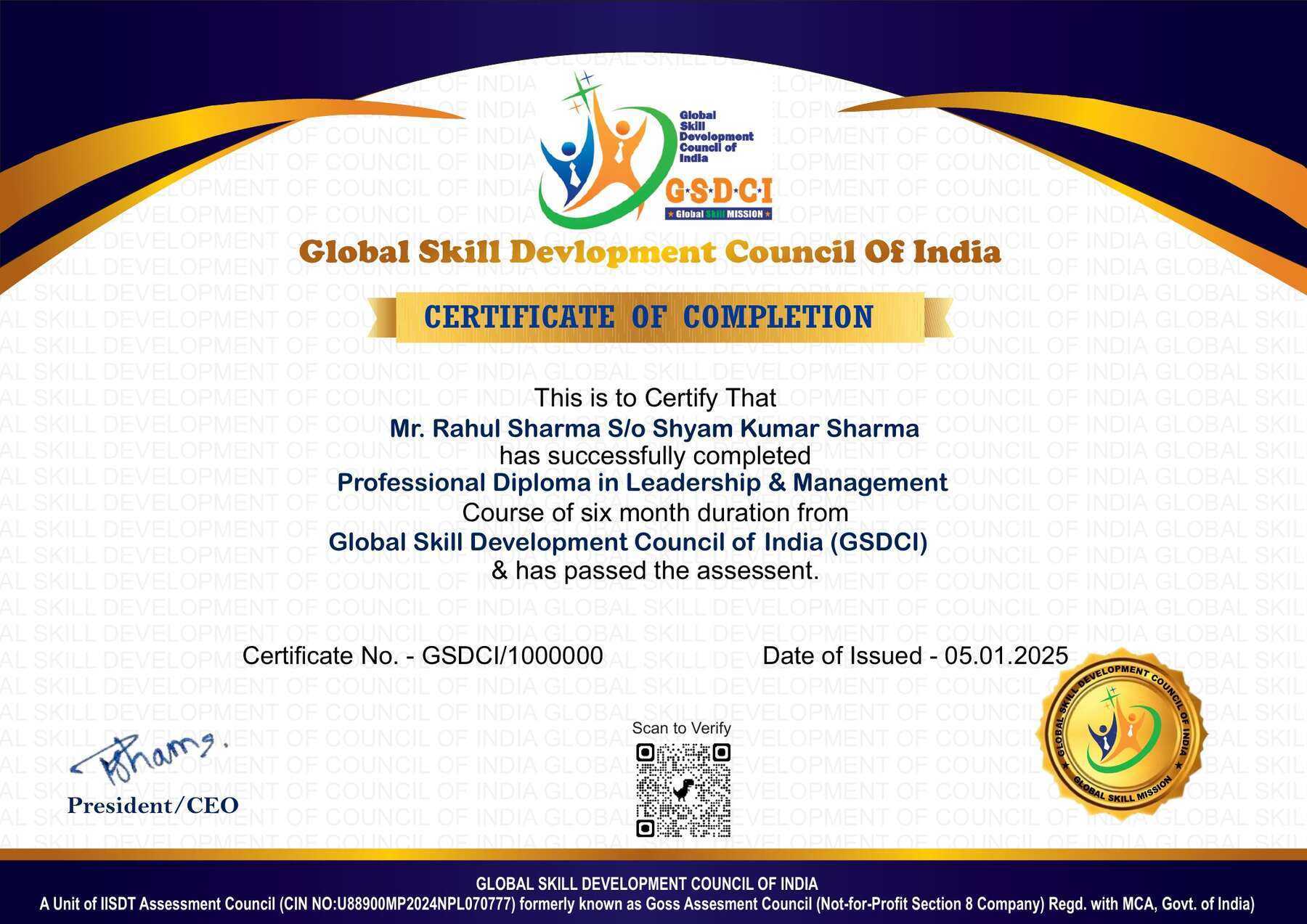
  • A soft copy of your certificate via email within 7 days of the examination.
  • A hard copy, with official seal and signature, at your address within 45 days of the declaration of the result.

Step 9: Receive job assistance aligned with your area of interest.

Online Examination Detail:

Duration- 120 minutes.
No. of Questions- 60. (Multiple Choice Questions).
10 Questions from each module, each carry 10 marks.
Maximum Marks- 600, Passing Marks- 40%.
There is no negative marking in this module.

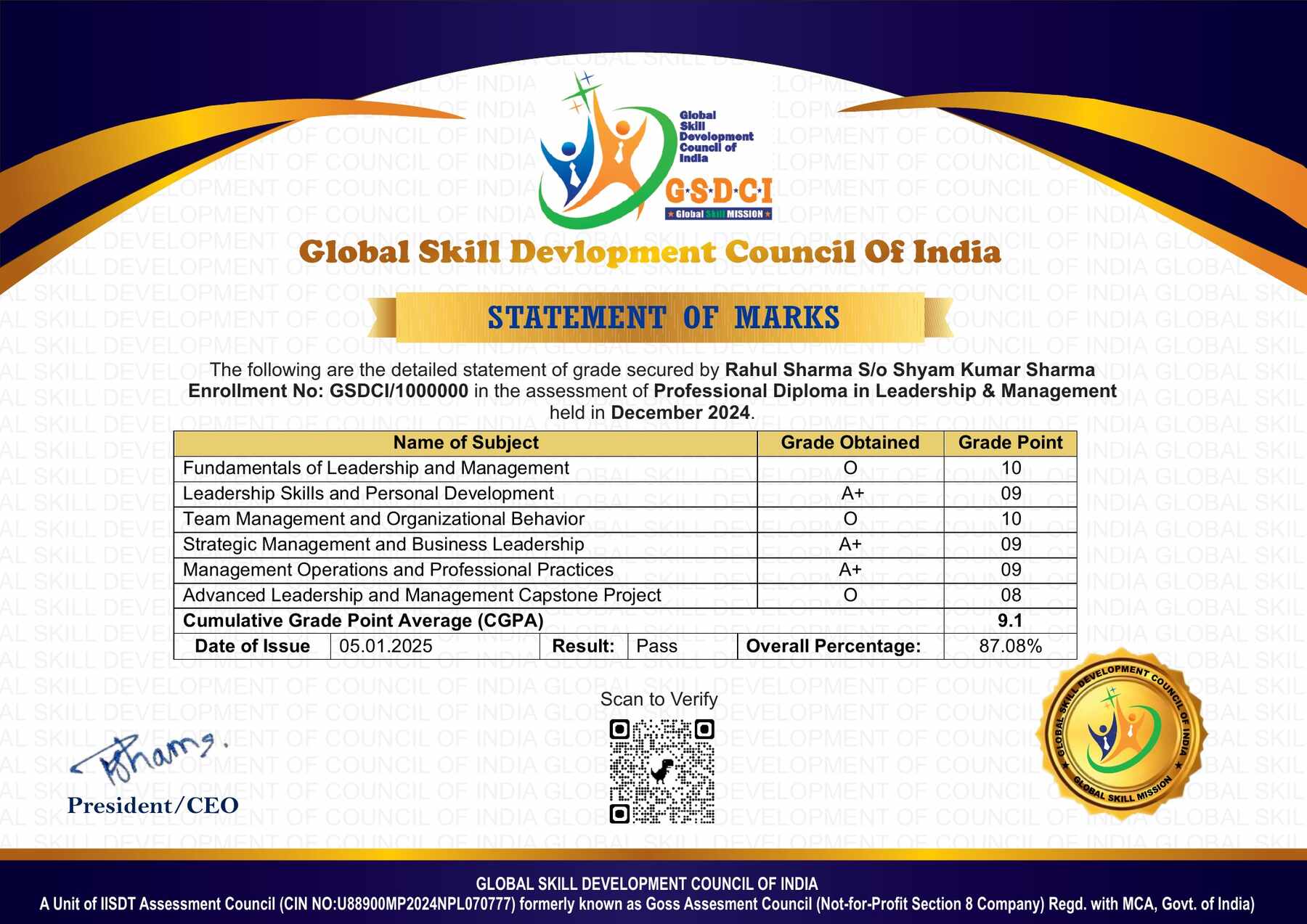
How Students will be Graded:
S.No. Marks Grade
1 91-100 O (Outstanding)
2 81-90 A+ (Excellent)
3 71-80 A (Very Good)
4 61-70 B (Good)
5 51-60 C (Average)
6 41-50 P (Pass)
7 0-40 F (Fail)

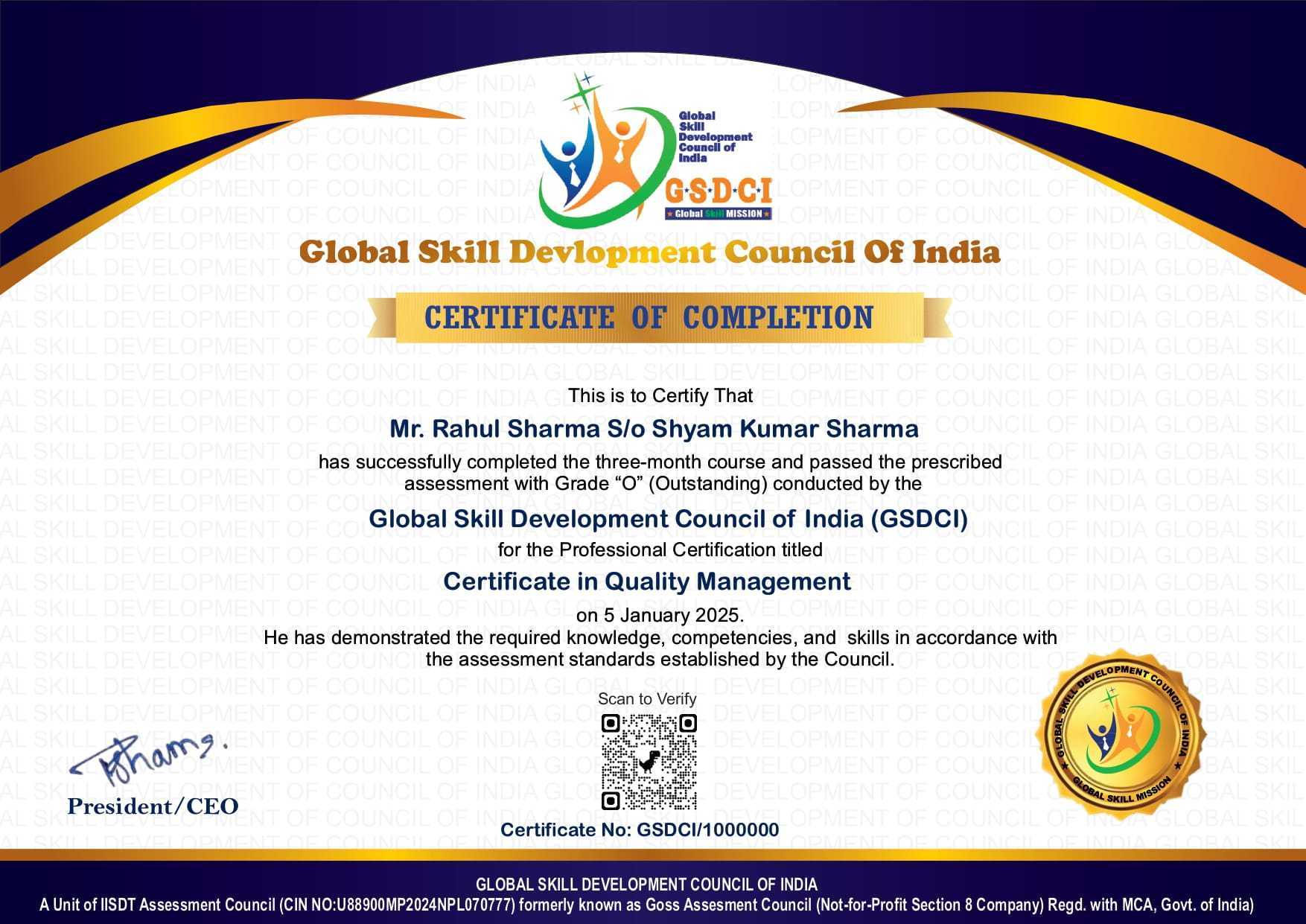
Key Benefits of Certification- Earning a professional certification not only validates your skills but also enhances your employability. Here are the major benefits you gain:

Practical, Job-Ready Skills – Our certifications are designed to equip you with real-world, hands-on skills that match current industry demands — helping you become employment-ready from day one.

Lifetime Validity – Your certification is valid for a lifetime — no renewals or expirations. It serves as a permanent proof of your skills and training.

Lifetime Certificate Verification – Employers and institutions can verify your certification anytime through a secure and reliable verification system — adding credibility to your qualifications.

Industry-Aligned Certification –All certifications are developed in consultation with industry experts to ensure that what you learn is current, relevant, and aligned with market needs.

Preferred by Employers – Candidates from ISO-certified institutes are often prioritized by recruiters due to their exposure to standardized, high-quality training.

Free Job Assistance Based on Your Career Interests – Receive personalized job assistance and career guidance in your preferred domain, helping you land the right role faster.

Syllabus

Module 1: Computer Education Foundations and Digital Literacy: Aims of Computer Education, Identifying Learners’ Digital Readiness, Explaining Hardware and Software, Demonstrating Input and Output Devices, Teaching Operating System Navigation, Guiding File and Folder Organisation, Developing Keyboard and Mouse Skills, Introducing Storage and File Formats, Teaching Accessibility Features, Promoting Responsible Device Use.

Module 2: Teaching Productivity Applications: Planning Word Processing Lessons, Guiding Document Formatting and Page Layout, Teaching Editing and Proofreading Tools, Creating Tables and Inserting Images, Introducing Spreadsheet Data Organisation, Demonstrating Sorting Filtering and Charts, Designing Effective Presentation Slides, Teaching Slide Delivery and Speaker Notes, Developing Integrated Office Application Projects, Reviewing Digital Work for Accuracy and Readability.

Module 3: Internet Communication and Digital Citizenship: Explaining Browsers and Web Navigation, Teaching Effective Search Techniques, Evaluating Online Information, Guiding Email Composition and Attachment Handling, Demonstrating Online Collaboration, Introducing Cloud Storage and Sharing Permissions, Building Password and Account Security Awareness, Recognising Phishing and Suspicious Content, Teaching Privacy Copyright and Attribution, Encouraging Respectful Online Communication.

Module 4: Computational Thinking and Introductory Programming: Teaching Problem Decomposition, Recognising Patterns in Tasks, Developing Step-by-Step Algorithms, Representing Logic with Flowcharts, Introducing Block-Based Programming, Demonstrating Variables and Data Types, Teaching Conditions and Decision-Making, Explaining Loops and Repetition, Guiding Testing and Debugging, Creating Simple Interactive Programming Projects.

Module 5: Lesson Design and Computer Laboratory Management: Writing Practical Learning Objectives, Sequencing Demonstration Guided Practice and Independent Work, Preparing Task Sheets and Visual Instructions, Organising Pair Work and Shared Devices, Managing Different Learning Speeds, Adapting Activities for Diverse Abilities, Establishing Laboratory Rules and Equipment Care, Conducting Pre-Class Equipment Checks, Troubleshooting Common Classroom Technical Problems, Maintaining Equipment and Session Records.

Module 6: Assessment Feedback and Teaching Practice: Designing Digital Skills Diagnostic Tasks, Developing Practical Assessment Checklists, Evaluating Learners’ Completed Files, Assessing Problem-Solving Processes, Providing Specific Improvement Feedback, Planning Remedial Practice, Creating Extension Activities, Maintaining Learner Progress Portfolios, Conducting Microteaching and Reflection, Preparing a Computer Teaching Project Portfolio.

Job Opportunities after Diploma in Computer Teaching Skills

Graduates can explore computer instruction and digital learning support opportunities in schools, training centres and community programmes, subject to employer qualification and technical requirements.

Top Roles: Computer Teaching Assistant, Digital Literacy Trainer, Computer Laboratory Assistant, ICT Learning Support Assistant, Training Centre Instructor and Educational Resource Assistant.

Key Skills: Practical lesson planning, software demonstrations, digital resource preparation, introductory programming instruction, laboratory coordination and learner assessment.

Salary Range (India):

  • Entry-level: ₹1.2–3 LPA
  • Mid-level: ₹3–5 LPA
  • Senior-level: ₹5–8+ LPA

Scope: Skills apply across school computer education, basic software training and community digital literacy programmes. Experience and further technical and teaching qualifications can support progression into computer instruction, training coordination and digital curriculum development.

Course Rating

4.9/5
★★★★★
★★★★★

Based on 53 student ratings

Highly Rated Course

0
    0
    Your Certification Detail
    Your cart is emptyReturn to Shop
      Apply Coupon
      Available Coupons
      gsdci20 Get 20% off