img not found!

Certificate in Cloud-Based Office Productivity & Collaboration

Certificate in Cloud-Based Office Productivity & Collaboration

₹6,000.00 ₹3,000.00

50% fee concession will end in

To equip professionals with the skills to lead, manage, and optimize digital collaboration and productivity using Google Workspace tools.

Description

Course Name: Certificate in Cloud-Based Office Productivity & Collaboration

Global Occupational Skill Standard – GOSS ID: GOSS/AC/CCBOPC/V1

Eligibility: 10+2 (Higher Secondary) or Equivalent.

Duration: Three Months.

Objective: The Certificate in Cloud-Based Office Productivity & Collaboration course is designed to provide professionals with advanced knowledge and practical skills for managing, optimizing, and leading digital workflows using the full suite of Google Workspace tools. This includes Gmail, Google Drive, Docs, Sheets, Slides, Calendar, Meet, and Admin Console. 

Get ready to join the Journey to become a GSDCI Certified Professional  – International Certification and Assessment Body.

Steps to become a GSDCI Certified Professional:

Step 1: Select your certification you want to pursue.

Step 2: Click on get certified tab, new pop up window will open.

Step 3: Click on pay certification fee, you will be redirected to billing details page.

Step 4: Fill your details and click on pay certification fee, You will be redirected to payment gateway, pay fee by any available options like Card(Debit/Credit), Wallet, Paytm, Net banking, UPI and Google pay.

Step 5: You will get Login Credentials of Online E-Books and Online assessment link on your email id, within 48 hrs of payment.

Step 6: After completion of the online assessment, the soft copy of your certificate will be sent to your registered email ID within 5 days.

Assessment Modules:

Module 1: Introduction to Google Workspace: Overview of Google Workspace tools and services, Account setup and user interface navigation, Understanding cloud-based productivity, Comparison with other collaboration suites, Subscription plans and admin roles, Benefits for business and education.

Module 2: Gmail and Google Contacts Management: Managing inbox with labels and filters, Composing and organizing emails efficiently, Integrating Gmail with other Workspace apps, Setting up signatures and auto-responders, Managing contacts and groups, Email security and spam management.

Module 3: Google Drive and File Organization: Uploading and organizing files in Drive, Folder creation and sharing permissions, Collaborating on shared drives, Managing storage and file versions, Using Drive with desktop sync, File search, shortcuts, and tagging.

Module 4: Google Docs, Sheets, and Slides: Creating and formatting professional documents, Real-time collaboration and commenting, Using formulas and data tools in Sheets, Designing presentations with Slides, Sharing and publishing files, Template management and add-ons.

Module 5: Google Meet, Calendar, and Chat: Scheduling and managing events in Calendar, Hosting and moderating Google Meet sessions, Integrating Meet with Gmail and Calendar, Using Google Chat for team communication, Creating rooms and threads in Chat, Managing meeting recordings and attendance.

Module 6: Google Admin Console and Security: User and group management in Admin Console, Configuring device and app access, Setting organizational units and roles, Implementing security settings and 2FA, Monitoring usage reports and audit logs, Compliance management and data loss prevention.

GSDCI Online Assessment Detail:

  • Duration- 60 minutes.
  • Number of Questions- 30.
  • Number of Questions from each module: 5.
  • Language: English.
  • Exam Type: Multiple Choice Questions.
  • Maximum Marks- 100, Passing Marks- 50%.
  • There is no negative marking in any module.
Marking System:
S.No. No. of Questions Marks Each Question Total Marks
1 10 5 50
2 5 4 20
3 5 3 15
4 5 2 10
5 5 1 5
30   100
How Students will be Graded:
S.No. Marks Grade
1 91-100 O (Outstanding)
2 81-90 A+ (Excellent)
3 71-80 A (Very Good)
4 61-70 B (Good)
5 50-60 P (Pass)
6  0-49 F (Fail)


Benefits of Certification:

1. Global Recognition & Credibility – Stand out worldwide with a certification that strengthens your professional profile across borders and demonstrates your skills to employers and institutions.

2. Quality Assurance through ISO Certification – Programs follow an ISO-certified quality management system to promote consistency, reliability, and a standardized learning experience.

3. Career Advancement & Employability – Enhance your résumé, demonstrate professional competence, and improve your prospects for career growth, promotions, or suitable job opportunities.

4. Non-Profit Trust Factor – Certification from a non-profit organization reflects a mission-driven approach focused on skill development, professional learning, and public benefit.

5. Access to Learning Resources – Gain access to useful learning resources such as e-books, mock tests, assessments, and online academic support.

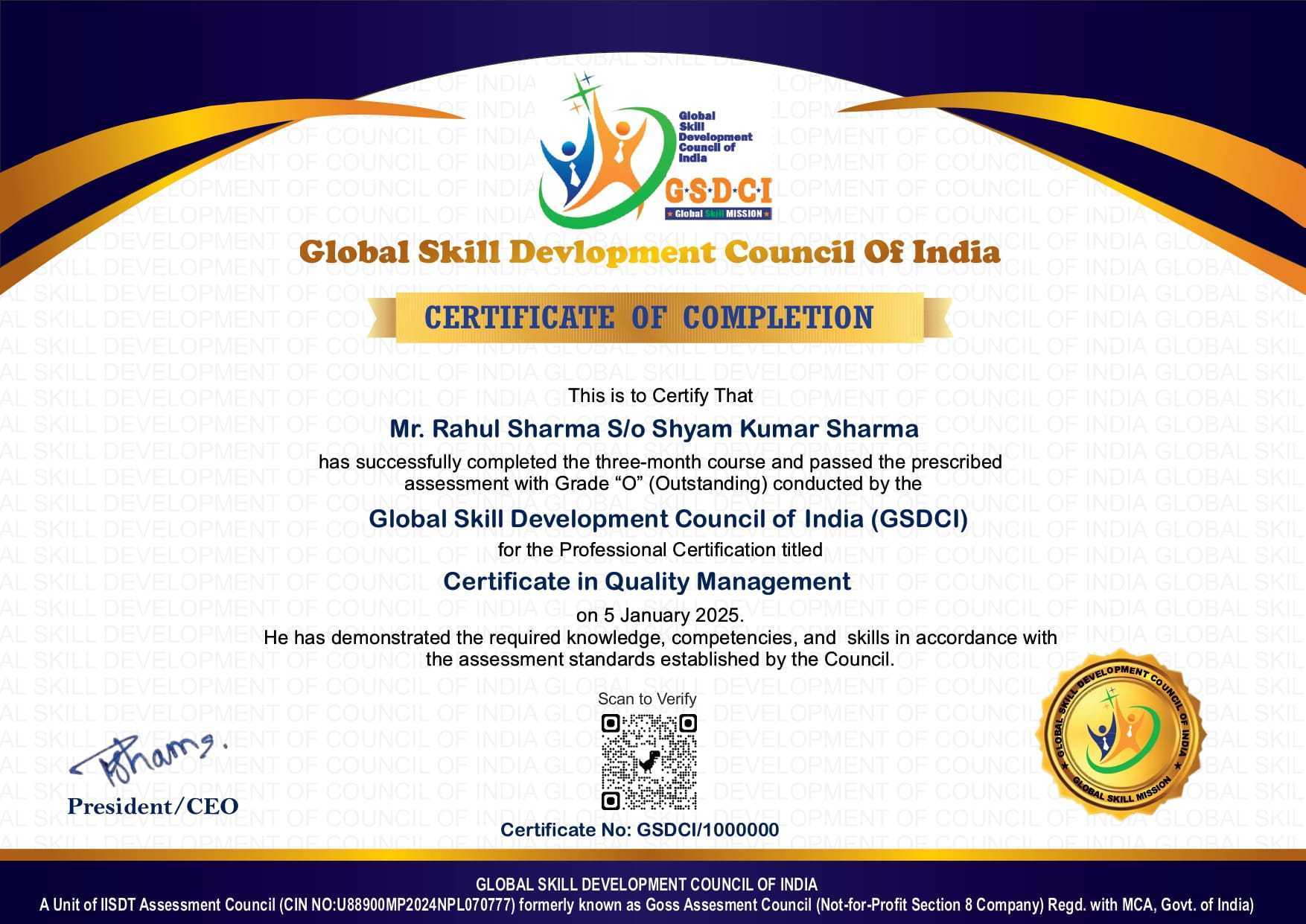
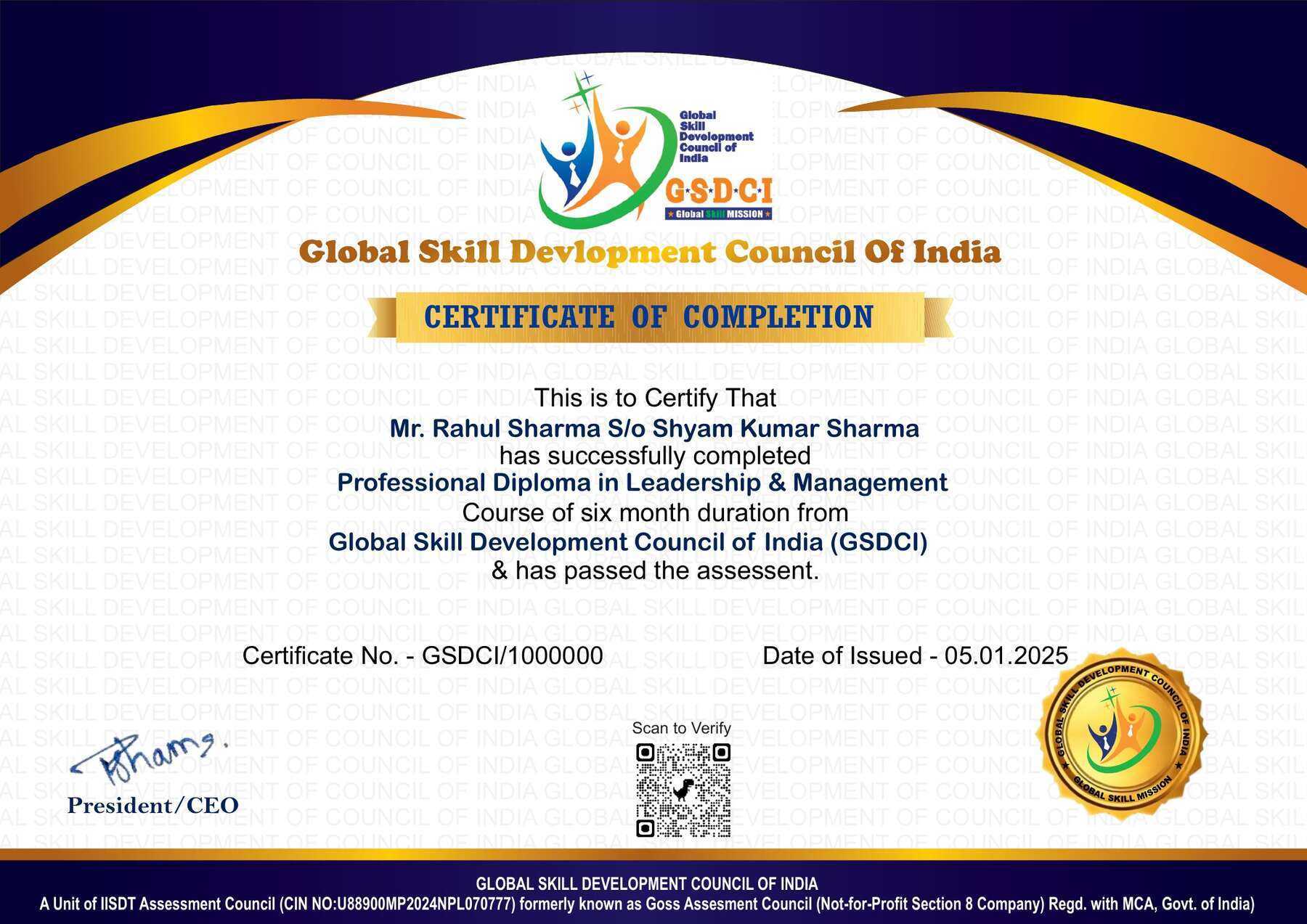
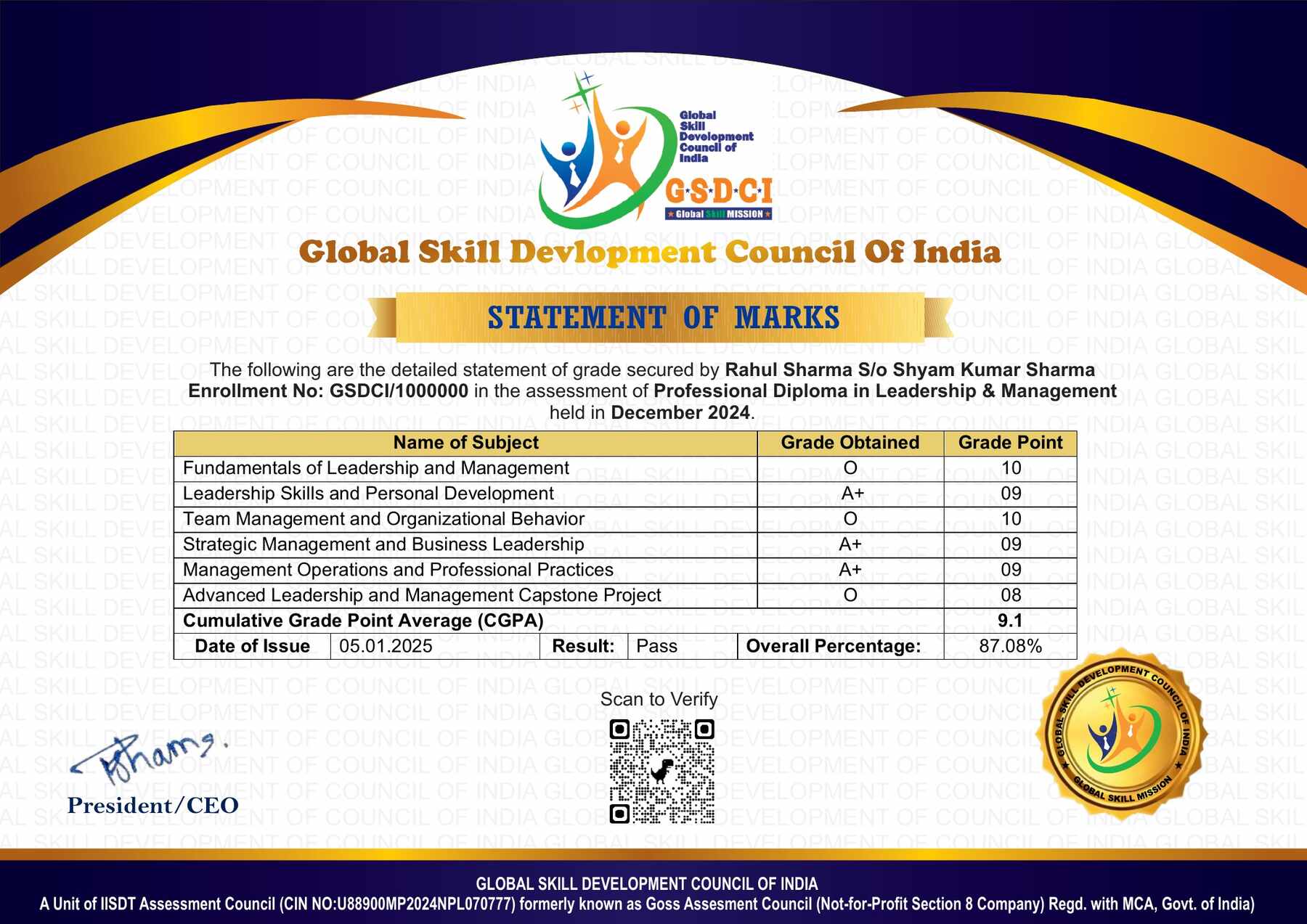
6. Transparency & Online Verification – Each certification includes a unique enrolment or certificate ID, enabling convenient online verification by employers and other interested parties.

7. Lifetime or Long-Term Validity – Certifications may offer lifetime or extended validity, reducing the need for frequent renewal, subject to the applicable certification scheme.

Course Rating

4.8/5
★★★★★
★★★★★

Based on 52 student ratings

Highly Rated Course

Reviews

There are no reviews yet.

Be the first to review “Certificate in Cloud-Based Office Productivity & Collaboration”

Your email address will not be published. Required fields are marked *

A 50% fee concession is applicable on all certification up to 22nd October 2026.

2
  • Item added to cart
2
Your Certification Detail
Certificate in Executive Assistance & Office Administration
1 X
₹5,500.00 ₹2,750.00
= ₹2,750.00
Certificate in Microsoft Word Applications
1 X
₹6,000.00 ₹3,000.00
= ₹3,000.00