
No products in the cart.



Certified Post-Production Specialist
₹6,500.00 ₹3,250.00
50% fee concession will end in
To train learners in all essential post-production processes—video editing, color grading, audio mixing, and VFX—for creating professional-quality media content.
Description
Certification Name: Certified Post-Production Specialist
Global Occupational Skill Standard – GOSS ID: GOSS/JPM/CPPS/V1
Eligibility: Graduation or Equivalent or minimum 2 years of relevant experience (experience-based learners can directly enroll and certify).
Objective: The Certified Post-Production Specialist course is designed to equip learners with the comprehensive skills required to handle the technical and creative aspects of post-production in film, television, and digital content creation. The course covers the complete post-production workflow including video editing, color correction and grading, audio editing and mixing, motion graphics integration, visual effects (VFX), and mastering for final output.
Certification: Within 5 days after Completion of Online Assessment.
Get ready to join the Journey to become a GSDCI Certified Professional – International Certification and Assessment Body.
Steps to become a GSDCI Certified Professional:
Step 1: Select your certification you want to pursue.
Step 2: Click on get certified tab, new pop up window will open.
Step 3: Click on pay certification fee, you will be redirected to billing details page.
Step 4: Fill your details and click on pay certification fee, You will be redirected to payment gateway, pay fee by any available options like Card(Debit/Credit), Wallet, Paytm, Net banking, UPI and Google pay.
Step 5: You will get Login Credentials of Online E-Books and Online assessment link on your email id, within 48 hrs of payment.
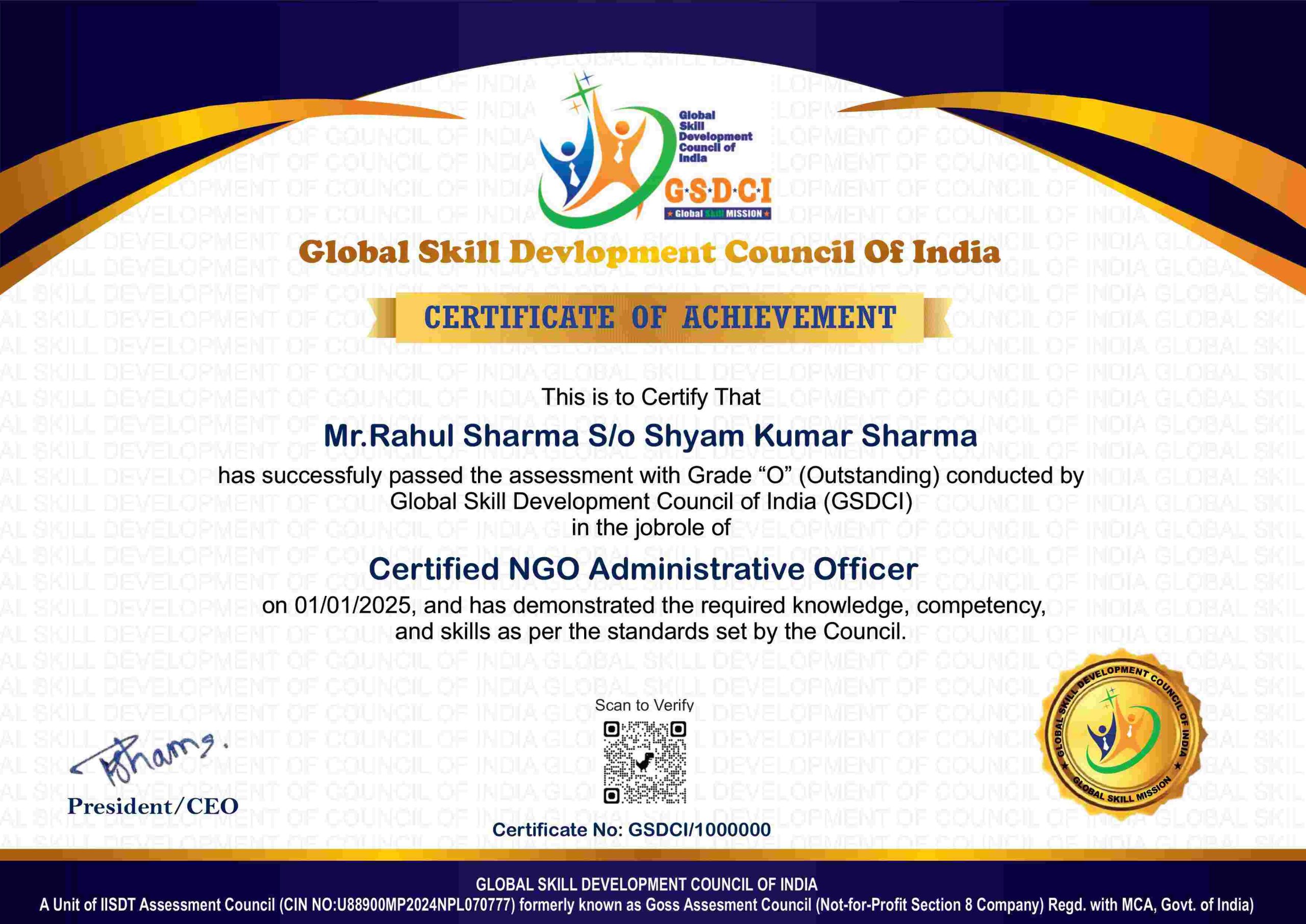
Step 6: After completion of online assessment, you can download your Certificate Immediately.
Assessment Modules:
Module 1: Introduction to Post-Production Workflow: Overview of the post-production pipeline in film, TV, and digital media, Roles and responsibilities of a post-production specialist, File formats, resolutions, and codecs used in video editing, Understanding offline vs online editing workflows, Media management and organization strategies, Collaborating with directors, editors, and VFX teams.
Module 2: Video Editing Fundamentals: Introduction to editing software (Adobe Premiere Pro, Final Cut Pro, DaVinci Resolve), Timeline editing techniques and non-linear editing concepts, Cutting, trimming, and arranging clips for continuity, Working with multi-camera sequences and sync sound, Applying transitions and basic video effects, Creating rough cuts, fine cuts, and final edits.
Module 3: Audio Editing and Sound Design: Understanding audio formats and sample rates, Dialogue cleanup, noise reduction, and audio sweetening, Syncing sound with visuals and lip-sync corrections, Adding background music, sound effects, and Foley, Using audio editing software (Adobe Audition, Audacity), Mixing and balancing audio for stereo and surround.
Module 4: Color Correction and Grading: Color theory and scopes (RGB parade, waveform, vectorscope), Primary and secondary color correction techniques, Matching shots and balancing color tones, Creative color grading for mood and storytelling, Using tools like Lumetri Color and DaVinci Resolve, Exporting color-graded footage for different platforms.
Module 5: Visual Effects and Motion Graphics Integration: Basics of VFX compositing and motion graphics, Working with green screen/chroma key footage, Using Adobe After Effects for text, titles, and animation, Importing and exporting between editing and VFX software, Adding lower thirds, logo animations, and intro/outro sequences, Creating basic tracking and stabilization effects.
Module 6: Project Finalization and Delivery: Rendering and export settings for different platforms (broadcast, web, OTT), Mastering and outputting in multiple formats and aspect ratios, Preparing subtitles, captions, and metadata, Quality control checks and final approvals, Archiving and backup strategies for project files, Creating a professional portfolio and demo reel of post-production work.
GSDCI Online Assessment Detail:
- Duration- 60 minutes.
- Number of Questions- 30.
- Number of Questions from each module: 5.
- Language: English.
- Exam Type: Multiple Choice Questions.
- Maximum Marks- 100, Passing Marks- 50%.
- There is no negative marking in any module.
| Marking System: | |||
| S.No. | No. of Questions | Marks Each Question | Total Marks |
| 1 | 10 | 5 | 50 |
| 2 | 5 | 4 | 20 |
| 3 | 5 | 3 | 15 |
| 4 | 5 | 2 | 10 |
| 5 | 5 | 1 | 5 |
| 30 | 100 | ||
| How Students will be Graded: | |||
| S.No. | Marks | Grade | |
| 1 | 91-100 | O (Outstanding) | |
| 2 | 81-90 | A+ (Excellent) | |
| 3 | 71-80 | A (Very Good) | |
| 4 | 61-70 | B (Good) | |
| 5 | 50-60 | P (Pass) | |
| 6 | 0-49 | F (Fail) | |
Benefits of Certification:
🌍 1. Global Recognition & Credibility – Stand out worldwide with a certification that opens doors across borders. Trusted by employers, respected by institutions, and recognized in over 100 countries.
📜 2. Quality Assurance through ISO Certification – Certified to global ISO standards, our programs deliver excellence, consistency, and a benchmarked learning experience that speaks for itself.
💼 3. Career Advancement & Employability – Enhances your resume and increases chances of promotions or job offers.
🤝 4. Non-Profit Trust Factor – Certifications from non-profit organizations are mission-driven rather than profit-driven.
📚 5. Access to Verified Learning & Resources – Often includes e-books, mock tests, and online support without hidden costs.
🔍 6. Transparency & Online Verification – Certifications come with a unique Enrolment ID for easy online verification by employers and institutions.
⏳ 7. Lifetime or Long-Term Validity – Certifications usually have lifetime validity or long-term recognition, reducing the need for frequent renewals.