img not found!

Professional Diploma in Computer Typing

Professional Diploma in Computer Typing

9,000.00 4,500.00

50% fee concession will end in

The course aims to develop professional typing skills required for accurate and efficient computer-based work, including typing speed, accuracy, keyboard operations, and digital documentation.

Description

Course Name: Professional Diploma in Computer Typing

Global Occupational Skill Standard – GOSS ID: GOSS/PD-HRO-CT-244

Eligibility: 10+2 or equivalent

Language Type: English

Course Type: Self-Paced Online Learning

Objective: The Professional Diploma in Computer Typing is designed to provide students with practical knowledge of computer keyboard operations, typing techniques, and digital document preparation. It focuses on developing typing speed, accuracy, formatting skills, data entry techniques, and the effective use of computer applications for professional tasks. The course prepares learners to perform computer-based documentation and typing work efficiently in administrative, office, and data processing environments.

Duration: 6 Months / 370 Hours

Steps to become a GSDCI Certified Professional:

Step 1: Select your Course you want to pursue.

Step 2: Click on get Enroll Now tab, new pop up window will open.

Step 3: Click on pay Course fee, you will be redirected to billing details page.

Step 4: Fill your details and click on pay course fee, you will be redirected to payment gateway, pay fee by any available options like Card (Debit/Credit), Wallet, Paytm, Net banking, UPI and Google pay.

Step 5: You will get Login Credentials of Online E-Books and Online assessment link on your email id, within 48 hrs of payment.

Step 6: After completion of the online assessment, the Digital(PDF) copy of your Diploma & Marksheet will be sent to your registered email ID within 7 days.

Course Modules:

Module 1: Introduction to Computer Typing: Basics of computer typing, Importance of typing skills in professional work, Introduction to keyboard and typing techniques, Types of keyboards and their functions, Keyboard layout and key identification, Proper sitting posture and hand positioning, Touch typing fundamentals, Typing speed and accuracy concepts, Common typing errors and corrections, Career opportunities in computer typing.

Module 2: Basic Typing Skills and Practice: Introduction to home row keys, Upper row and lower row key practice, Alphabet typing exercises, Number and symbol typing practice, Word and sentence typing practice, Paragraph typing exercises, Improving typing speed and accuracy, Common keyboard shortcuts, Typing drills and practice methods, Maintaining typing consistency.

Module 3: Advanced Typing Techniques: Advanced touch typing methods, Speed building techniques, Accuracy improvement strategies, Typing long documents efficiently, Special character and punctuation typing, Formatting while typing, Professional document typing practices, Copy typing and transcription skills, Typing tests and performance evaluation, Error reduction techniques.

Module 4: Computer Applications for Typing: Microsoft Word typing and editing tools, Document creation and formatting, Page setup and layout management, Text alignment and paragraph formatting, Tables and lists creation, Headers, footers and page numbering, Spell check and grammar tools, Document saving and printing procedures, PDF and digital document handling, Office productivity techniques.

Module 5: Data Entry and Digital Typing Skills: Introduction to data entry operations, Spreadsheet typing using Microsoft Excel, Data entry accuracy and validation, Form filling and online typing tasks, Database typing and record updating, Email typing and professional communication, Digital document preparation, File management and organization, Online typing platforms and tools, Maintaining data confidentiality.

Module 6: Professional Typing Practices and Workplace Skills: Professional typing standards, Time management for typing tasks, Workplace communication skills, Quality control in typing work, Confidential document handling, Typing project management, Freelancing and remote typing opportunities, Keyboard maintenance and troubleshooting, Professional ethics in typing services, Career development and growth in computer typing.

GSDCI Online Assessment Detail:

  • Duration- 120 minutes.
  • Number of Questions- 60.
  • Number of Questions from each module: 10.
  • Language: English.
  • Exam Type: Multiple Choice Questions.
  • Maximum Marks- 600, Passing Marks Above 40%.
  • There is no negative marking in any module.
How Students will be Graded:
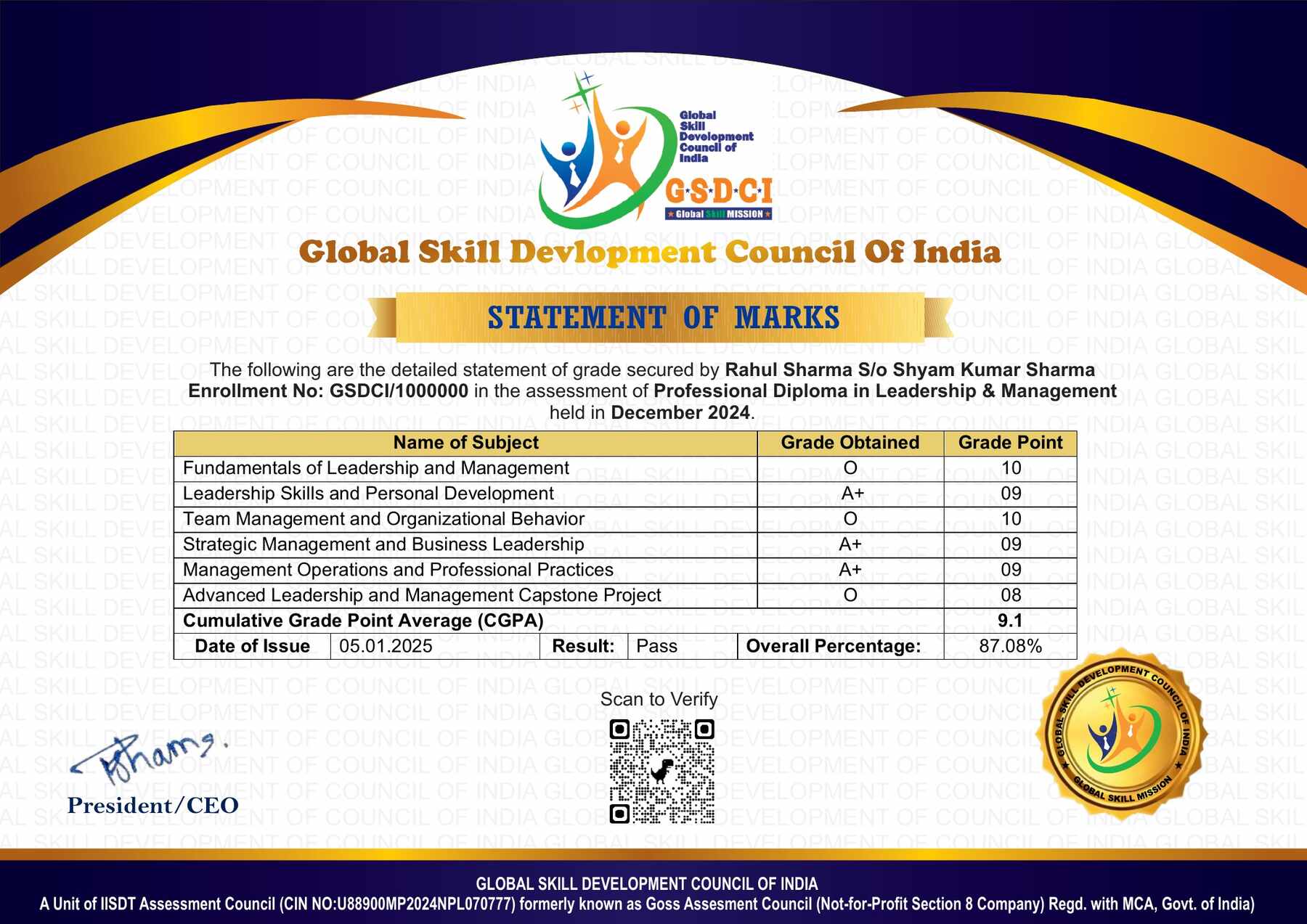
S.No. Marks Grade
1 91-100 O (Outstanding)
2 81-90 A+ (Excellent)
3 71-80 A (Very Good)
4 61-70 B (Good)
5 51-60 C (Average)
6 41-50 P (Pass)
7 0-40 F (Fail)

Benefits of the Professional Diploma

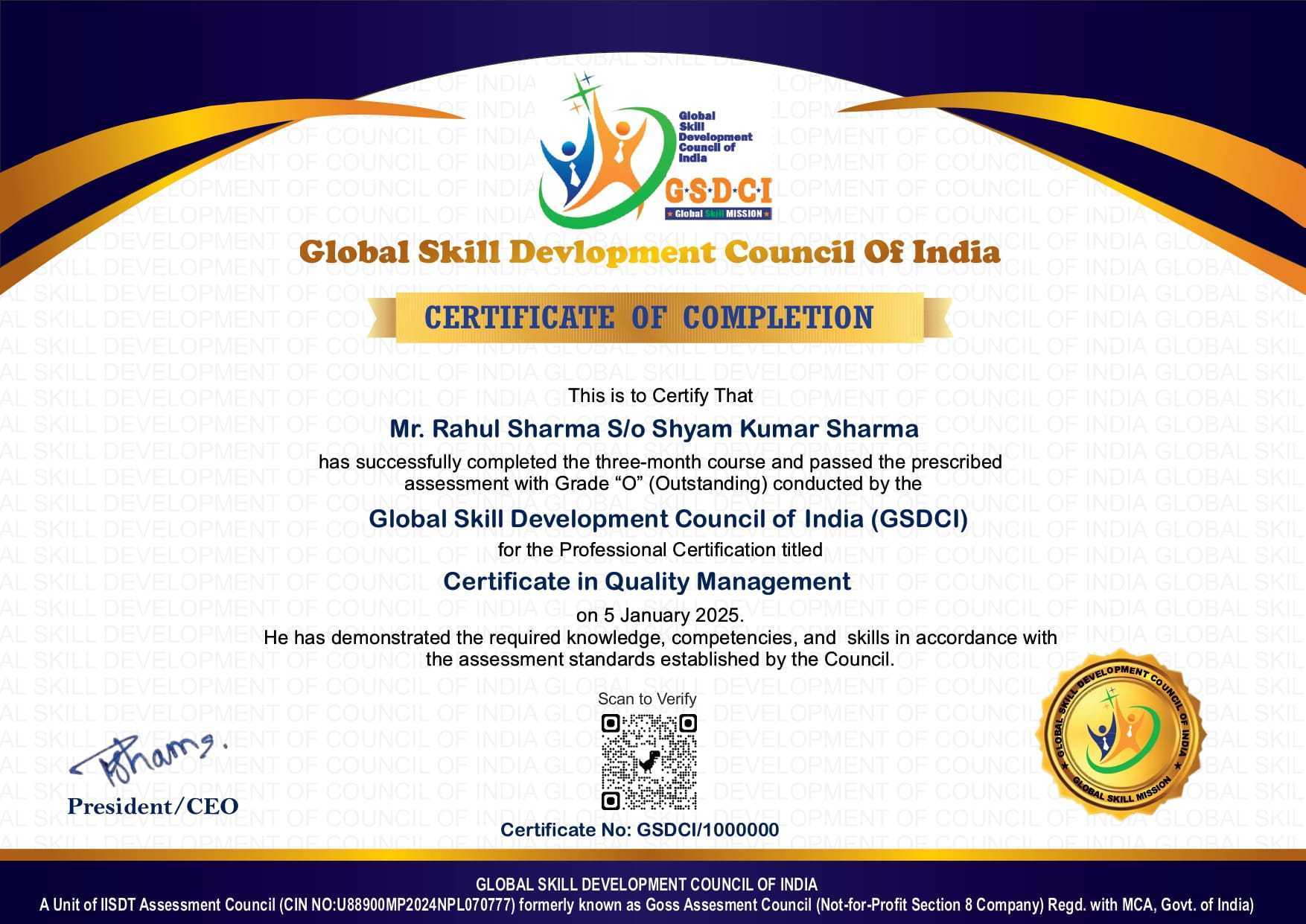
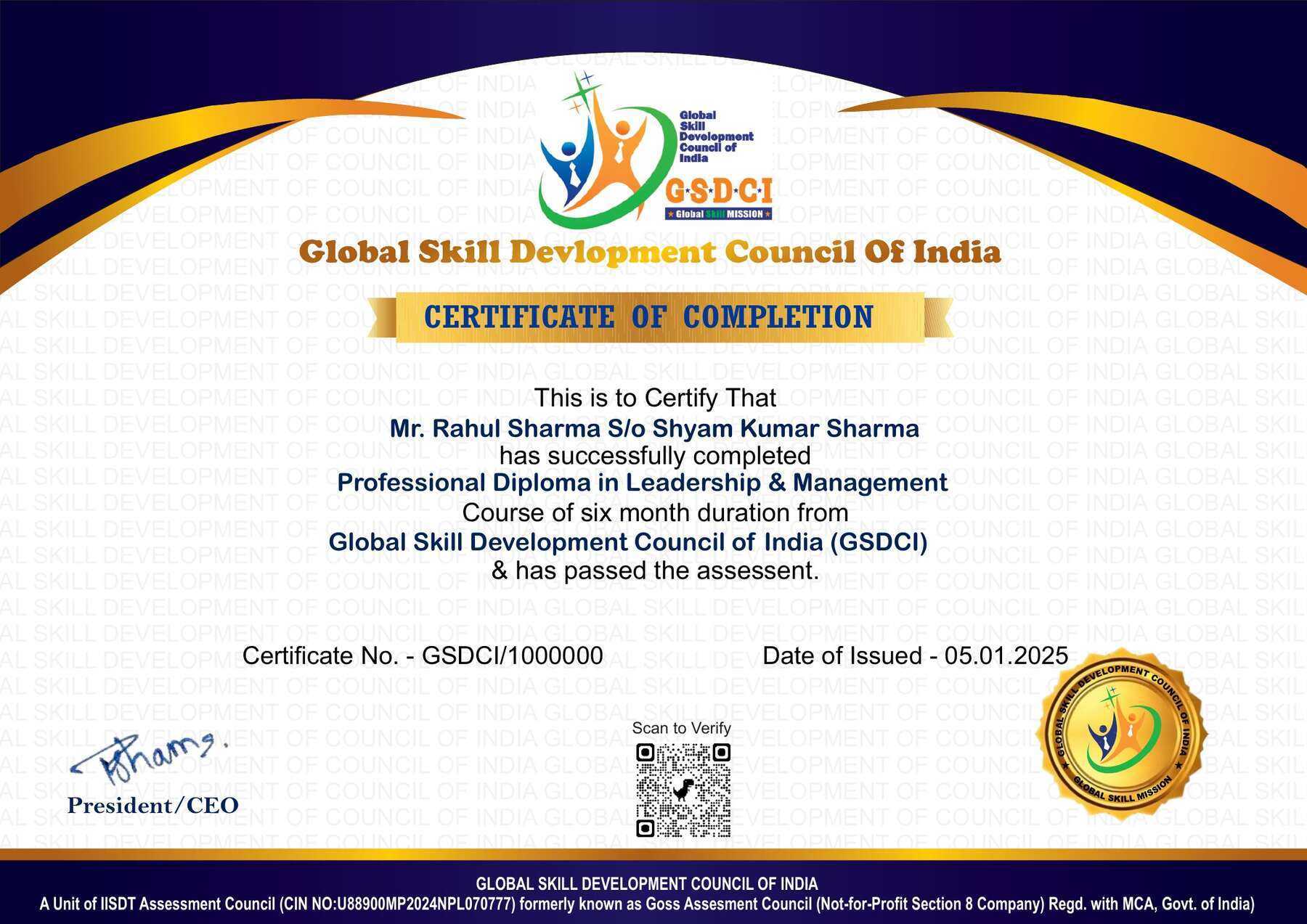
1. Globally Recognized Professional Diploma – Earn a professionally designed diploma that enhances your profile and demonstrates industry-relevant knowledge. Widely valued by employers, organizations, and institutions across multiple sectors.

2. Quality Learning with ISO-Certified Standards – Our training programs are developed under ISO-certified quality management practices, ensuring a structured, consistent, and high-quality learning experience.

3. Enhanced Career Opportunities – Strengthen your resume, improve your professional skills, and increase your potential for employment, career advancement, and new job opportunities.

4. Issued by a Non-Profit Skill Development Organization – The diploma is awarded by a mission-driven organization dedicated to promoting skill development, vocational education, and lifelong learning.

5. Comprehensive Learning Resources – Access quality study materials, e-books, practice assessments, mock tests, and learner support to help you successfully complete the program.

6. Secure Online Verification – Every diploma and marksheet is issued with a unique Enrolment ID and QR Code, enabling employers, institutions, and other stakeholders to instantly verify the authenticity of your credential online.

7. Lifetime Validity – The Professional Diploma is issued with lifetime validity and does not require periodic renewal, allowing you to showcase your achievement throughout your career.

8. Flexible Self-Paced Learning – Learn anytime and anywhere at your own pace, making it easy to balance your studies with work, business, or personal commitments.

9. Industry-Relevant Curriculum – The curriculum is designed to focus on practical knowledge, current industry trends, and real-world applications to improve workplace readiness.

10. Skill-Based Professional Qualification – Demonstrates your commitment to continuous professional development and validates your practical knowledge and skills in the subject area.

Job Opportunities after Professional Diploma in Computer Typing

Graduates of this program gain knowledge in computer typing techniques, keyboard skills, typing speed improvement, accuracy-based data entry, document preparation, computer applications, MS Office tools, digital documentation, and professional communication, preparing them for roles in offices, government departments, IT companies, business service organizations, and administrative sectors.

Key Career Options: Computer Typist, Data Entry Operator, Typing Assistant, Office Assistant, Documentation Assistant, Computer Operator, Administrative Assistant, Back Office Executive, Transcription Assistant, Clerk, Digital Documentation Executive, Word Processing Assistant, Virtual Assistant, Office Support Executive.

Salary Range (India):
Entry-level: ₹1.8–3.5 LPA
Mid-level: ₹3.5–6 LPA
Senior-level: ₹6–10+ LPA (higher with advanced computer skills, fast typing speed, accuracy, professional experience, and specialized software knowledge)

Industries Hiring Graduates: Government Offices, Corporate Organizations, IT Companies, Banking & Financial Institutions, Educational Institutions, Legal Firms, Healthcare Organizations, BPO Companies, Publishing Houses, Data Processing Centers, and Administrative Service Organizations.

Skills Developed: Computer typing skills, typing speed and accuracy, keyboard operations, document creation, MS Office applications, data entry techniques, digital documentation, file management, word processing, online data handling, professional communication, and office administration skills.

Graduates can progress to roles like Senior Typist, Data Processing Executive, Documentation Specialist, Office Administrator, Transcription Professional, MIS Assistant, or start freelance typing and digital documentation services with experience, advanced certifications, and technical expertise.

Reviews

There are no reviews yet.

Be the first to review “Professional Diploma in Computer Typing”

Your email address will not be published. Required fields are marked *

A 50% fee concession is applicable on all certification up to 15th July  2026.

1
  • Item added to cart
1
Your Certification Detail
Online Course Professional Diploma in Learning & Development
Professional Diploma in Learning & Development
1 X
10,000.00 5,000.00
= 5,000.00